November 24, 2026 · Guides
Chit Fund Collection App: Daily Collection by Agents
Many chit businesses still collect through agents who visit subscribers. Cash goes through many hands, and small errors in receipts add up over a month.
A simple app with a list, a receipt and a daily closing fixes most of this.
Here is what the flow should look like.
In this guide
Before the visit
Plan the route.
- List of subscribers due, by area.
- Amount and ticket details on screen.
- Overdue shown separately.
At the visit
Fast and clean.
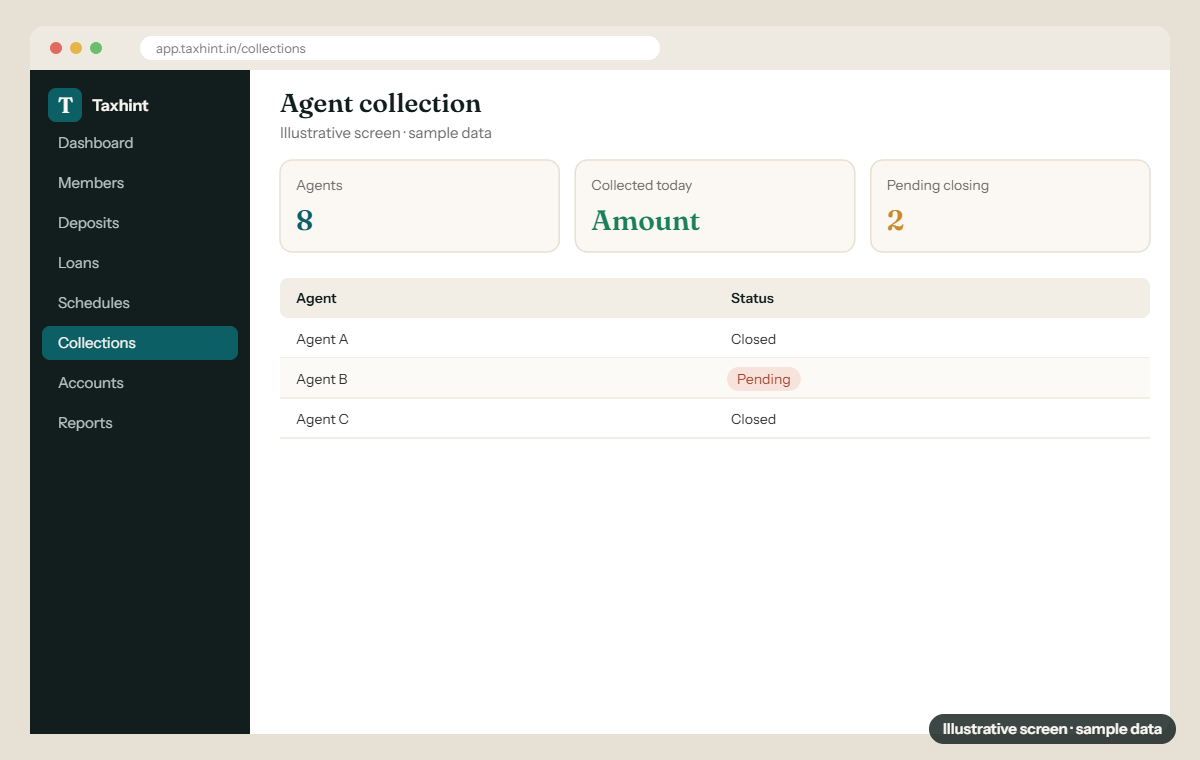
- Select subscriber and enter amount.
- Receipt generated and shared by SMS or print.
- Entry synced to the office.
End of day
Control cash.
- Agent closes the day with cash and digital totals.
- Office verifies against the app list.
- Shortages flagged the same day.
Oversight
Spot problems early.
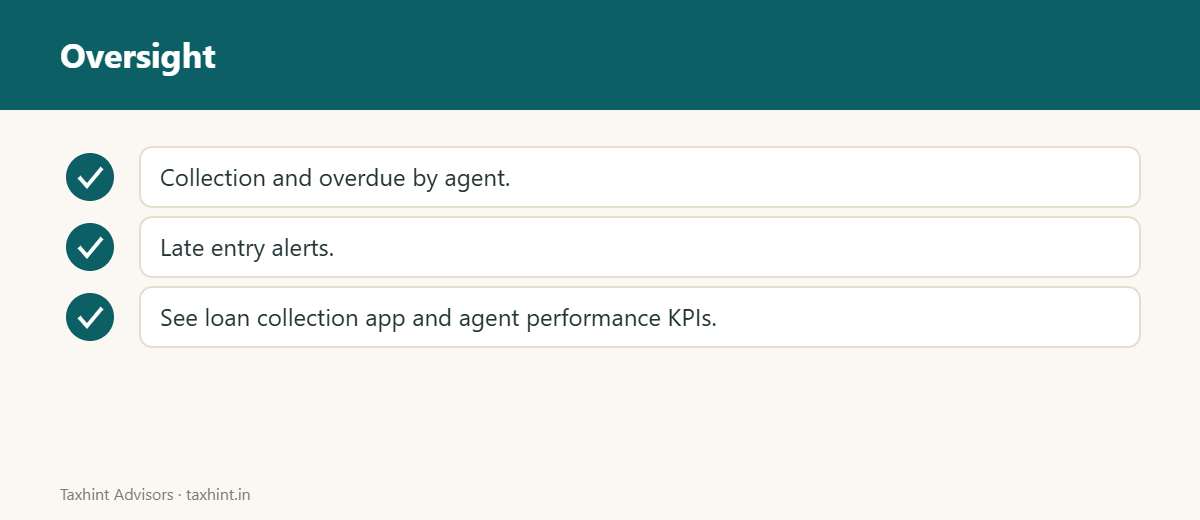
- Collection and overdue by agent.
- Late entry alerts.
- See loan collection app and agent performance KPIs.
The Chit Funds Act and state rules apply to chit funds, and they differ by state, so please verify with your CA or lawyer.
| Item | Why |
|---|---|
| Receipt on the spot | Subscriber proof |
| Same-day sync | Cash control |
| Daily closing | Catch shortages |
Using an app to collect instalments
Chit fund agents collect from many subscribers. An app that records each collection at the spot, issues a receipt and syncs with the office reduces errors and delays. It also helps you see which agent collected what.
Illustrative example: the agent opens the list of subscribers for the day, records each payment on the phone and sends a receipt message. In the evening the cashier matches the cash with the app report.
Mistakes to avoid
- Entries made in the evening from memory.
- No receipt for small payments.
- Agent sees subscribers of other areas.
- Corrections made without a record.
Steps to roll out
- Test with a few agents.
- Set agent codes and areas.
- Train agents on entries and receipts.
- Match cash and app reports daily.
- Review the first month and fix issues.
Points to confirm
- Offline use and data security of the app.
- Please verify with your CA, CS or lawyer before you rely on it.
Controls for agents
Give each agent access to their own subscribers only. Review exceptions like late entries or cancelled receipts each week. Review this with your team once a quarter and update your checklist, because real cases teach more than the first draft.
Talk to agents about problems they face in the field.
- Own area access
- Exception review
- Agent feedback
Data safety
Customer data on phones is a risk. Ask how the app protects data, what happens when a phone is lost and how access is removed when an agent leaves. Review this with your team once a quarter and update your checklist, because real cases teach more than the first draft.
Write these steps into your agent agreement.
- Protection of data
- Lost phone steps
- Access removal
Questions for agents
Ask agents what slows them down in the field and what the app should do differently. Put the answer in writing and revisit it every quarter, because the first version is rarely the best.
- Field problems
- Needed features
- Training gaps
FAQs
Why use an app for chit collection?
Receipts are instant and cash is easier to control.
Can subscribers get SMS receipts?
Yes, with SMS set up.
What if the agent has no network?
Many apps work offline and sync later. Check with your vendor.
How do I check agent quality?
By collection rate and overdue by agent.
Want agent collection with receipts and daily closing? Book a demo of Taxhint chit fund software. Talk to Taxhint on +91 93117 95484 or [email protected], or visit taxhint.in.