November 25, 2026 · Guides
Migrating Chit Fund Records to New Software
Moving from registers or old software to a new system is a big step. If the data is wrong, subscribers lose trust. A careful plan with checks at each stage avoids most problems.
This guide covers the practical steps. This is general information. Please verify rules with your CA or lawyer for your state.
In this guide
- Start with a clean list
- Decide what to migrate
- Test before going live
- Train staff and tell subscribers
- Common mistakes
- FAQ
Start with a clean list
List every running group with its number of members, instalment, auction schedule and status. Then list each subscriber with ticket numbers, dues and any special conditions. Clean up spellings, duplicate names and missing contacts first.
Illustrative example: a company finds three spellings of the same subscriber name and two tickets with no phone number. It fixes them before migration instead of after.
- Group list with status
- Subscriber and ticket list
- Dues and advance balances
- Contact details cleaned
Decide what to migrate
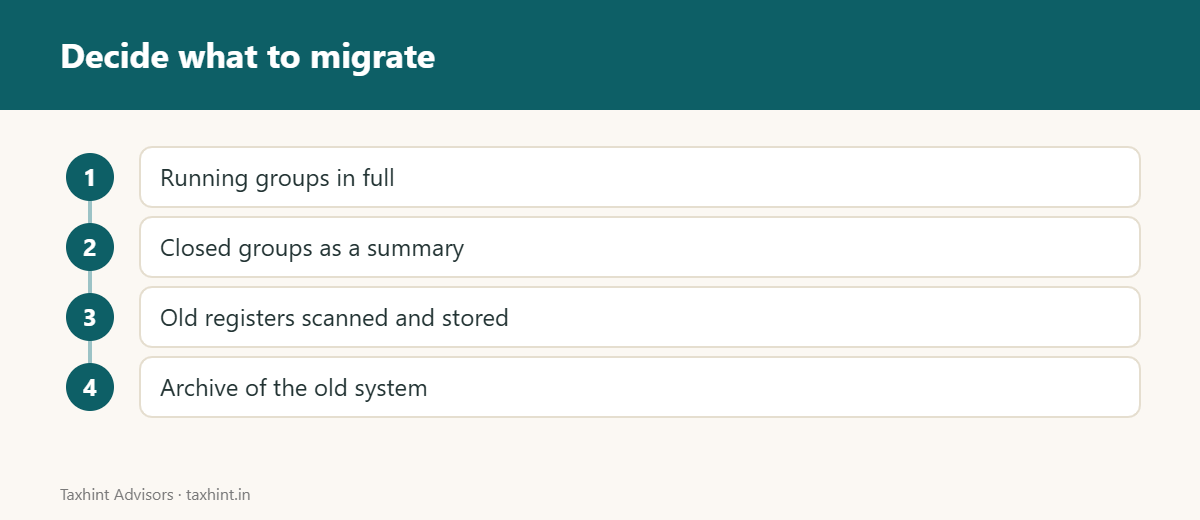
You may not need every old entry. Many companies migrate open balances and recent history in full, and keep older records in a safe archive. Decide with your CA what is needed for audit and legal purposes.
Whatever you decide, keep a copy of the old system and registers.
- Running groups in full
- Closed groups as a summary
- Old registers scanned and stored
- Archive of the old system
Test before going live
Import a sample of groups first and compare totals with the old records. Check each subscriber balance for a few groups by hand. Run a month of auctions in the new system in parallel with the old one.
Do not switch off the old method until the totals match for at least one full month.
- Total dues match
- Auction results match
- Subscriber statements match
- Reports match the old ones
Train staff and tell subscribers
Train every user on entries, receipts and corrections. Tell subscribers about any change in receipts or messages, so that they are not surprised. Keep a helpline for the first weeks.
Collect feedback in the first month and fix small issues quickly.
- Staff training with sample cases
- Notice to subscribers
- Helpline for the first weeks
- Feedback review
Common mistakes
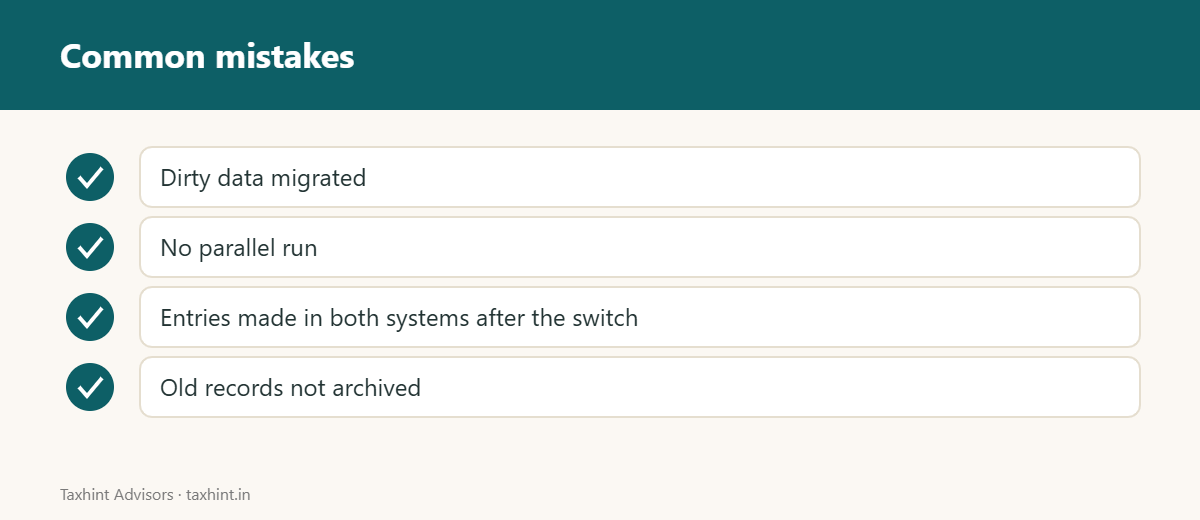
Typical mistakes are migrating dirty data, skipping parallel runs and forgetting to freeze entries during the switch. Another is losing the old records after the move.
- Dirty data migrated
- No parallel run
- Entries made in both systems after the switch
- Old records not archived
After go live
For the first month after the switch, review daily totals against the old method if you still have it, and fix any difference the same day. Keep a list of issues found, with the date fixed, and share it with your software provider.
At the end of the month, hold a short review with staff to learn what worked and what did not.
- Daily totals check
- Issue list with dates
- Month end review with staff
Related: चिट फंड सॉफ्टवेयर (हिंदी) and how to start a chit fund business. Contact Taxhint: +91 93117 95484, [email protected], taxhint.in.
Final checks before go live
Run the old and new systems together for a short period, compare totals group by group and get the manager to sign off before switching fully. Please verify with your CA, CS or lawyer.
- Group wise totals match
- Subscriber balances match
- Auction records match
Frequently asked questions
How long does migration take?
It depends on data size and cleanliness. Plan for a parallel run of at least a month.
Can I move only open groups?
Often yes, with closed groups kept as a summary and an archive. Confirm with your CA.
What if totals do not match?
Do not go live. Find the cause group by group and fix it first.
Does Taxhint provide chit fund software?
Yes, Taxhint provides chit fund software and chit fund registration.
For a demo or questions, contact Taxhint: +91 93117 95484 · [email protected] · taxhint.in