November 24, 2026 · Guides
Loan Document Checklist by Loan Type: Printable Guide
Missing documents are the top reason for delays and for problems later. A printed checklist for each loan type, kept at the counter, saves time for both sides.
The lists below are starting points. Your policy, entity type and the law decide the final list, so please verify with your CA or CS.
In this guide
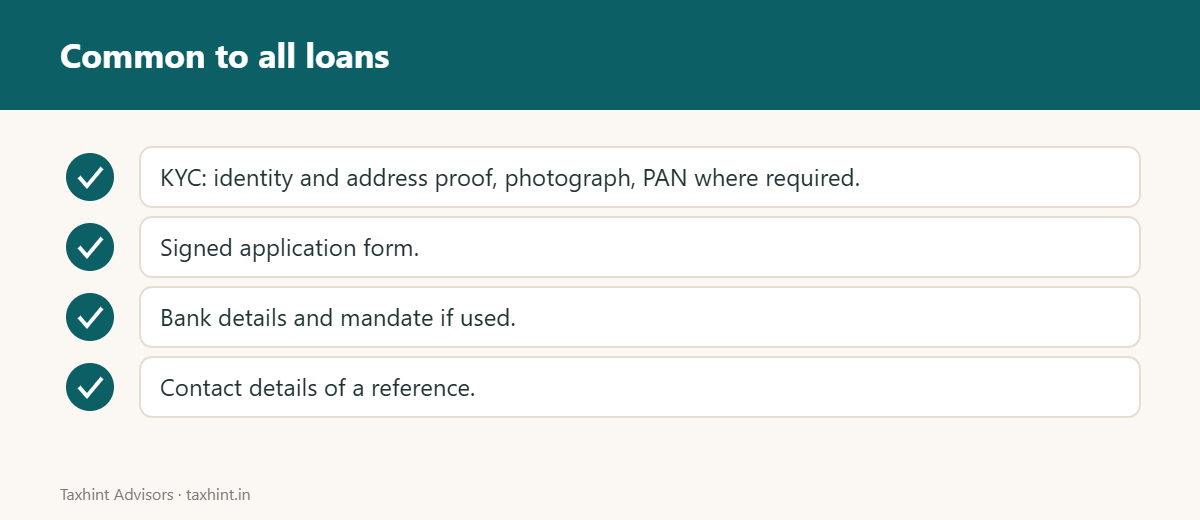
Common to all loans
Collect these every time.
- KYC: identity and address proof, photograph, PAN where required.
- Signed application form.
- Bank details and mandate if used.
- Contact details of a reference.
Rules in this area are specific and change, so please verify the current position with your CA or CS.
By loan type
Add what the loan needs.
- Personal: income proof, bank statement.
- Gold: ornament details, pledge form, valuation. See pledge form.
- Vehicle: quotation, RC for used vehicles. See vehicle loan form.
- Home or property: title papers and valuation.
- Business: business proof, financials, guarantor.
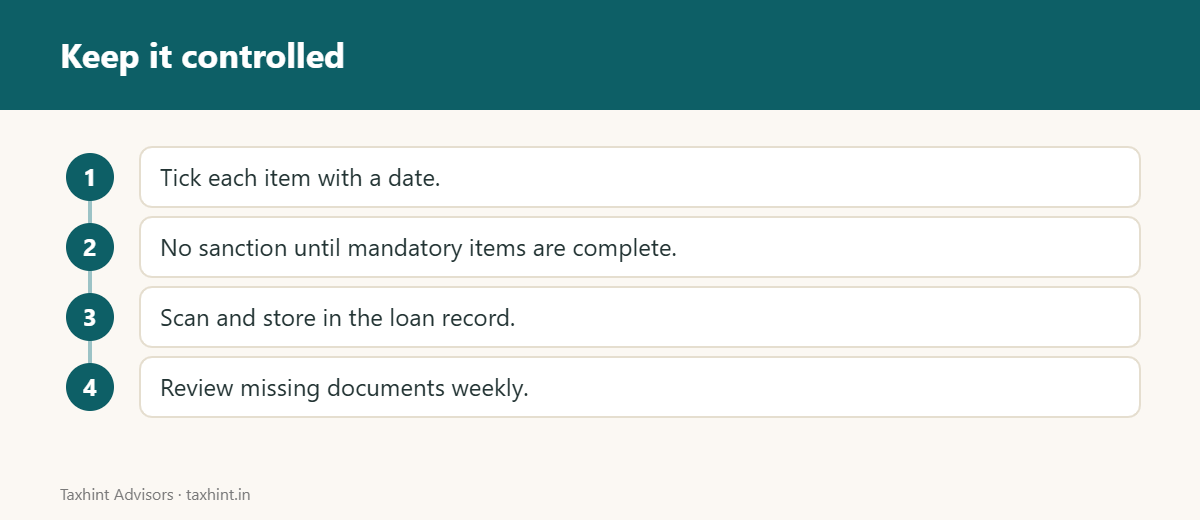
Keep it controlled
Make the checklist work.
- Tick each item with a date.
- No sanction until mandatory items are complete.
- Scan and store in the loan record.
- Review missing documents weekly.
See onboarding checklist and loan management software.
| Loan | Key extra documents |
|---|---|
| Gold | Pledge form, valuation |
| Vehicle | Quotation, RC |
| Home | Title papers, valuation |
| Business | Business proof, financials |
How to use a checklist well
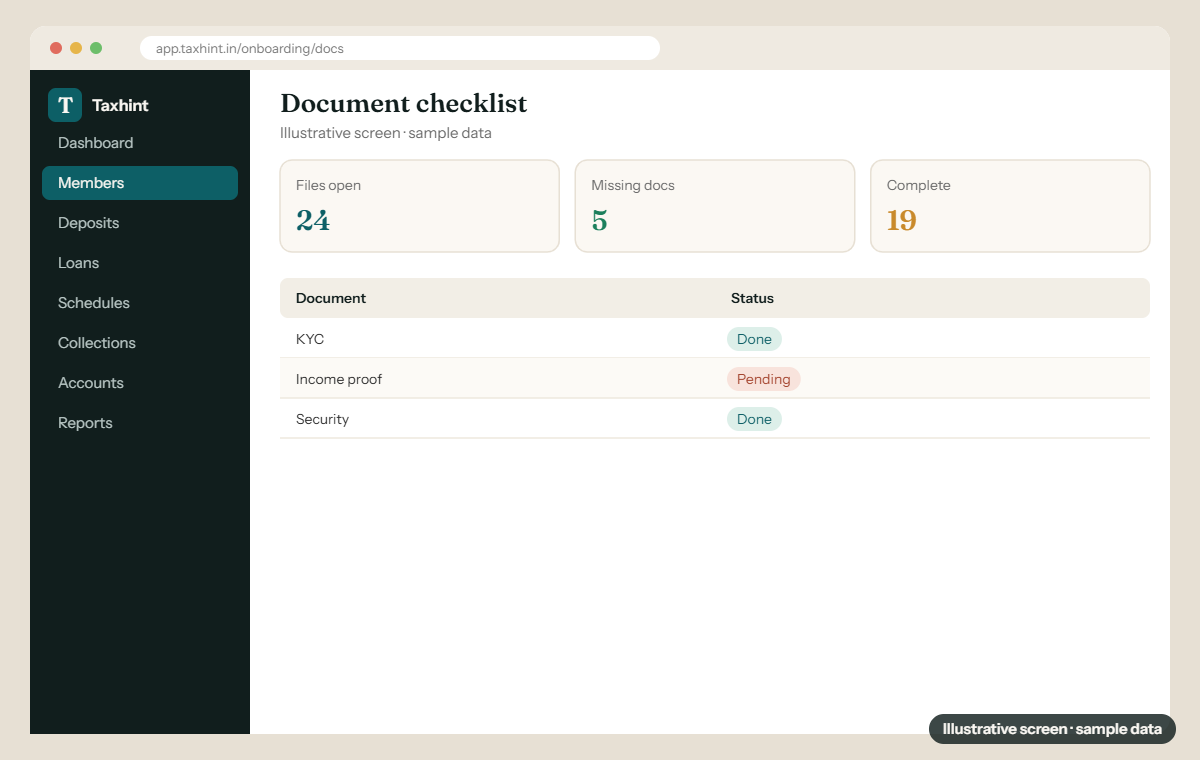
A document checklist works only if staff use it every time. Print it for each loan type, tick items at the counter and let the software block disbursal until mandatory items are marked as received. This avoids the case where an important paper is found missing months later.
Illustrative example: for a vehicle loan, the checklist asks for identity, address, income proof, vehicle details, insurance and the signed agreement. For a gold loan it asks for identity, address and the pledge forms. The lists differ, so keep one per loan type.
Mistakes to avoid
- One generic list for every loan.
- Photocopies without the original seen and noted.
- Documents filed without the customer name.
- Expired documents accepted without a note.
Steps to set it up
- List loan types you offer.
- Write mandatory and optional documents for each.
- Add the lists to your software or printed file cover.
- Train staff to tick and sign each item.
- Audit a sample of files every month.
What to keep after closure
- Retention period as per your policy and applicable law.
- A copy of the closure proof.
- Customer consent records.
- Please verify with your CA, CS or lawyer before you rely on it.
Tips for a clean file room
Number every file and keep a simple movement register for files taken out for review or audit. Scan documents on the day of disbursal and store them against the loan number. A scanned copy saved at the time is far better than a search months later.
Once a month, pick ten files at random and check them against the checklist. Share the results with staff without blame, and fix the gaps.
- Number files and keep a movement register.
- Scan on the day of disbursal.
- Audit ten random files every month.
FAQs
Which documents are mandatory?
Your policy and the law decide. Please verify.
Can software hold documents?
Yes, scanned copies can be linked to the loan.
How do I track missing documents?
A checklist per loan with status and date.
Should I verify originals?
Yes, as per your policy.
Want a document checklist built into each loan file? Book a demo of Taxhint loan software. Talk to Taxhint on +91 93117 95484 or [email protected], or visit taxhint.in.