November 24, 2026 · Guides
Geo-Tagging in Collection Apps: Benefits and Limits
Location tagging records where an agent was when a receipt was made. Used well, it proves visits and discourages false entries. Used badly, it feels like surveillance and creates friction.
Think of it as a control, not a punishment.
Here is a balanced view.
In this guide
Benefits
Why lenders use it.
- Proof that a visit took place.
- Check that receipts were made in the borrower’s area.
- Better route planning from past visits.
- Fewer disputes about “not visited”.
Limits
Know what it cannot do.
- Location can be inaccurate indoors.
- It does not prove the amount collected.
- Some phones or networks fail.
Use it fairly
Keep trust.
- Tell agents what is tracked and why.
- Track during work only.
- Use for exceptions, not constant watching.
- Keep data secure and delete old logs as policy says. See data protection.
Combine with other controls
Layers work best.
- Same-day cash deposit.
- Receipt SMS to customers.
- Agent scorecard. See agent KPIs.
See loan collection app.
| Benefit | Limit |
|---|---|
| Visit proof | May be inaccurate indoors |
| Route review | Needs network |
| Fraud control | Not proof of amount |
What location tagging adds
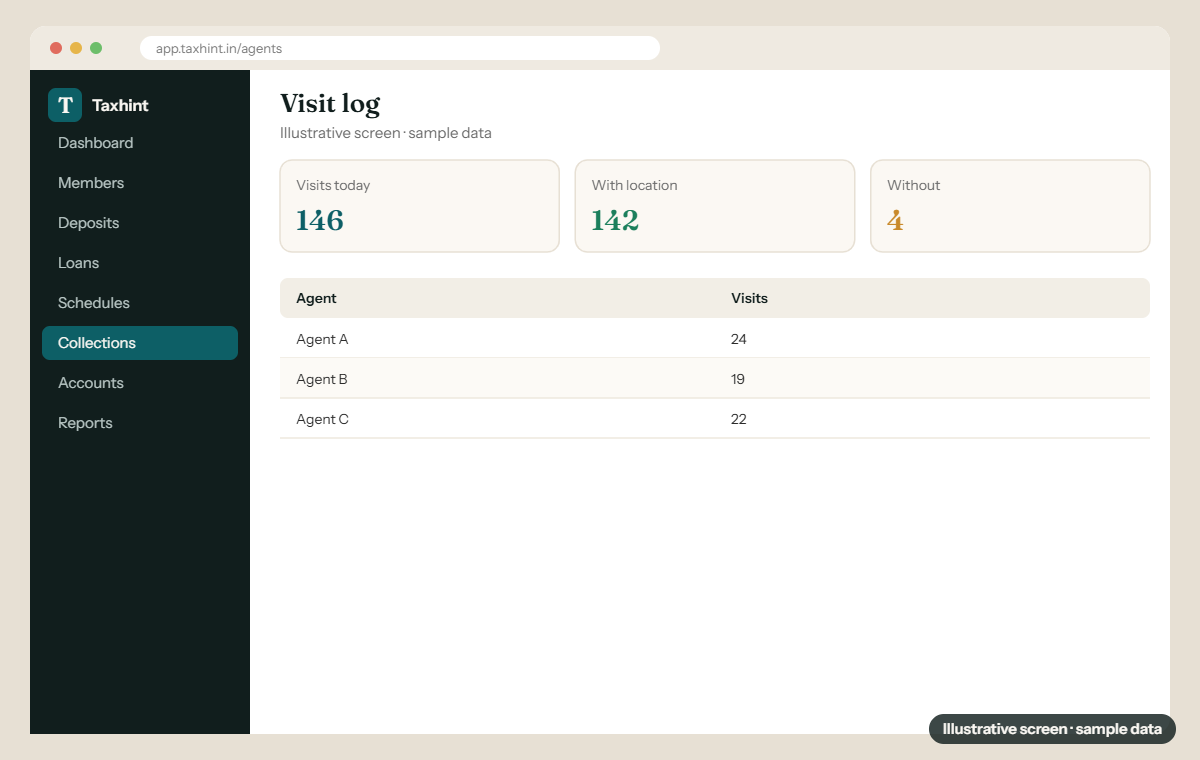
Geo tagging records the place from where each collection was entered. It helps managers see that the agent was actually near the customer and helps resolve disputes about whether a visit took place. It also supports planning of routes.
Illustrative example: a customer says nobody came to collect. The manager checks the visit record and finds the time and place of the entry, which settles the matter calmly.
Mistakes to avoid
- Using location data to track staff after hours.
- Not telling agents and customers how location is used.
- Relying on location without other checks.
- Storing location data longer than needed.
Steps
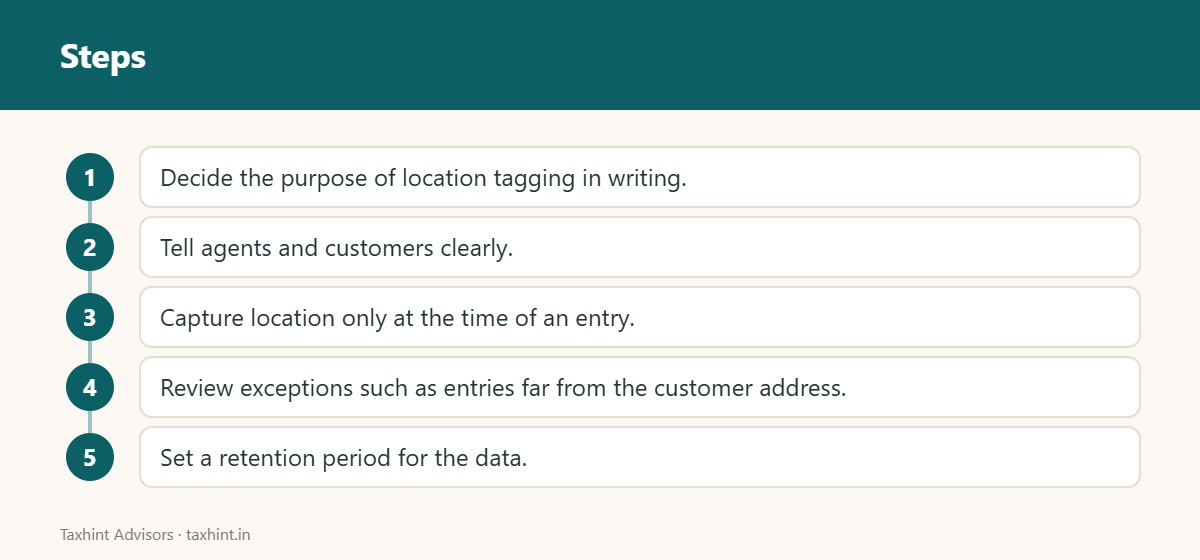
- Decide the purpose of location tagging in writing.
- Tell agents and customers clearly.
- Capture location only at the time of an entry.
- Review exceptions such as entries far from the customer address.
- Set a retention period for the data.
Points to confirm
- Privacy and consent requirements for location data; ask your lawyer.
- Please verify with your CA, CS or lawyer before you rely on it.
Using it fairly
Treat location data as a tool for service and quality, not for pressure. Discuss exceptions with the agent before drawing any conclusion. Review this with your team once a quarter and update your checklist, because real cases teach more than the first draft.
Explain the rules to all agents in a short session.
- Purpose stated
- Exceptions discussed
- Agents informed
Route planning
Use the data to plan routes that cover more customers in less time. Compare planned and actual routes and fix gaps. Review this with your team once a quarter and update your checklist, because real cases teach more than the first draft.
Share the improved routes with the agents.
- Planned routes
- Gaps reviewed
- Routes shared
Questions on privacy
Ask what location data is stored, for how long and who can see it. Put the answer in writing and revisit it every quarter, because the first version is rarely the best.
- Data stored
- Retention
- Access
Questions before rollout
Ask whether agents and customers know how location is used, what exceptions will trigger a review and who will review them. Write the answers down, assign an owner and revisit them each quarter so that the practice keeps improving instead of drifting.
- Agents informed
- Exception triggers
- Reviewer named
FAQs
Is location tracking legal?
Use with consent and for work only. Please verify with a lawyer.
Can agents switch it off?
Set rules in policy and flag missing locations.
Does it replace receipts?
No. Use both.
Is it needed for every business?
Most useful for field collection.
Want visit proof and receipts in one app? Book a demo of Taxhint collection software. Talk to Taxhint on +91 93117 95484 or [email protected], or visit taxhint.in.