November 24, 2026 · Guides
Setting Bye-Law Loan Limits in Co-operative Society Software
Your bye-laws say how much a member can borrow and against what. In many societies this lives in the secretary’s memory, and each loan is checked by hand. That works until a staff member leaves or the society grows.
Putting limits in the software makes every loan follow the same rules.
In this guide
List the rules first
Write them in plain words.
- Maximum loan per member.
- Multiple of shares or deposits allowed.
- Limits by loan type, such as personal, gold or housing.
- Surety and guarantor requirements.
- Maximum tenure and minimum membership period.
Limits come from your bye-laws, committee resolutions and the state Act, so please verify them with your CA or the registrar’s office.
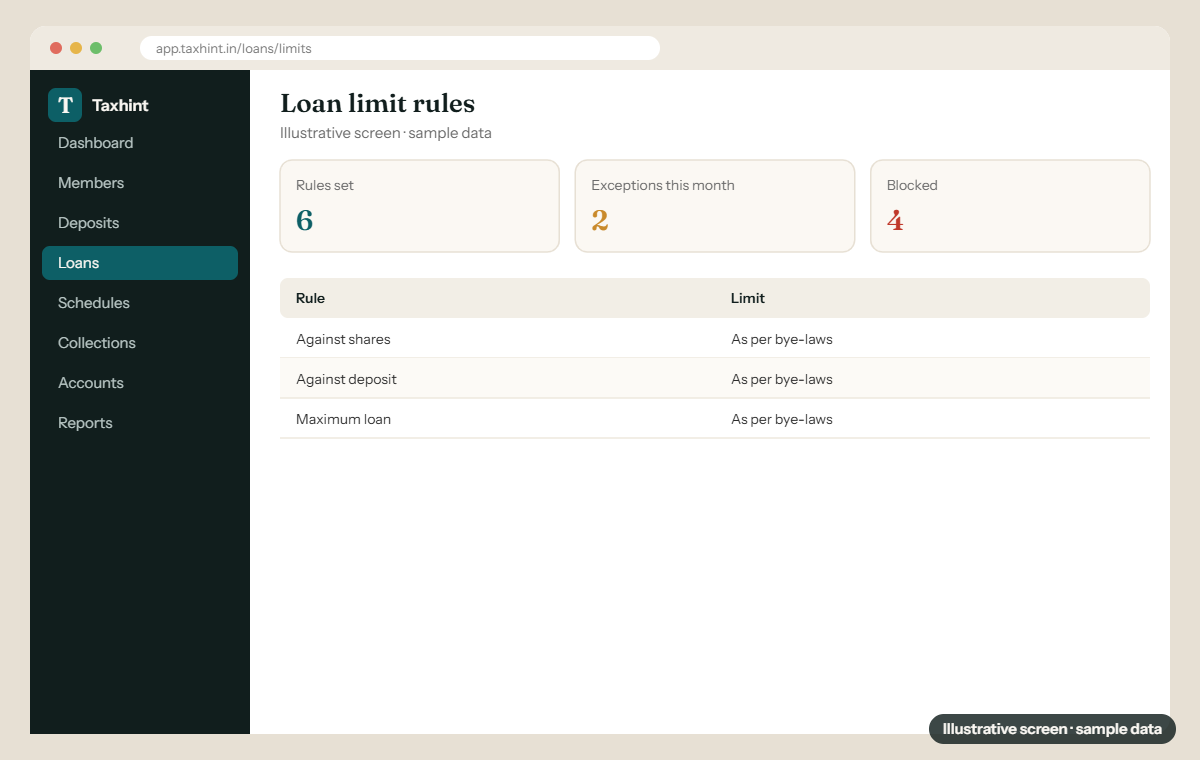
Set them in the software
Turn each rule into a check.
- A block or a warning when a loan exceeds a limit.
- An approval route for exceptions.
- Automatic calculation of eligibility. See the society loan eligibility calculator.
Handle exceptions
Exceptions will happen.
- The system should flag them.
- Approval by the committee or authorised person.
- Record the resolution number.
- Report exceptions monthly.
Keep rules up to date
Bye-laws change by resolution.
- Date each rule change.
- Apply new rules to new loans only.
- Keep an audit trail of rule changes.
See society loan application form and credit and thrift society software.
A sample rule table
Below is how a society might list its rules before setting them in software. The entries are placeholders. Use your own bye-laws.
- Personal loan: up to a multiple of shares plus deposits, tenure up to a set number of months, one surety.
- Loan against deposit: up to a percentage of the deposit, no surety, lien on deposit.
- Emergency loan: small fixed cap, short tenure, salary deduction.
- Maximum exposure per member: a cap across all loans.
Test before you rely on it
Take five members with different profiles and try loans of different sizes. Confirm that the system blocks what it should block and warns where it should warn. Test an exception with approval. Keep the test sheet. When your auditor asks how limits are enforced, you can show the rule table and the test.
Rule setup worksheet
| Loan type | Limit rule | Security | Approver |
|---|---|---|---|
| Personal | Multiple of shares and deposits | Surety | Committee |
| Against deposit | Percent of deposit | Lien | Manager |
| Emergency | Fixed small cap | Salary deduction | Manager |
| Vehicle | Percent of price | Hypothecation | Committee |
Fill this worksheet from your bye-laws before the vendor visits. It makes setup faster and lets your auditor compare the system to the written rules.
How a limit is enforced in practice
Your bye laws and the rules that apply to your society set the loan limits. The software should not decide those limits, it should enforce what your committee has approved. The setup step is to write each limit in plain words, get it confirmed by your CA or the registrar guidance where needed, and then enter it as a rule.
Illustrative example: if a loan type has a limit linked to the member share balance, the software should show the maximum allowed when the officer opens the loan screen, and block or flag a request above it with a reason that is written in the rule.
Mistakes societies make
- Entering limits from memory instead of from the approved bye laws.
- No log of who overrode a limit and why.
- Updating a limit without a committee resolution.
- Applying a new limit to old loans by mistake.
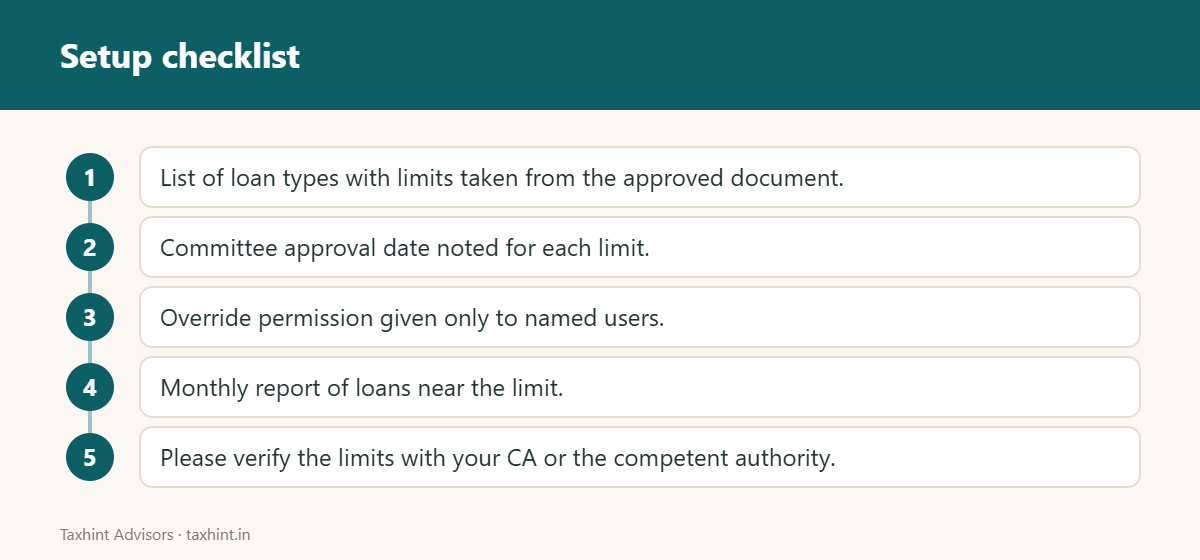
Setup checklist
- List of loan types with limits taken from the approved document.
- Committee approval date noted for each limit.
- Override permission given only to named users.
- Monthly report of loans near the limit.
- Please verify the limits with your CA or the competent authority.
FAQs
Where do loan limits come from?
Your bye-laws, committee resolutions and the state Act.
Can software block loans above the limit?
Yes, with an approval route for exceptions.
What if bye-laws change?
Update the rule with a date and apply it to new loans.
Do I need to record exceptions?
Yes, with the resolution number.
Want loan limits enforced in your society software? Book a demo of Taxhint software. Talk to Taxhint on +91 93117 95484 or [email protected], or visit taxhint.in.