November 24, 2026 · Guides
MSCS Opening a Branch in a New State: Software Checklist
A multi-state co-operative society can work in more than one state, but each new state means new members, new staff and often new reporting. If the software was built for one office, the new branch becomes a pile of spreadsheets.
Here is a checklist for the software side. Please verify legal and registrar steps with your CA or CS.
In this guide
Before the branch opens
Prepare the setup.
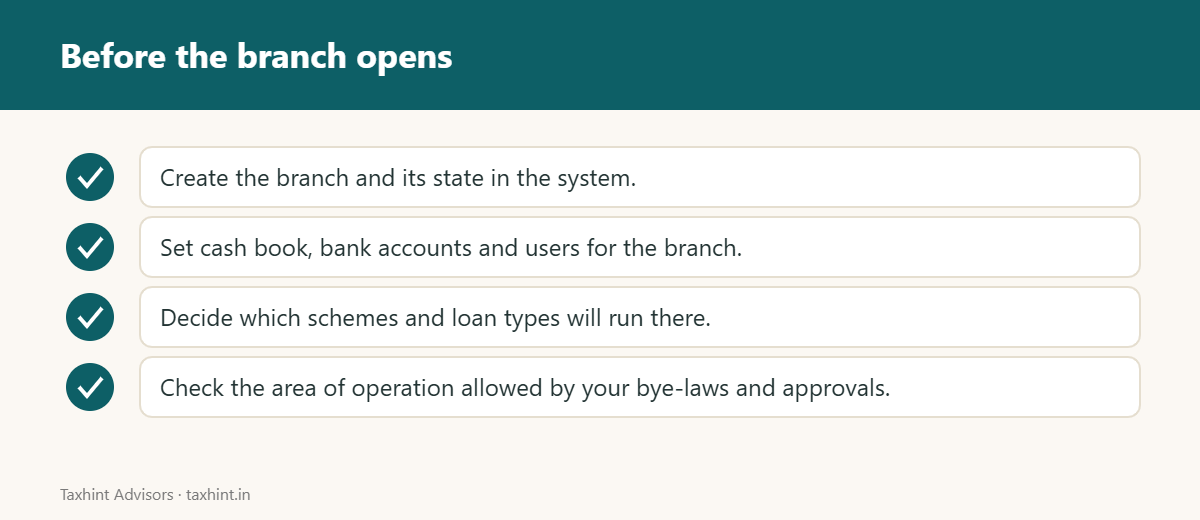
- Create the branch and its state in the system.
- Set cash book, bank accounts and users for the branch.
- Decide which schemes and loan types will run there.
- Check the area of operation allowed by your bye-laws and approvals.
Approvals and area of operation come from the Act, rules and your registration, so please verify with your CA or CS.
Roles and controls
Keep head office in control.
- Branch manager, cashier and approver as separate roles.
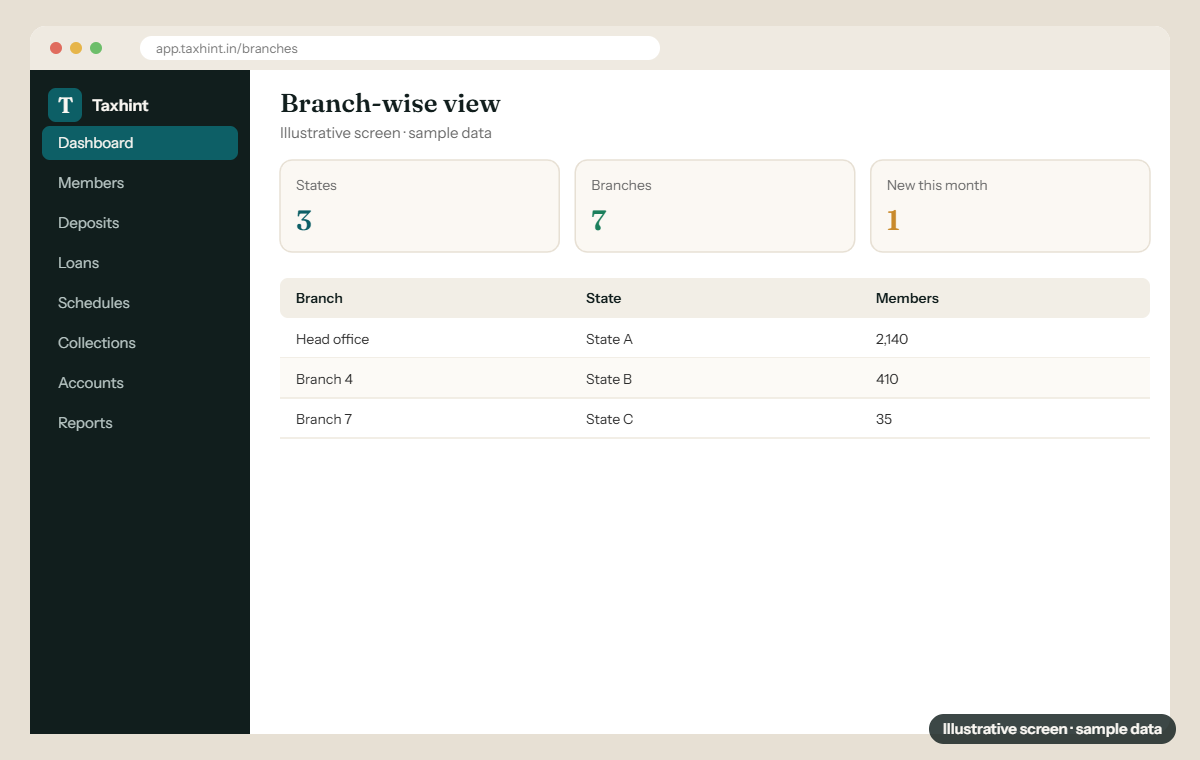
- Head office view of all branches.
- Limits for branch cash and approval.
- Audit trail on all branch entries.
Reports
Report by branch and by state.
- Members, shares, deposits and loans by branch.
- Overdue by branch.
- State-wise summary for returns.
See multi-state co-operative societies software.
First 30 days
Watch closely at the start.
- Daily cash and entry check.
- Weekly review with the branch manager.
- Fix data problems early.
- Review at 30 days.
Common problems with a new state
- Members enrolled in the new state are entered with incomplete addresses, so notices fail later.
- The new branch uses the head office cash book, so branch cash cannot be separated.
- Branch staff share a login because setting up users was delayed.
- Reports by state are not possible because the state field was left blank.
Fix these on the first day. They are much harder to fix after a few months of entries.
Day one checklist
- Branch and state created, with address and contact.
- Users created with roles and no shared logins.
- Branch cash book and bank account linked.
- Schemes and loan types enabled for the branch.
- One test member, one test deposit and one test receipt completed.
Branch setup sheet
| Item | Entry | Done |
|---|---|---|
| Branch name and state | Entered | Yes or no |
| Branch manager and users | Roles assigned | Yes or no |
| Cash book and bank | Linked | Yes or no |
| Schemes enabled | List | Yes or no |
| Test entries | One member, deposit, receipt | Yes or no |
| Reports by state | Checked | Yes or no |
Do not open the branch to the public until every line is ticked.
What to prepare before the first transaction
Opening a branch in a new state is more than a new address. You need approvals under your own bye laws and the applicable law, staff, a place to keep records and a way to bring the branch into the same books as head office. The software side is to create the branch, user roles, cash and bank accounts and the reports head office will review.
Illustrative example: a society with two states adds a third. The finance team wants one consolidated trial balance and a branch wise report each month. This must be tested on the branch with a few sample entries before real members are added.
Mistakes to avoid
- Starting transactions before approvals are in place.
- Giving the branch manager head office level rights.
- Different member numbering rules at the new branch.
- No plan for state specific forms and registers.
Branch go live checklist
- Approvals and bye law requirements confirmed with your CA, CS or lawyer.
- Branch created with its own cash and bank heads.
- Roles and limits set for branch staff.
- Test entries made and day closing done.
- Head office report checked before opening to members.
FAQs
Can software handle many states?
Yes, if branches and states are set up and reports are branch and state wise.
Who controls branch entries?
Head office through roles, limits and an audit trail.
Do I need approvals first?
Check your bye-laws and rules. Please verify with your CA or CS.
What reports will I need?
Branch-wise and state-wise members, shares, deposits, loans and overdue.
Planning a new state? Book a demo of Taxhint multi-state co-operative society software. Talk to Taxhint on +91 93117 95484 or [email protected], or visit taxhint.in.