November 24, 2026 · Guides
Chart of Accounts for Cooperative Core Banking: How to Plan It
The chart of accounts is the skeleton of your books. If it is designed badly, reports come out wrong however good the software is. A cooperative society has deposits, loans, shares, reserves and many income heads, so planning the structure first saves a lot of rework.
Reporting formats and audit needs differ by state and society type, so please verify with your auditor.
Here is a practical approach.
In this guide
Start from the reports
Work backwards.
- List the balance sheet and income statement formats your auditor uses.
- List the schedules and returns you file.
- Design groups so each line is one group or sum of groups.
Core groups
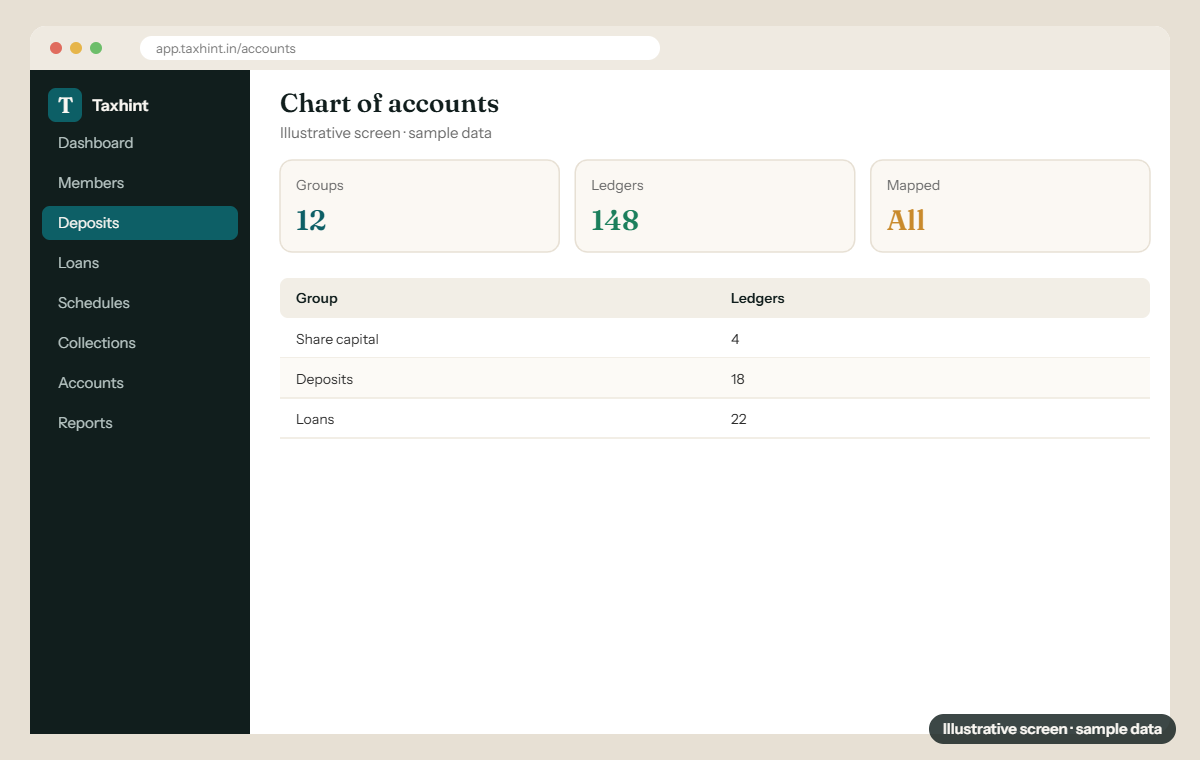
Typical structure.
- Share capital and reserves.
- Member deposits by type.
- Loans by type and security.
- Bank and cash balances.
- Interest and other income heads.
- Expense heads.
Link products to ledgers
Automate posting.
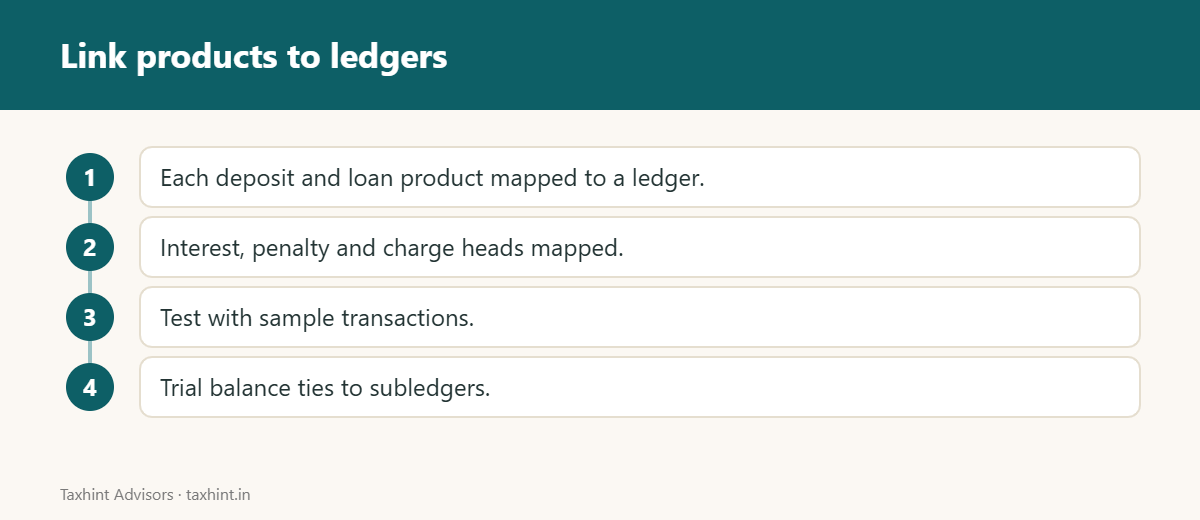
- Each deposit and loan product mapped to a ledger.
- Interest, penalty and charge heads mapped.
- Test with sample transactions.
- Trial balance ties to subledgers.
Keep it controlled
Change carefully.
- Approval for new heads.
- No deletion of heads with balances.
- Year-end review.
See year-end closing. Rules differ by state and entity type, so please verify with your CA or CS before you finalise your policy. See loan management software and credit and thrift society software.
| Step | Output |
|---|---|
| Report formats | Group list |
| Mapping | Product to ledger |
| Testing | Trial balance ties |
Designing the chart of accounts
A chart of accounts is the list of heads under which every transaction is recorded. For a co-operative society, it should match your audit and reporting needs and be built so that members, deposits and loans flow into the right heads automatically.
Illustrative example: a deposit received posts to the member account and the deposits head, a loan disbursed posts to the loan head and the cash or bank head, and interest posts to income or expense heads without manual entries.
Mistakes to avoid
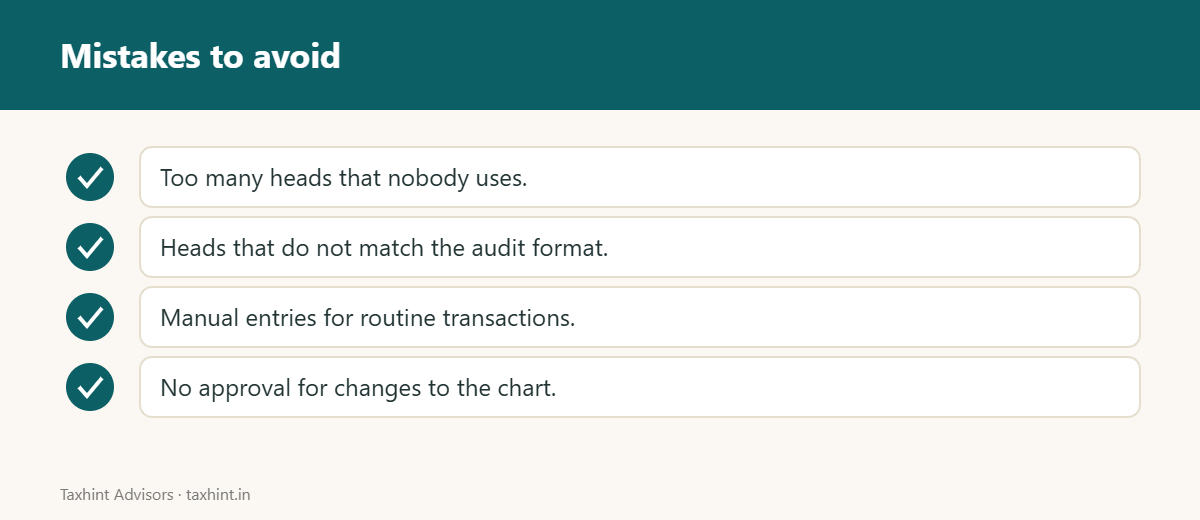
- Too many heads that nobody uses.
- Heads that do not match the audit format.
- Manual entries for routine transactions.
- No approval for changes to the chart.
Steps
- List the reports your auditor and the authorities need.
- Design heads and sub heads to match.
- Map each product to its heads.
- Test with sample transactions.
- Lock the chart and control changes.
Points to confirm
- Required formats for your type of society; ask your auditor.
- Please verify with your CA, CS or lawyer before you rely on it.
Keeping the chart clean
Review unused heads every year and merge them where your auditor agrees. Give one person responsibility for changes. Review this with your team once a quarter and update your checklist, because real cases teach more than the first draft.
Keep a record of every change and the reason.
- Annual cleanup
- Single owner
- Change log
Linking with reports
Check that the balance sheet and income statement can be produced from your heads without manual adjustments. Review this with your team once a quarter and update your checklist, because real cases teach more than the first draft.
Run a trial balance each month and compare it with subsidiary records.
- Trial balance monthly
- Reports tested
- No manual adjustments
FAQs
Can I change the chart later?
Yes, but carefully and with approval.
How many ledgers should I create?
Only those you need for reports and control.
Does each product need its own ledger?
Usually yes, for clear control.
Who approves the structure?
Management with your auditor’s input.
Want your chart of accounts mapped to products? Book a demo of Taxhint co-op software. Talk to Taxhint on +91 93117 95484 or [email protected], or visit taxhint.in.