November 24, 2026 · Guides
Savings and Current Accounts in a Society: Managing CASA in Software
Savings accounts are the daily face of a society to its members. Deposits, withdrawals, interest and passbook entries need to be right every time.
Whether a society can offer certain accounts, and on what terms, depends on its type, bye-laws and the law in its state. Please verify with your CA or the registrar’s guidance.
Here is how software helps you run savings accounts cleanly.
In this guide
Opening
Do it right once.
- Member KYC and nomination recorded.
- Specimen signature or biometric where used.
- Minimum balance as per bye-laws.
Daily operations
Fast and accurate.
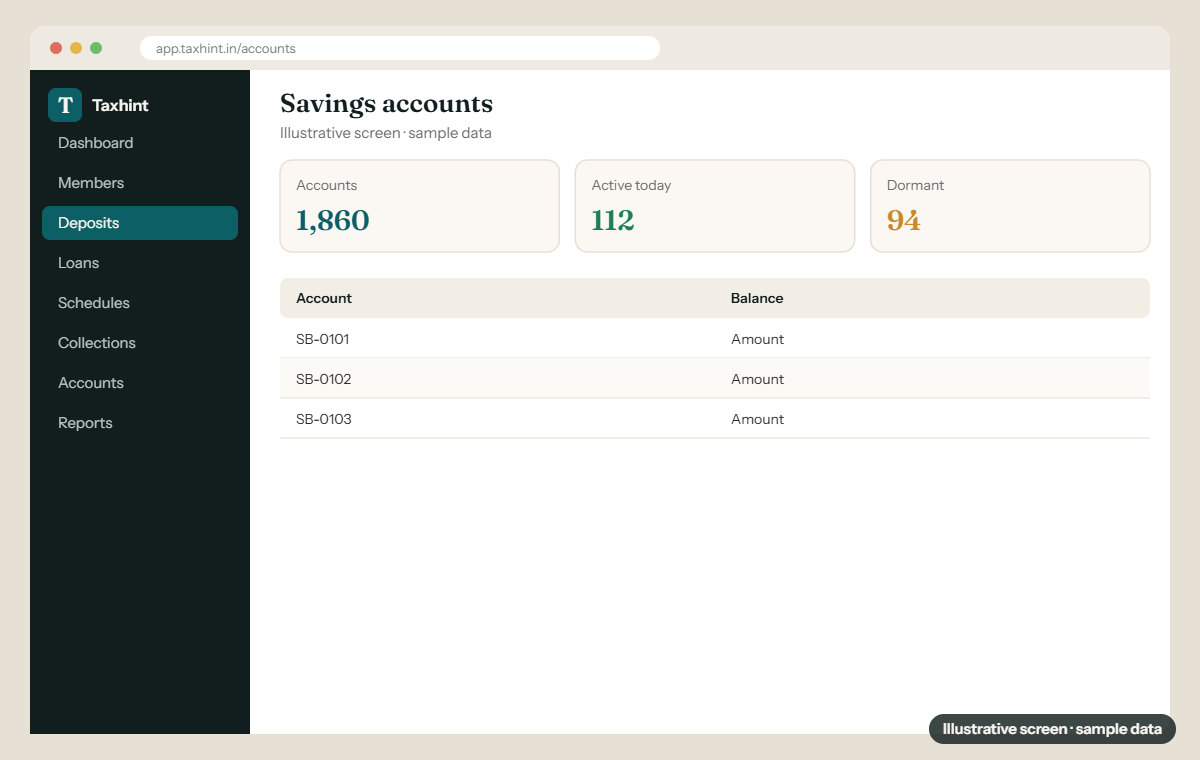
- Deposit and withdrawal with receipt or voucher.
- Passbook printing or statement.
- Limits and approvals for large withdrawals.
- Day closing with cash match.
Interest
Automate it.
- Interest rate set by product and period.
- Calculation on daily or monthly balance as per policy.
- Posting at set intervals with a report.
Control
Prevent leaks.
- Dormant account rules and alerts.
- Maker-checker for changes.
- Closure with proper settlement.
Rules differ by state and entity type, so please verify with your CA or CS before you finalise your policy. See loan management software and credit and thrift society software.
| Item | Control |
|---|---|
| Large withdrawal | Approval |
| Dormant account | Alert and review |
| Interest posting | Report and check |
Running savings and current accounts in a society
Some societies offer savings and current type accounts to members. These accounts need daily balance tracking, interest calculation, cheque or withdrawal controls and clear rules on minimum balance and dormancy. The software should handle these rules consistently.
Illustrative example: a member deposits and withdraws several times in a month. The system keeps the balance, calculates interest as per your scheme, shows a passbook entry and flags the account if it becomes dormant.
Mistakes to avoid
- Interest calculated by hand.
- Withdrawals allowed above the balance.
- No rule for dormant accounts.
- Passbook not updated.
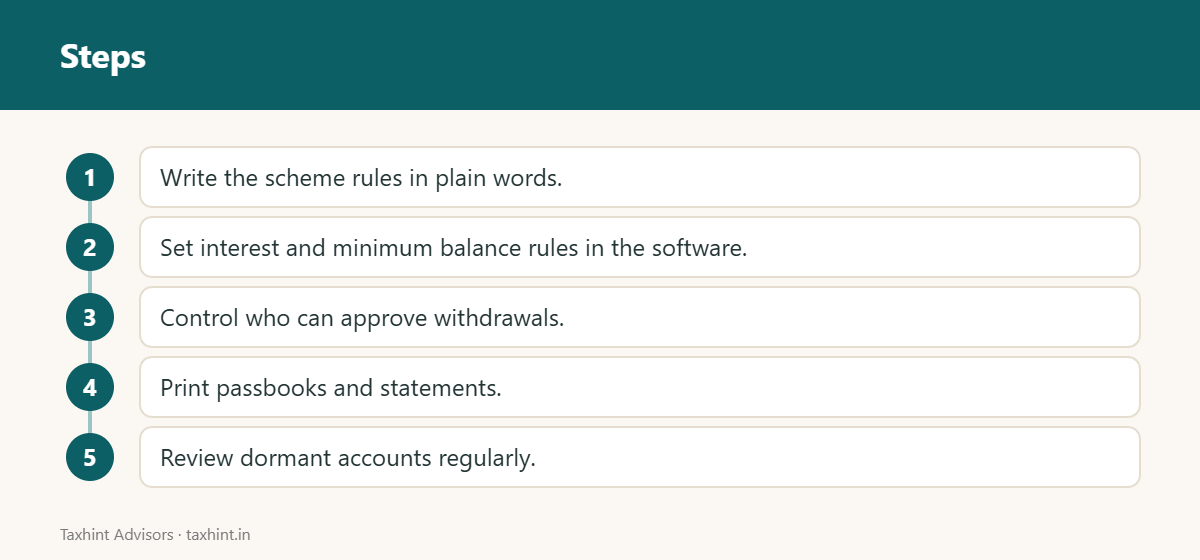
Steps
- Write the scheme rules in plain words.
- Set interest and minimum balance rules in the software.
- Control who can approve withdrawals.
- Print passbooks and statements.
- Review dormant accounts regularly.
Points to confirm
- Whether and how your society may offer such accounts; ask your CA or the authority.
- Please verify with your CA, CS or lawyer before you rely on it.
Customer service
Give members a simple handout on how their account works, what charges apply and how to get a statement. Review this with your team once a quarter and update your checklist, because real cases teach more than the first draft.
Answer questions at the counter in the same way every time.
- Handout for members
- Charges explained
- Statement on request
Daily controls
At day end, match cash and system totals. Review large transactions and corrections. Review this with your team once a quarter and update your checklist, because real cases teach more than the first draft.
Keep a log of exceptions and review it weekly.
- Day end match
- Large transaction review
- Exception log
Questions for the committee
Ask whether your bye laws allow such accounts, what limits apply and who approves exceptions. Put the answer in writing and revisit it every quarter, because the first version is rarely the best.
- Bye law check
- Limits
- Exception approval
FAQs
Can every society offer savings accounts?
Depends on type, bye-laws and law. Please verify.
How is savings interest calculated?
As per your policy, on balance and period.
What is a dormant account?
One with no transaction for a set period in policy.
Can members see statements?
Yes, through passbook or statement.
Want savings accounts with passbook and interest in one system? Book a demo of Taxhint co-op software. Talk to Taxhint on +91 93117 95484 or [email protected], or visit taxhint.in.