November 25, 2026 · Guides
Statutory Reserve Fund in Credit Societies: Setting It Aside in Software

Credit cooperative societies are required to set aside part of their annual profit into a statutory reserve fund and other funds before paying dividend. The percentages are set by state law and bye-laws.
Please verify the percentages and order of allocation with your auditor. Here is how to handle it cleanly in software.
In this guide
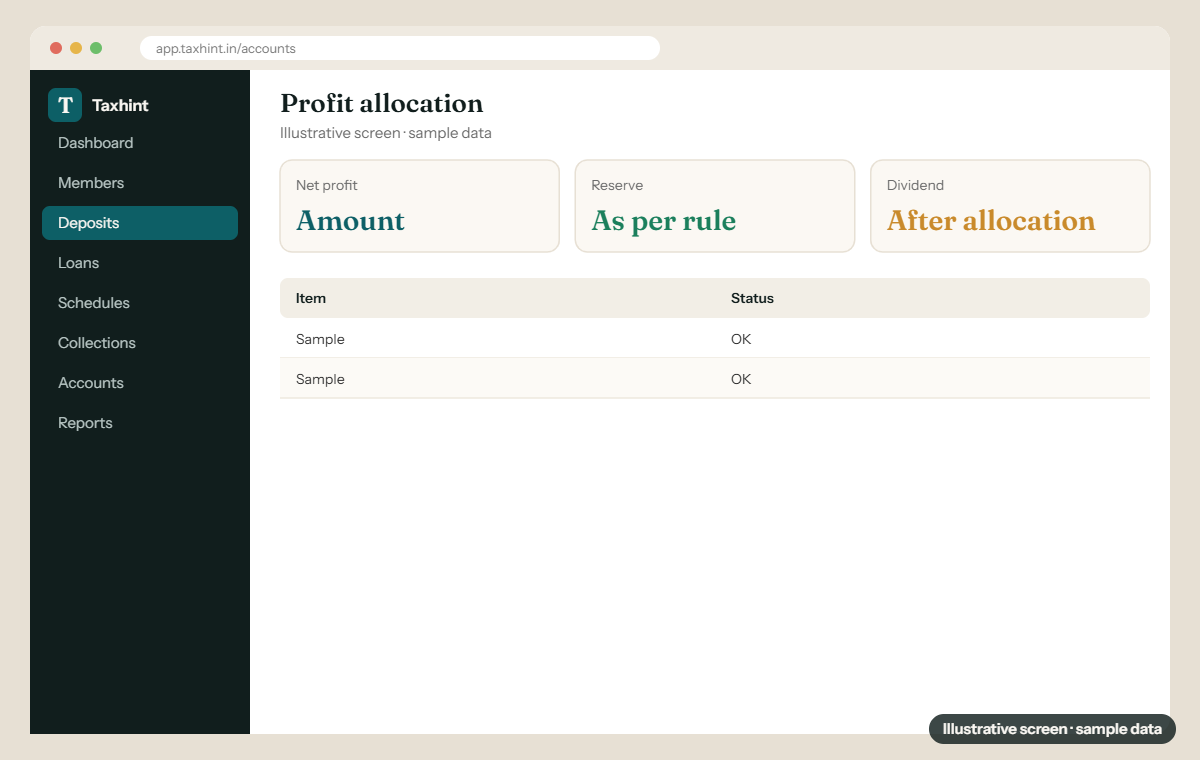
Allocation sequence
Typical flow.
- Net profit after audit.
- Transfer to statutory reserve as per law.
- Other funds as per bye-laws.
- Dividend as approved. See dividend basics.
Rules in this area are specific and change, so please verify the current position with your CA or CS.
In the books
Record properly.
- Appropriation account with each head.
- Fund balances carried forward.
- Board and general body approval.
Reports
For audit.
- Fund wise statement.
- Match with balance sheet.
See credit and thrift society software.
| Step | Evidence |
|---|---|
| Profit | Audited |
| Reserve transfer | Journal and approval |
| Funds | Ledger |
Tracking transfers to reserves
Co-operative societies are required to transfer part of their profit to a statutory reserve, as the law and bye laws say. Software can help calculate the amounts from the accounts and keep a record of the transfers, so that year end work is quicker and more accurate.
Illustrative example: after the profit is worked out, the system shows the proposed transfers to reserves and other funds, according to the rules set by your CA, and prepares the entries for approval.
Mistakes to avoid
- Using the wrong profit figure.
- Not following the order of appropriation.
- No record of approval.
- Reserve balances not reconciled.
Steps
- Get the current rule on reserves and appropriation.
- Set the calculation in the system.
- Review with your CA before approval.
- Post and reconcile the entries.
- Report the reserve balance to the committee.
Points to confirm
- Percentages and conditions in your state law; ask your CA.
- Please verify with your CA, CS or lawyer before you rely on it.
Records
Keep the working sheet, the resolution and the posted entries together for each year. Confirm the current rule text with your CA or CS and note the date you checked it.
This helps in the audit.
- Working sheet
- Resolution
- Posted entries
Member communication
Explain to members in the AGM what reserves are and why they matter. Confirm the current rule text with your CA or CS and note the date you checked it.
Keep it simple and honest.
- Simple explanation
- AGM slide
- Questions answered
Questions people ask
What percentage is transferred? It depends on your state law and bye laws. Please verify with your CA or CS.
Who approves the transfer? The committee and the general body as the law requires.
Where is it recorded? In the reserve fund head and the balance sheet.
Practical tip
Keep the working sheet and resolution with the year end file. Put it in your written procedure so that every new staff member follows it from the first day.
Year end working for reserves
At year end the profit working is prepared and the reserve transfer is shown in it. The software can produce the working, but the committee must approve the figures.
Always cross check with the audited accounts. Please verify with your CA or CS.
- Net profit working
- Reserve transfer entry
- Committee resolution
- Closing balance of each fund
FAQs
Is the reserve mandatory?
Yes, under cooperative law. Please verify the percentage.
Can reserve be used for dividend?
Generally no. Please verify.
Who decides other funds?
As per bye-laws and law.
Can software compute it?
Yes, once percentages are set.
Want year end appropriation handled in software? Book a demo of Taxhint society software. Talk to Taxhint on +91 93117 95484 or [email protected], or visit taxhint.in.