November 24, 2026 · Guides
Daily Gold Rate Update in Gold Loan Software

The gold rate drives the maximum loan you give and how safe your book is. Yet in many branches the rate is typed by the cashier from a phone message, and nobody checks it.
A simple daily routine fixes this.
In this guide
Pick one source
One agreed source avoids arguments.
- Choose a trusted source such as a recognised bullion association or your bank.
- Fix the time of update, for example morning.
- Write the source and time in your policy.
Who updates and who approves
Separate duties again.
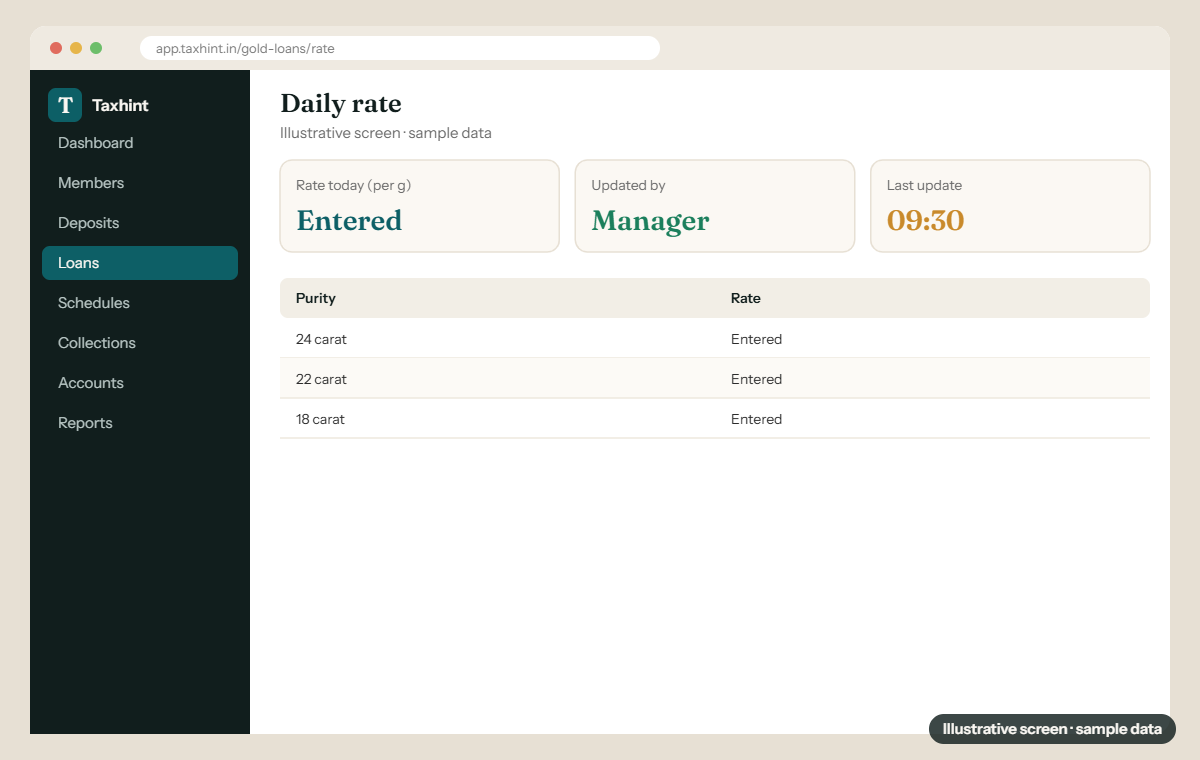
- One person enters the rates by purity.
- The manager approves before the counter uses them.
- The system logs who changed what and when.
- No one else can edit the rate.
How the rate is used
Make sure it feeds the right place.
- Maximum loan at the time of sanction.
- Valuation reports of the gold held.
- Alert when value of a pledge falls near the loan.
The rate must not change old loan records. It affects only new valuations.
Reports to watch
A short daily report helps.
- Gold held at today’s rate against loans.
- Loans where the cushion is thin.
- Change in rate from the last week.
See portfolio management and gold loan calculator.
What goes wrong without a routine
A cashier types yesterday’s rate by mistake and over-lends on a few loans. Another branch uses a different source and the head office report does not match. A staff member edits the rate to favour a friend. None of these is dramatic, but each costs money or trust.
One agreed source, one person to enter, one person to approve and a log of changes remove all three problems.
A 5-minute morning routine
- Check the agreed source at the fixed time.
- Enter rates for each purity in the system.
- Manager approves and the system stamps date and time.
- Print or open the valuation report to see loans with thin cushion.
- Brief the counter staff if the rate moved sharply.
Daily rate log
| Date | Source | Entered by | Approved by |
|---|---|---|---|
| Day 1 | Agreed source | Cashier | Manager |
| Day 2 | Agreed source | Cashier | Manager |
| Day 3 | Agreed source | Cashier | Manager |
Even if your software logs this automatically, a printed weekly log is useful for audits. It shows the rate used for each day’s loans, and who approved it. A gap in the log is a gap in control.
Review the log every Monday. If the rate moved sharply during the week, check loans made on the high days for thin cushion.
Why the daily rate matters
Gold prices move every day. If your system uses an old rate, loan to value looks safe on screen but may be weak in reality. A fall of a few percent can push many loans above your limit within weeks.
Illustrative example: a book of 200 loans at 70 percent loan to value stays within a 75 percent limit only if gold falls less than about 7 percent. A daily rate update shows you when that cushion is shrinking.
Good practice
- One person responsible for updating the rate each morning.
- Source of the rate written in policy.
- Rate history stored for audit.
- Alert when loans cross the limit.
Daily routine
- Update the rate before opening.
- Run the loan to value report.
- Check loans above the limit.
- Call customers of high risk loans.
- Record actions taken.
FAQs
Which gold rate should I use?
A single trusted source fixed in your policy.
Who should update it?
One authorised person, with approval by a manager.
Does a new rate change old loans?
No. It affects new valuations and reports only.
How often should I update?
Daily, at a fixed time.
Want a controlled daily rate and valuation report? Book a demo of Taxhint gold loan software. Talk to Taxhint on +91 93117 95484 or [email protected], or visit taxhint.in.