November 24, 2026 · Guides
Member Voting and Meeting Records in MSCS Software
A multi-state co-operative society has many members spread over several states, and its general body meeting is a serious event. The member list, notice, attendance and resolutions must all be accurate.
Software cannot decide how voting works, but it can keep clean records that make the meeting easy to run and to defend.
In this guide
A clean member list
Everything starts here.
- Active members as on the date set for the meeting.
- Share balances and any dues that affect rights.
- Mobile numbers and addresses for the notice.
- Delegates, if your bye-laws use them.
Who can vote and how are set by the Act, rules and bye-laws, so please verify with your CA or CS.
Notice and attendance
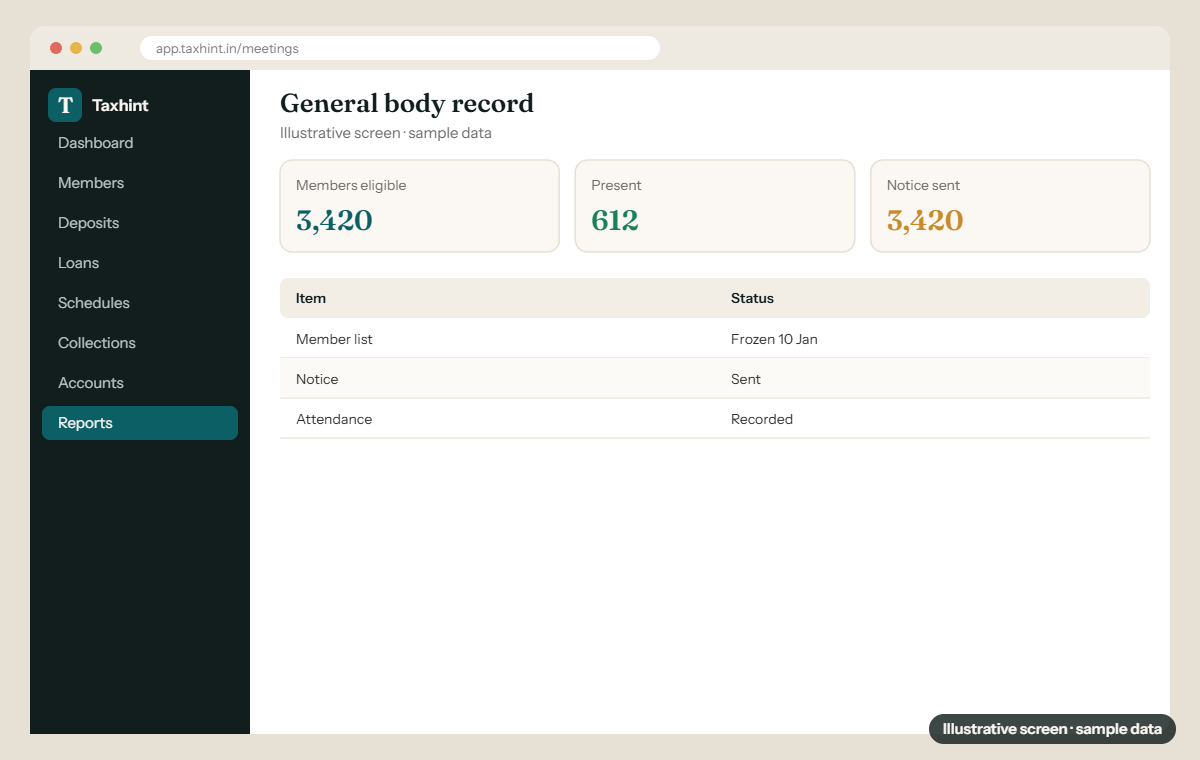
Prove that notice was given.
- Send the notice by the modes your bye-laws require.
- Keep proof of dispatch and delivery.
- Record attendance at the meeting, by member number.
- Keep the signed attendance sheet.
Resolutions and minutes
Record decisions.
- Resolution number, mover, seconder and outcome.
- Vote counts, if a vote is taken.
- Minutes signed within the time required.
See AGM reports.
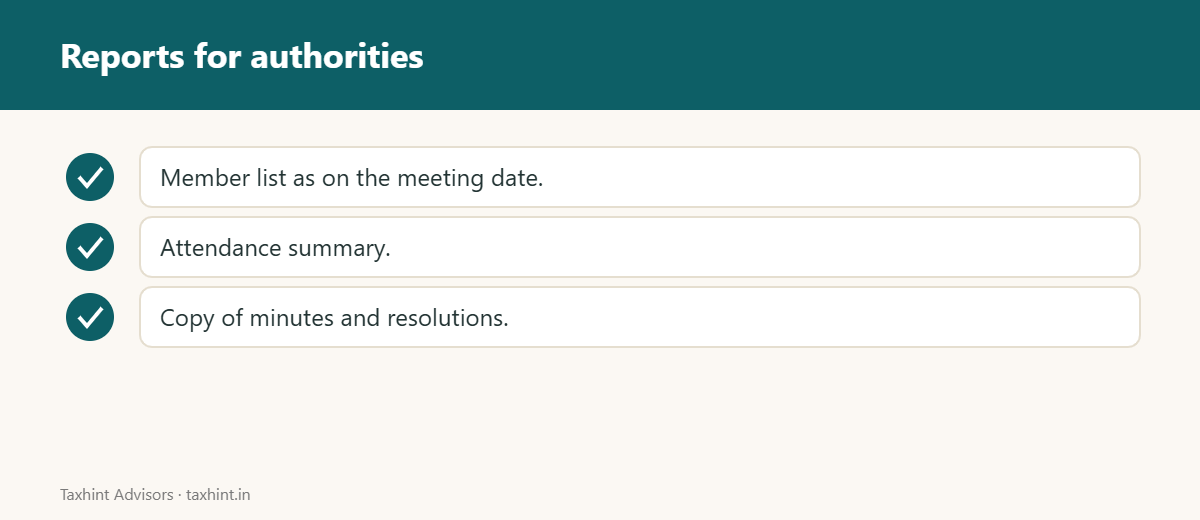
Reports for authorities
Be ready to share.
- Member list as on the meeting date.
- Attendance summary.
- Copy of minutes and resolutions.
See MSCS software.
A meeting file for every year
Keep one file, paper or digital, for each general body meeting. It should contain the board resolution calling the meeting, the notice and proof of dispatch, the member list as on the cut-off date, the attendance sheet, the agenda, the resolutions with numbers, the minutes and any report shared. If an authority or a member asks a question years later, the file answers it.
Typical gaps
- Notices sent but no proof of dispatch kept.
- Member list not frozen on a date, so it keeps changing.
- Attendance recorded by name, not by member number, so matching is slow.
- Minutes signed late or not at all.
Software helps by freezing the list, logging notices and printing attendance by member number. The decisions and rules still come from your Act, rules and bye-laws, which you should verify with your CA or CS.
Meeting file checklist
| Document | Kept where | Date |
|---|---|---|
| Board resolution calling meeting | Meeting file | Date |
| Notice and proof of dispatch | Meeting file | Date |
| Frozen member list | Software and print | Date |
| Attendance sheet | Meeting file | Date |
| Resolutions and minutes | Minute book | Date |
Review the file with your CA or CS after each meeting to check that it is complete.
What a good voting record contains
A voting record should show who was eligible, who attended, how each item was decided and who certified the result. Keep it simple and consistent so that a reviewer can rebuild the meeting from the record alone.
Illustrative example: for a general body meeting, the software lists eligible members from the register, marks attendance, records the vote on each resolution and prints a result sheet with the chair and secretary names for signing.
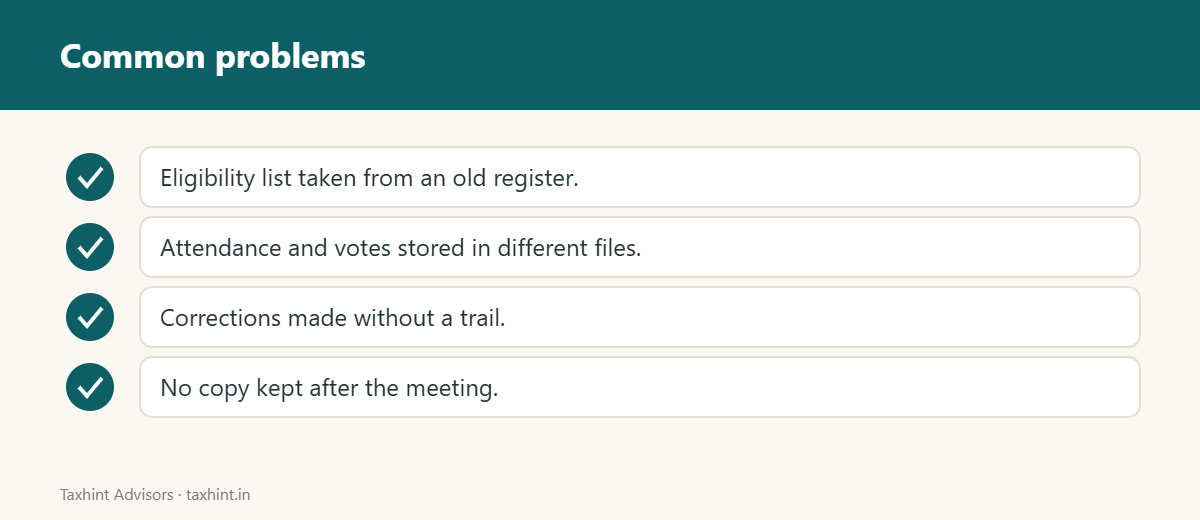
Common problems
- Eligibility list taken from an old register.
- Attendance and votes stored in different files.
- Corrections made without a trail.
- No copy kept after the meeting.
Meeting checklist
- Member register verified before the notice.
- Attendance captured at entry.
- Each resolution and result recorded.
- Result sheet signed and filed.
- Please check voting procedure with your bye laws and your CS or lawyer.
FAQs
Does software decide voting rights?
No. Rights come from the Act, rules and bye-laws. Software keeps the records.
What should I keep for each meeting?
Notice proof, member list, attendance, resolutions and signed minutes.
How do I notify members across states?
By the modes your bye-laws allow. SMS adds reach but does not replace them.
Can records be shown to authorities?
Yes, if kept in software and printed on request.
Want clean meeting records for your MSCS? Book a demo of Taxhint MSCS software. Talk to Taxhint on +91 93117 95484 or [email protected], or visit taxhint.in.