November 24, 2026 · Guides
State-Wise Reports for a Multi-State Co-operative Society
A multi-state co-operative society has to answer questions state by state: how many members, how much in deposits, how many loans, how much overdue. If your software only gives a society-wide total, you end up building these reports by hand.
Here are the reports to ask for.
In this guide
- Member and share reports
- Deposit and loan reports
- Overdue and risk
- Reports for authorities and meetings
- FAQs
Member and share reports
The base.
- Members by state and branch with date of admission.
- Share capital by state.
- New and exited members for a period.
Deposit and loan reports
The business.
- Deposits by type, state and branch.
- Loans outstanding by type, state and branch.
- Interest accrued and payable.
Overdue and risk
The warnings.
- Overdue ageing by state and branch.
- Top overdue accounts.
- Concentration of loans in a few borrowers.
See overdue recovery.
Reports for authorities and meetings
Be ready.
- Data for returns and inspections.
- Reports for general body meetings. See AGM reports.
- Year-end reports. See year-end closing.
Formats for returns depend on the Act and the registrar, so please verify with your CA or CS. See MSCS software.
How the board uses these reports
A board member in one state asks how members and deposits in his state are doing. The chief executive asks which state has the highest overdue. The auditor asks for branch-wise balances that tie to the ledger. State-wise reports answer all three from the same data, so everyone sees the same numbers.
Checks before sharing reports
- Totals of all states equal the society total.
- Branch totals add up to the state total.
- The date and cut-off time are printed on the report.
- Members without a state or branch are listed as exceptions and fixed.
Fixing the state and branch fields when members are enrolled is far cheaper than cleaning them later.
Report list for the board pack
| Report | Cut | Used by |
|---|---|---|
| Members and shares | State and branch | Board |
| Deposits and loans | State, branch, type | Board and auditor |
| Overdue ageing | State and branch | CEO and board |
| Cash and bank | Branch | Accounts head |
Agree this list with your board once and have the software produce it on the same day every month.
How a state wise report is used
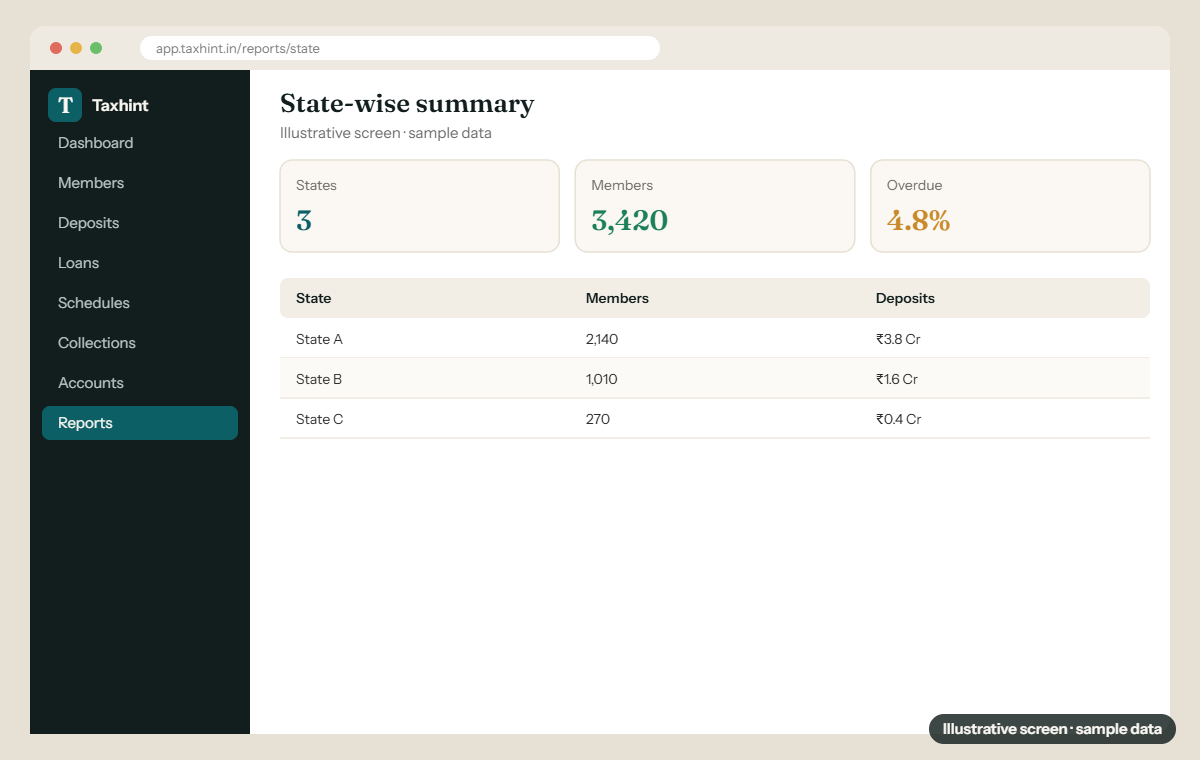
A multi-state society often needs to see the same numbers split by state: members, deposits, loans and overdue. The head office uses this to spot a weak state early and to prepare the reports its own governance needs. The software should let you filter by state and branch without exporting to a spreadsheet each time.
Illustrative example: the finance head opens one screen at month end and sees three states side by side. One state shows overdue rising for two months, so the manager calls the branch before the next committee meeting.
Mistakes to avoid
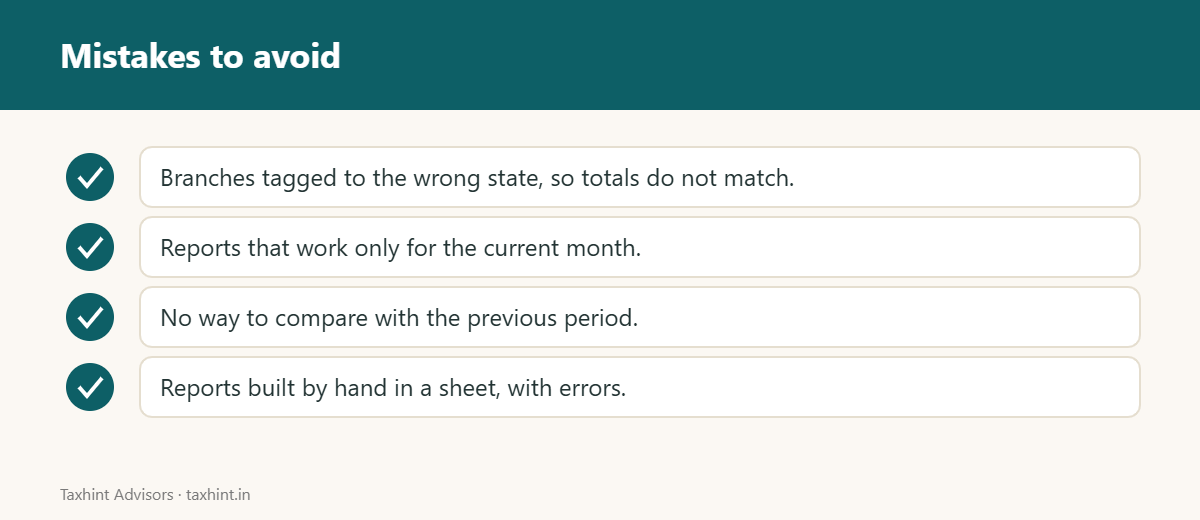
- Branches tagged to the wrong state, so totals do not match.
- Reports that work only for the current month.
- No way to compare with the previous period.
- Reports built by hand in a sheet, with errors.
Report checklist
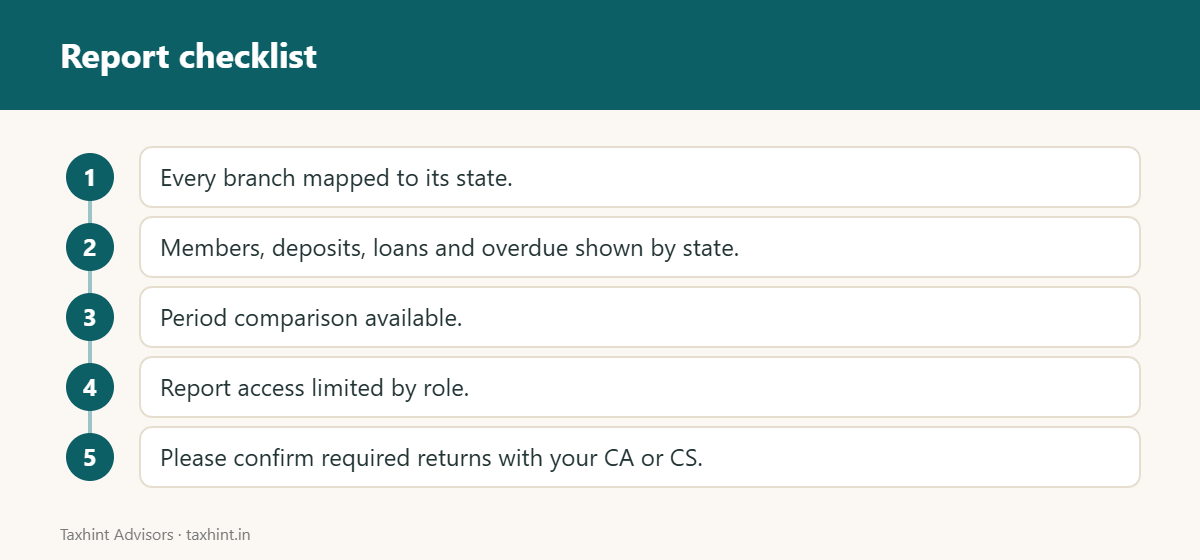
- Every branch mapped to its state.
- Members, deposits, loans and overdue shown by state.
- Period comparison available.
- Report access limited by role.
- Please confirm required returns with your CA or CS.
FAQs
Why do I need state-wise reports?
Because members, deposits and loans are in different states and authorities and the board ask by state.
Can reports be branch-wise too?
Yes, if branches are set up under states.
Do report formats follow the law?
Formats follow the Act and registrar requirements. Please verify.
Can I export reports?
Good software exports to Excel or PDF.
Want state-wise reports without manual work? Book a demo of Taxhint MSCS software. Talk to Taxhint on +91 93117 95484 or [email protected], or visit taxhint.in.