November 24, 2026 · Guides
Member App for a Nidhi Company: What Members Gain
Members visit the office for small things: to check a balance, to ask the next due date, to get a statement. Each visit takes staff time and customer time.
A member app, or even a simple member web login, can move most of these questions off the counter. Here is what to look for.
In this guide
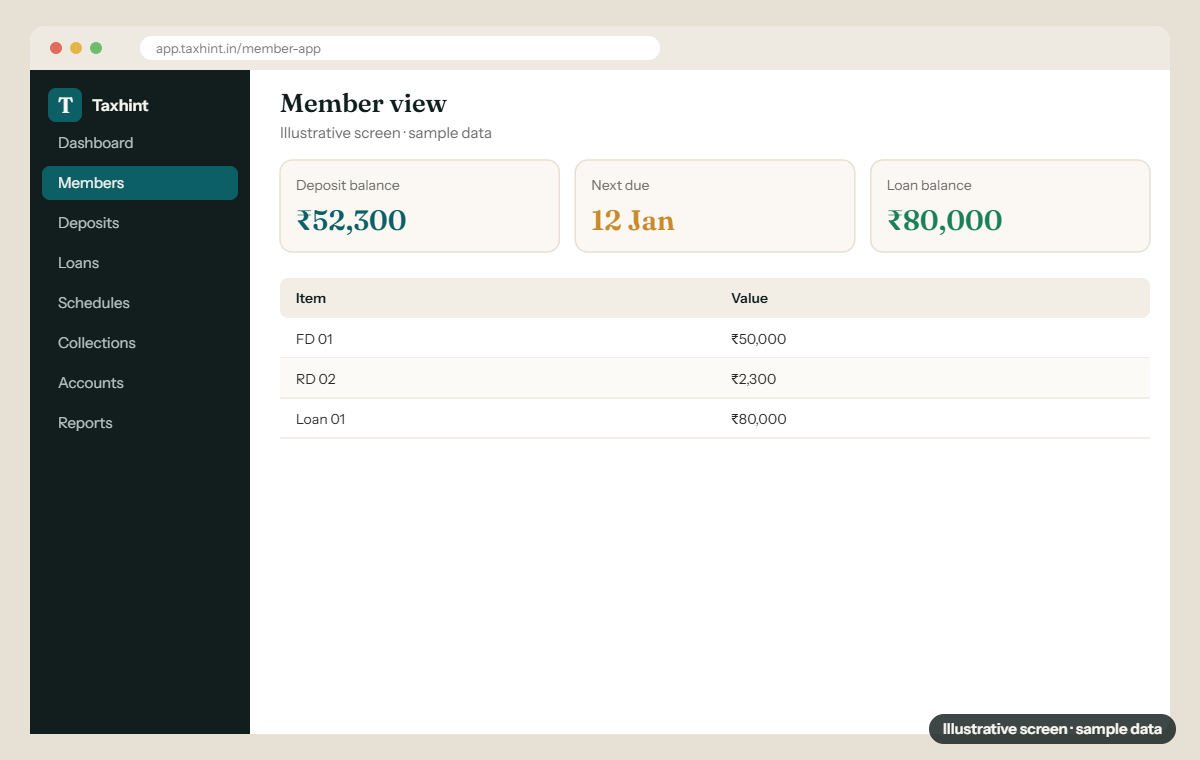
What members want to see
Keep it simple.
- Balances of deposits and loans.
- Next instalment or maturity date.
- Statement for a period.
- Nominee and KYC status.
What the company gains
Fewer interruptions at the counter.
- Fewer balance enquiries.
- Better collection when members see due dates.
- A cleaner record of member contact details.
- A modern face for the company.
Safety and consent
Handle member data with care.
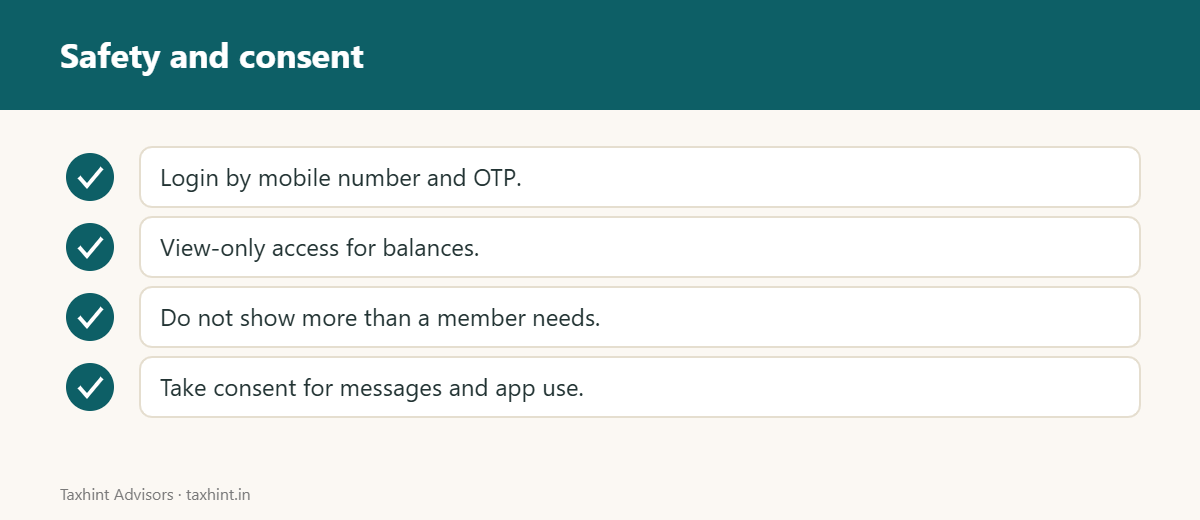
- Login by mobile number and OTP.
- View-only access for balances.
- Do not show more than a member needs.
- Take consent for messages and app use.
Please verify data protection duties with your CA or lawyer.
Start small
Do not wait for a perfect app.
- Clean the mobile numbers first.
- Give members a way to view balances and due dates.
- Add statements and payments later.
- Ask members what they use.
See Nidhi management software and maturity alerts.
What members ask for most
Ask your counter staff for a week which questions they answer most. The list is usually short: what is my balance, when is my next instalment, when does my deposit mature, can I get a statement. Each is a good candidate for a member view. Start with these before you think about anything fancy.
A simple rollout plan
- Clean mobile numbers and mark which members have a smartphone.
- Pilot with a small group of members for a month.
- Collect feedback at the counter and by phone.
- Fix confusing screens and wording.
- Announce to all members with a short guide, in the language they use.
Keep the counter open for members who prefer to visit. A member view should reduce routine visits, not replace the personal relationship that Nidhi members value.
Member view checklist
| Feature | Start | Later |
|---|---|---|
| Balances | Yes | , |
| Next due date | Yes | , |
| Statement | Yes | , |
| Nominee and KYC status | Yes | , |
| Payments | , | Yes |
| Requests and complaints | , | Yes |
Begin with read-only features. Add actions such as payments only after you are sure about security and reconciliation.
What members actually do in an app
Members mostly check balance, view the passbook, see the next due date and ask for a statement. If these are easy, calls to the branch fall. A member app is useful when it is simple, in the local language and shows the same numbers the branch sees.
Illustrative example: a member with an RD wants to know if this month instalment has been posted. Instead of visiting the office, they open the app and see the entry with the date.
Points to check before choosing an app
- Login method that older members can manage.
- Hindi or local language support.
- Data shown matches the branch software.
- Clear steps if a member loses the phone.
Rollout checklist
- Start with a small group of members.
- Train branch staff to help with first login.
- Collect feedback after one month.
- Tell members what the app will not do.
- Keep branch service available for members who do not use it.
FAQs
Do members need a smartphone?
Not always. SMS alerts and a simple web view help members without one.
Is a member app secure?
It can be, with OTP login, view-only access and logs.
What should I show first?
Balances and due dates.
Can members pay through the app?
Possibly, depending on your setup. Start with viewing first.
Want to see how members can view balances and due dates? Book a demo of Taxhint Nidhi software. Talk to Taxhint on +91 93117 95484 or [email protected], or visit taxhint.in.