November 25, 2026 · Guides
Lender Reporting and Covenants for NBFCs: A Tracking Guide
A sanction from a bank or investor comes with conditions. There are financial ratios to maintain, reports to send and certificates to give on set dates. Missing one can trigger penalties or even a call on the loan.
Your own sanction letters decide the conditions. Please read them with your CA and verify the list.
Here is how to turn them into a tracker.
In this guide
List the conditions
From each sanction letter.
- Financial ratios and limits.
- Reports and certificates with dates.
- Information triggers such as change in management.
- Security and insurance conditions.
Track them
One calendar.
- Owner and due date per item.
- Reminders ahead of the date.
- Ratio computed from system data each month.
- Evidence stored once submitted.
Act early
Avoid breach.
- Warning when a ratio nears its limit.
- Talk to the lender before a breach.
- Record waivers or amendments in writing.
See fund utilisation tracking.
Report pack
Make reporting routine.
- Standard pack with portfolio, ageing and ratios.
- Review by finance head before sending.
- Version and date on each pack.
Rules in this area change, so please verify the current position with your CA, CS or compliance officer. See NBFC software and loan management software.
| Item | Control |
|---|---|
| Ratios | Monthly computed |
| Reports | Calendar and owner |
| Breach risk | Early warning |
Tracking covenants from lenders
Loan agreements with lenders often include covenants, such as keeping certain ratios or submitting certain reports on time. Missing a covenant can lead to trouble, so you need a way to track them and warn the team early.
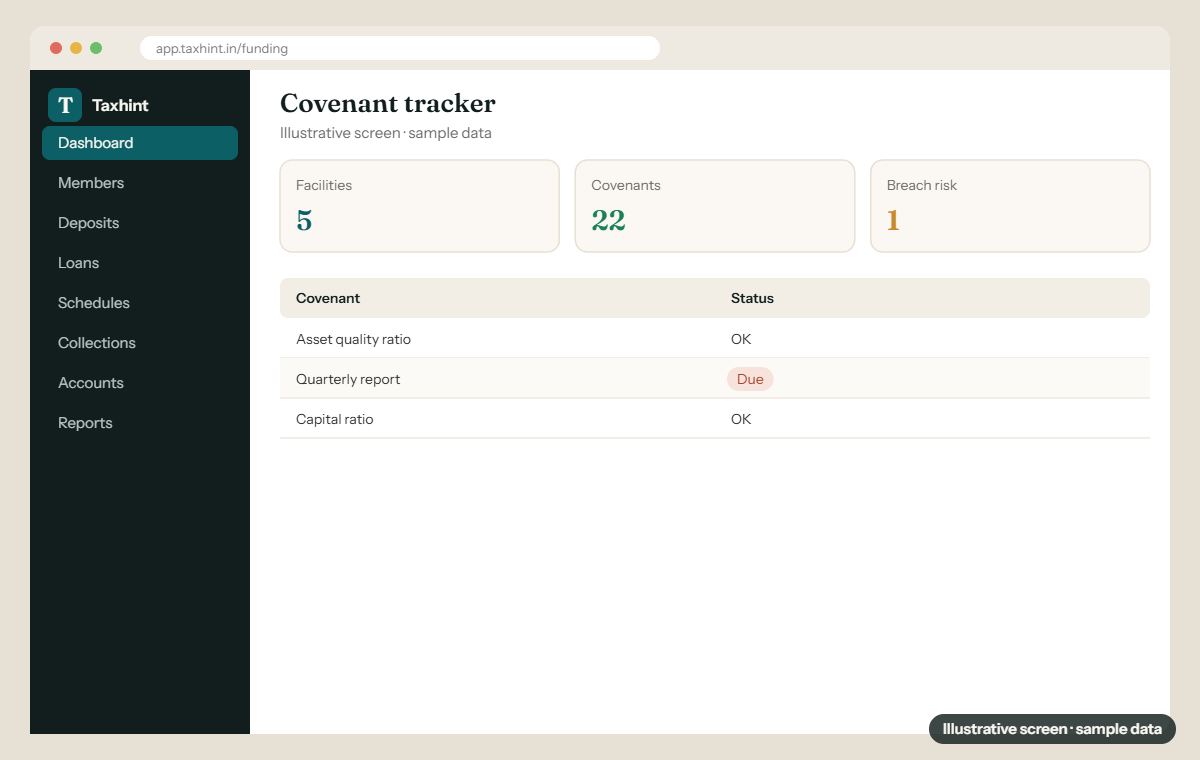
Illustrative example: the finance team lists each covenant from each sanction letter, assigns an owner and sets monthly checks using data from the system.
Mistakes to avoid
- Covenants known only to one person.
- No monthly check.
- Using different data than the lender expects.
- Late reports without an explanation.
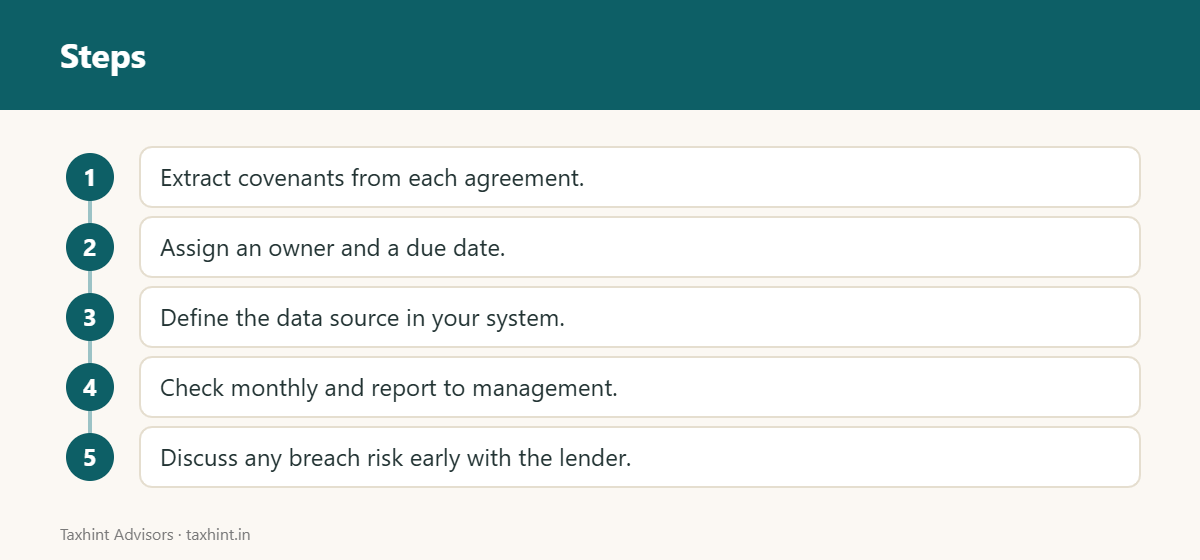
Steps
- Extract covenants from each agreement.
- Assign an owner and a due date.
- Define the data source in your system.
- Check monthly and report to management.
- Discuss any breach risk early with the lender.
Points to confirm
- The exact wording of each covenant; ask your lawyer.
- Please verify with your CA, CS or lawyer before you rely on it.
Early warning
Set an internal limit slightly tighter than the covenant so that you get an alert before a breach. Put this in writing and revisit it every quarter, because the first version is rarely the best.
Share the alert with the management team.
- Internal buffer
- Alert to management
- Action plan
Documentation
Keep the signed agreements, the covenant list and each month check together in one folder. Put this in writing and revisit it every quarter, because the first version is rarely the best.
Update the list whenever an agreement changes.
- One folder
- Monthly check
- Updated list
A simple covenant register
Make one table with the lender, the clause in plain words, the measure, the limit, the owner and the next check date. Review it monthly with finance and credit heads, and mark anything within a small margin of breach in red so the team can act early. Write the answers down, assign an owner and revisit them each quarter so that the practice keeps improving instead of drifting.
- Lender and clause
- Measure and limit
- Owner and date
- Red flag margin
FAQs
What are covenants?
Conditions in a loan sanction that the borrower must meet.
What happens on breach?
As per the sanction. It can include penalties or recall.
Can software compute ratios?
Yes, from ledger and portfolio data.
Who owns this?
Usually the finance head with compliance.
Want covenants and report dates in one tracker? Book a demo of Taxhint NBFC software. Talk to Taxhint on +91 93117 95484 or [email protected], or visit taxhint.in.