November 25, 2026 · Guides
Fund Utilisation Tracking for NBFCs: From Borrowing to Lending
When an NBFC borrows from a bank or investor, the money often has a stated purpose. The lender may ask for proof of how it was used. If you cannot show it quickly, trust drops and drawdowns slow.
Your sanction terms decide what you must report, so please verify them with your CA and the lender.
Here is a practical way to track it.
In this guide
Record each facility
One entry per borrowing.
- Lender, sanction date, amount and purpose.
- Drawdown dates and amounts.
- Repayment schedule and covenants.
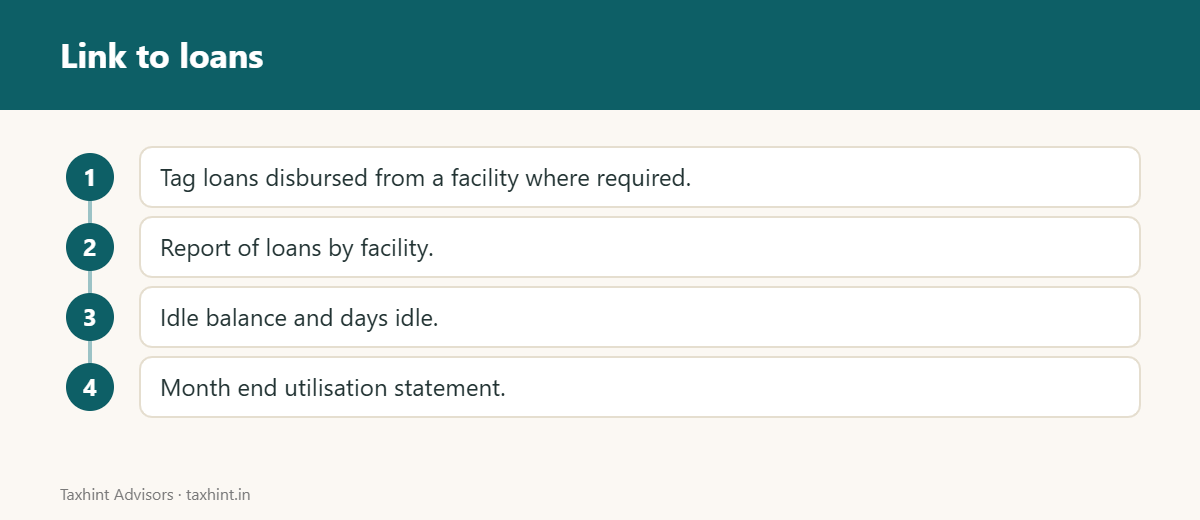
Link to loans
Show the trail.
- Tag loans disbursed from a facility where required.
- Report of loans by facility.
- Idle balance and days idle.
- Month end utilisation statement.
Share with lenders
Be ready.
- Standard utilisation report in the lender’s format.
- Supporting list of loans on request.
- Evidence stored for each report. See lender reporting and covenants.
Review
Keep it healthy.
- Monthly review of idle funds.
- Match with cash flow plan.
- Resolve gaps before reporting.
Rules in this area change, so please verify the current position with your CA, CS or compliance officer. See NBFC software and loan management software.
| Item | Why |
|---|---|
| Facility record | Reference for reports |
| Loan tagging | Proof of use |
| Idle funds | Cost control |
Knowing where borrowed money went
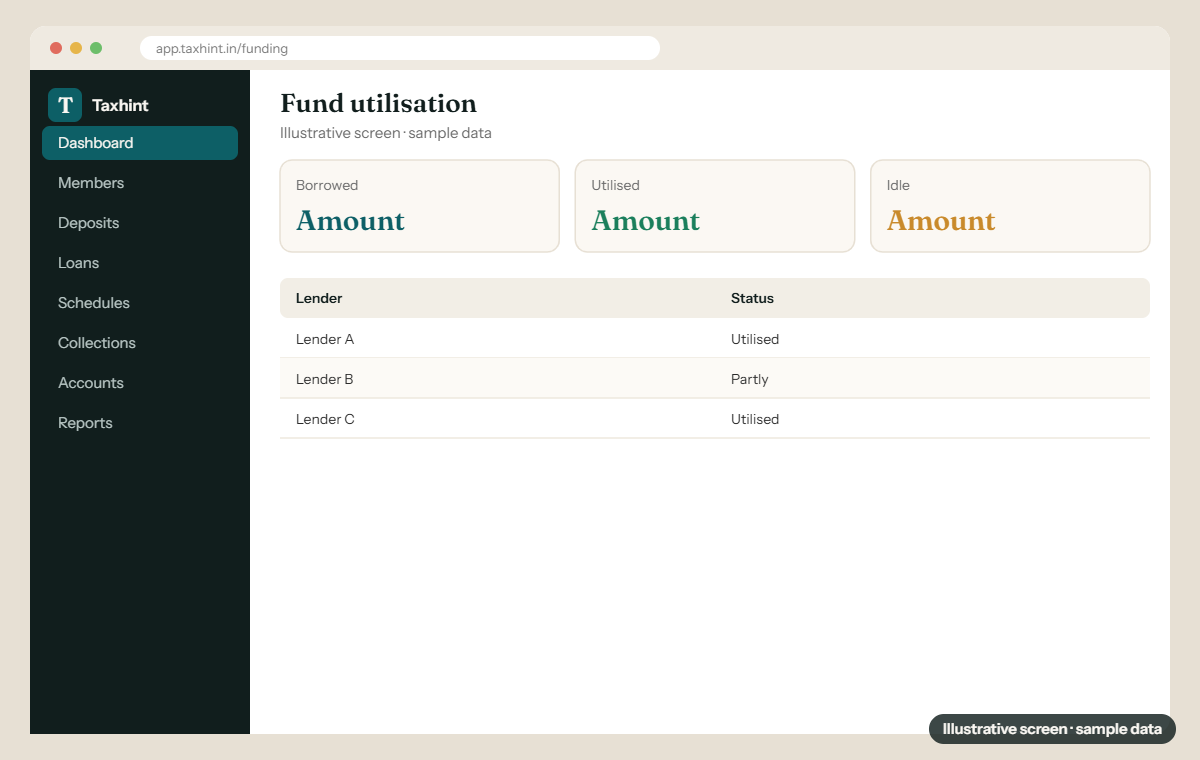
NBFCs raise funds from lenders and often must show how the money was used. Software should link each loan to its source of funds, or at least allow reports of funds raised and deployed over time, so that you can answer a lender with evidence.
Illustrative example: a lender asks for a statement of how a term loan was used. The finance team produces a report that lists the loans disbursed in the period against that facility.
Mistakes to avoid
- No link between funding and disbursal records.
- Reports built by hand in spreadsheets each time.
- Different totals in finance and in the loan system.
- No record of the end use declared by borrowers.
Steps
- List funding facilities and their terms.
- Tag disbursals to facilities as per your policy.
- Build a monthly utilisation report.
- Reconcile with the accounts.
- Keep copies of reports sent to lenders.
Points to confirm
- Conditions in your lender sanction letters.
- Please verify with your CA, CS or lawyer before you rely on it.
Working with lenders
Know the reporting dates and formats each lender needs and put them on a calendar. A timely, accurate report builds trust. Put this in writing and revisit it every quarter, because the first version is rarely the best.
Keep a folder of past submissions.
- Reporting calendar
- Standard formats
- Folder of submissions
Internal checks
Reconcile the utilisation report with the books every month so that differences do not pile up. Put this in writing and revisit it every quarter, because the first version is rarely the best.
Investigate unusual items quickly.
- Monthly reconciliation
- Unusual items
- Sign off by finance
Questions for your finance team
Ask which facilities are open, how much is undrawn, how recent disbursals map to them and when the next report is due. Write the answers down, assign an owner and revisit them each quarter so that the practice keeps improving instead of drifting.
- Open facilities
- Undrawn amounts
- Next report date
FAQs
Why track fund use?
Lenders often require proof, and idle funds cost interest.
Do I have to tag every loan?
Depends on the sanction terms.
Can software prepare lender reports?
It can produce the data. Format is agreed with the lender.
Who signs the report?
As the lender requires, usually an authorised officer or CA.
Want facility wise utilisation reports? Book a demo of Taxhint NBFC software. Talk to Taxhint on +91 93117 95484 or [email protected], or visit taxhint.in.