November 24, 2026 · Guides
Loan Origination System for NBFCs: Stages and Features
Loan origination is everything that happens before the first instalment: lead, application, documents, checks, approval and disbursal. In many NBFCs this runs on phone calls, WhatsApp and Excel, which is why files go missing and decisions are slow.
A proper origination flow in software gives each file a status and an owner.
In this guide
The stages
Each file moves through the same steps.
- Lead capture with source and owner.
- Application with KYC and documents.
- Credit check and appraisal.
- Approval by the right authority.
- Sanction letter and agreement.
- Disbursal and schedule creation.
See onboarding checklist.
Features that matter
Look for these in a demo.
- Document checklist by loan type with missing-document alerts.
- Maker-checker approvals with limits.
- Turnaround time reports by stage.
- Handover to the loan account without re-entry.
Measure the pipeline
What you cannot see you cannot improve.
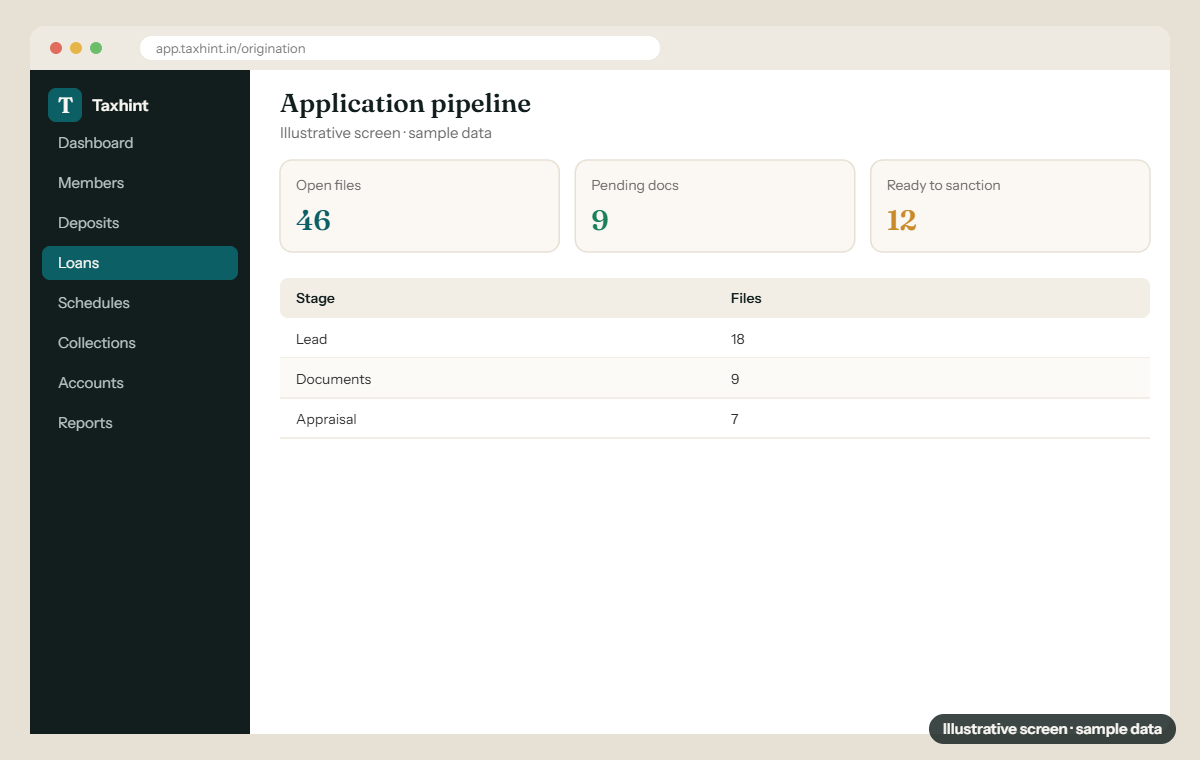
- Files by stage and age.
- Approval rate and rejection reasons.
- Average days from application to disbursal.
See NBFC software and loan management software.
| Metric | Why it matters |
|---|---|
| Days to disburse | Customer experience |
| Rejection reasons | Policy quality |
| Files stuck over 3 days | Bottlenecks |
A loan journey from enquiry to disbursal
A loan origination system covers everything before the first EMI: the enquiry, the application, KYC, credit review, sanction, agreement and disbursal. The aim is that each step is recorded once and every officer sees the same file. When origination is weak, the same data is typed three times and files get lost between desks.
Illustrative example: a customer enquires on Monday. By Monday evening the application is entered with documents. The credit officer reviews on Tuesday, the sanction letter goes out on Wednesday and the agreement is signed before disbursal. If any step is stuck, the file shows who holds it and for how long.
Where origination usually breaks
- Documents collected but not linked to the right customer file.
- Approvals given on call or chat with no record.
- Sanction terms typed differently in the letter and in the system.
- Disbursal done before all conditions are met.
Stations to build and test
- Lead and application entry.
- KYC and document check.
- Credit review and approval with limits by role.
- Sanction letter and agreement generation.
- Disbursal checks and posting to the loan account.
What to ask in a demo
- Show one file moving through every station.
- Show what happens when a document is missing.
- Show who can override a rule and how it is logged.
- Show reports of files pending at each station.
- Please verify with your CA, CS or lawyer before you rely on it.
Tips for a small team
If you have only a few staff, do not build a long chain of approvals. Keep two or three stations, name one owner for each and review the pending list every evening. Add steps only when you find a real gap.
Measure the time from application to disbursal for a month. A simple number like this shows where files wait the longest.
- Review pending files daily.
- Keep the checklist short and clear.
- Record every override with a reason.
FAQs
What is a loan origination system?
Software that manages a loan from lead to disbursal.
Is it different from loan management?
Origination covers the front end. Loan management covers the account after disbursal.
Can both be one system?
Often yes, so data is not re-entered.
What should I test in a demo?
Document checklist, approvals and handover to the loan account.
Want to see a loan file move from lead to disbursal? Book a demo of Taxhint NBFC software. Talk to Taxhint on +91 93117 95484 or [email protected], or visit taxhint.in.