November 24, 2026 · Guides
CKYC Upload Process for NBFCs: A Practical Guide
Regulated lenders are expected to capture customer KYC in the format used for the central KYC records and to upload it within the period set by the rules. The details, formats and timelines change, so please verify them with your CA, CS or compliance officer.
This guide covers how to organise the work so that nothing is missed.
In this guide
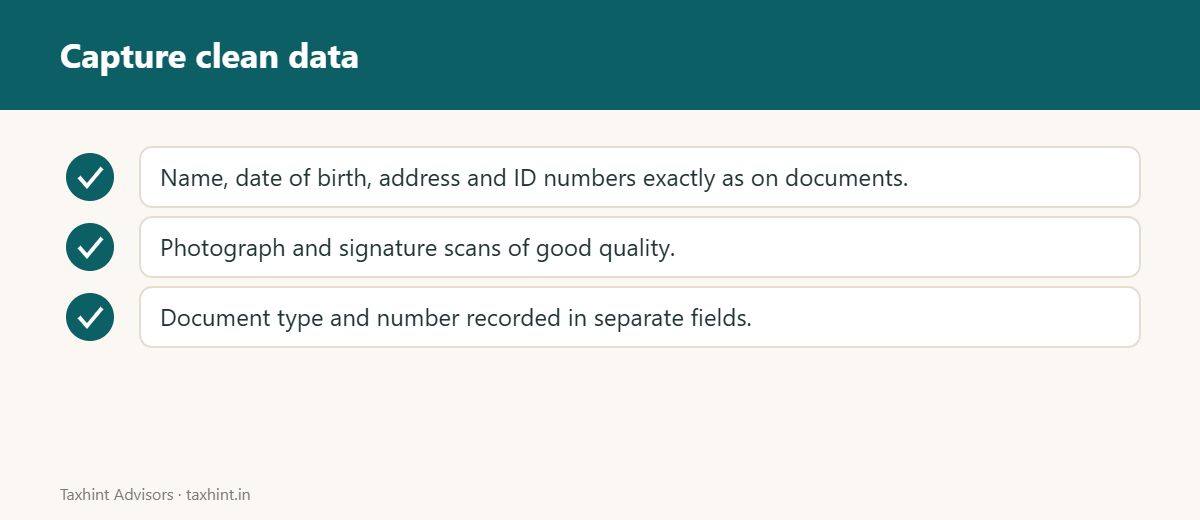
Capture clean data
Mistakes start at entry.
- Name, date of birth, address and ID numbers exactly as on documents.
- Photograph and signature scans of good quality.
- Document type and number recorded in separate fields.
Rules in this area are specific and change, so please verify the current position with your CA or CS.
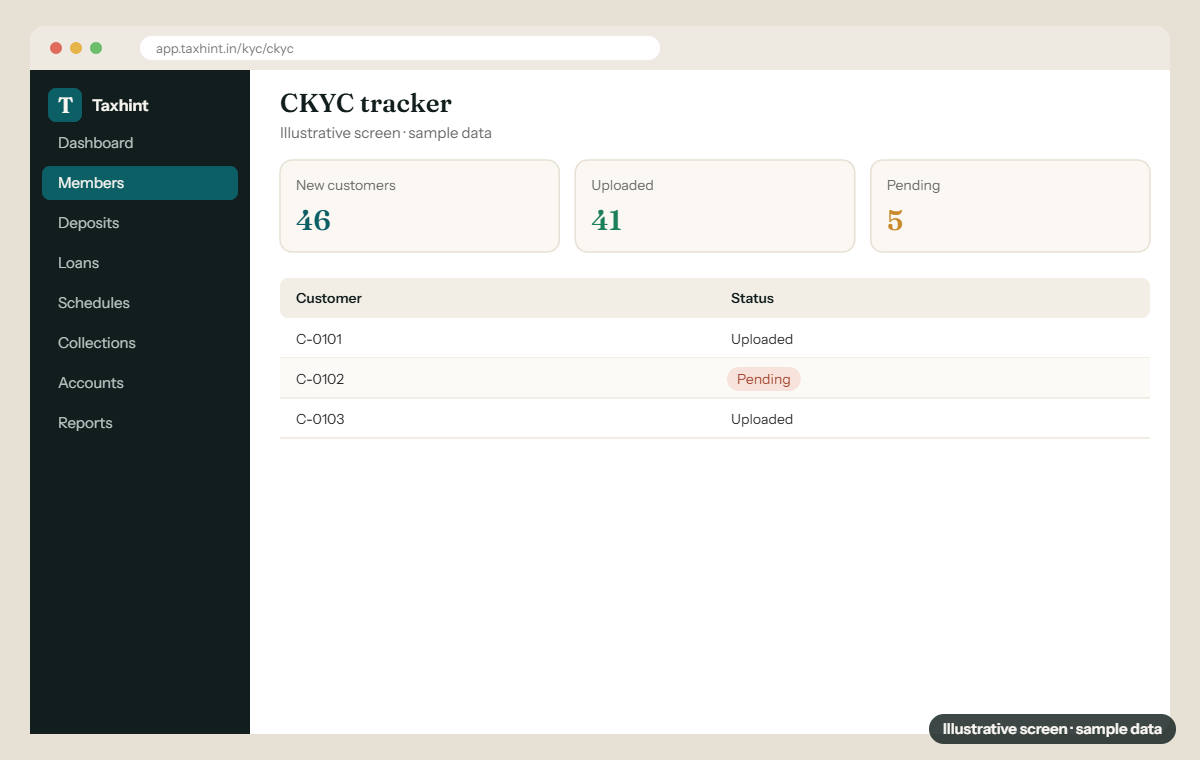
Track every upload
Do not rely on memory.
- List of customers due for upload by date.
- Status: prepared, uploaded, rejected, corrected.
- Reference number stored against the customer.
- Daily review of pending and rejected records.
Fix rejections fast
Rejections pile up if ignored.
- Common causes: name mismatch, poor scan, missing field.
- Correct at source and re-upload.
- Keep a log of corrections.
See KYC checklist and NBFC software.
| Status | Action |
|---|---|
| Pending | Prepare record |
| Uploaded | Store reference |
| Rejected | Correct and re-upload |
What the CKYC step looks like in daily work
CKYC is the central record of a customer identity that regulated lenders use. In daily work the step is simple to describe: collect the KYC documents, check them, prepare the record in the format the registry needs, upload it and keep the reference number against the customer. The risk is not the upload itself but mistakes in the data that cause rejections.
Illustrative example: an officer enters a customer name slightly differently from the PAN record. The upload is rejected, someone must find the mismatch, correct it and re-upload. A pre-check in the software that compares the fields saves this time.
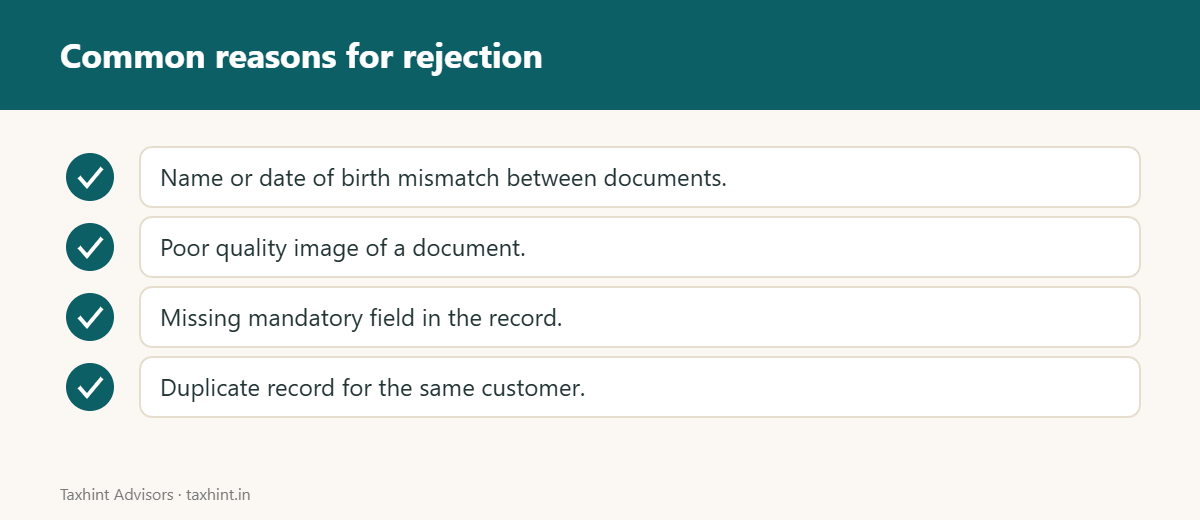
Common reasons for rejection
- Name or date of birth mismatch between documents.
- Poor quality image of a document.
- Missing mandatory field in the record.
- Duplicate record for the same customer.
A simple weekly routine
- List records pending upload.
- Upload in batches and note any rejections.
- Fix rejected records with the officer who made them.
- Record the reference number on the customer file.
- Review repeat error types with the team.
Points to confirm for your own case
- Which of your customers fall under the requirement.
- Time limits that apply to you.
- Who in your team is the nodal person.
- Please verify with your CA, CS or lawyer before you rely on it.
Tips for a small team
Assign one person to own CKYC uploads and one backup. Keep a simple sheet of records uploaded, rejected and corrected. A short weekly meeting to review rejections prevents the same mistake from repeating.
Train front desk staff on how to capture clear document images, because poor scans are a common cause of trouble later.
- Capture clear images at onboarding.
- Compare names across documents before saving.
- Track rejections and fix root causes.
Who should own this task
Name one owner and one backup, and write their names in your procedure note. When the owner is on leave, uploads should not stop. Share the weekly rejection count with the manager so that the task stays visible and does not become an afterthought.
- Owner and backup named.
- Weekly count of uploads and rejections.
FAQs
What is CKYC?
A central repository of customer KYC records. Please verify current requirements.
When must records be uploaded?
Within the period set by the rules. Please verify.
Can software help?
It can store KYC in a clean format and track upload status.
Who is responsible?
The lender, through its compliance function.
Want KYC and upload status tracked in one place? Book a demo of Taxhint NBFC software. Talk to Taxhint on +91 93117 95484 or [email protected], or visit taxhint.in.