November 25, 2026 · Guides
Regulatory Returns for NBFCs: Getting the Data From Your Software
Regulated NBFCs file periodic returns with the regulator. The returns ask for balance sheet items, asset classification, liquidity and other details. The forms, schedules and due dates depend on your category and are updated by the regulator.
Please verify what applies to you with your CA, CS or compliance officer. This guide is about getting the underlying data ready.
Here is a practical approach.
In this guide
Map the data
Know where each number comes from.
- List each return and the fields it needs.
- Map every field to a ledger, report or loan field.
- Note gaps where data is not captured.
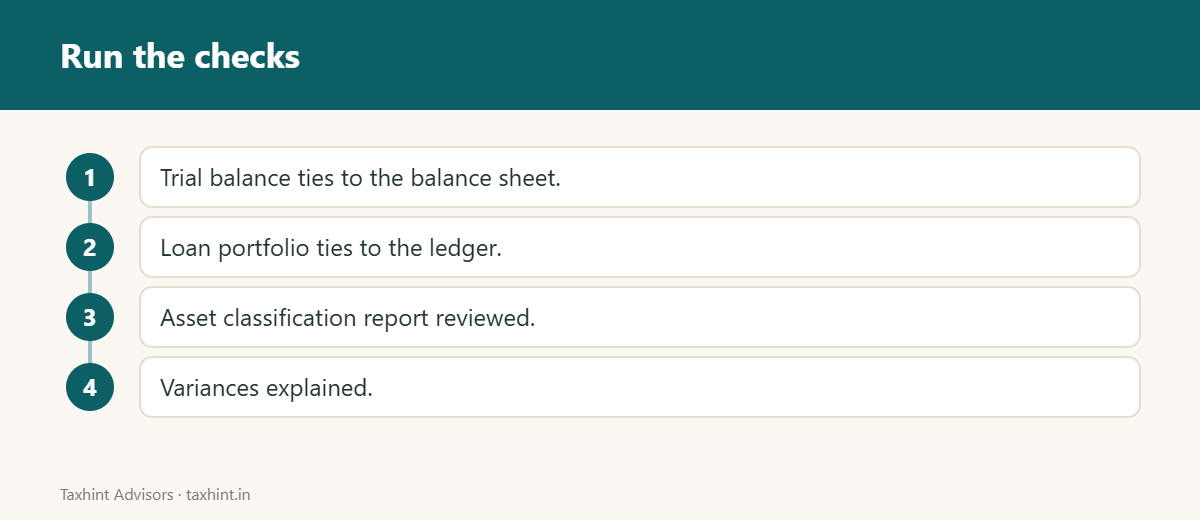
Run the checks
Before anyone files.
- Trial balance ties to the balance sheet.
- Loan portfolio ties to the ledger.
- Asset classification report reviewed.
- Variances explained.
Sign-off
Clear ownership.
- Maker prepares from system reports.
- Checker reviews against the ledger.
- Authorised signatory files and keeps the acknowledgement.
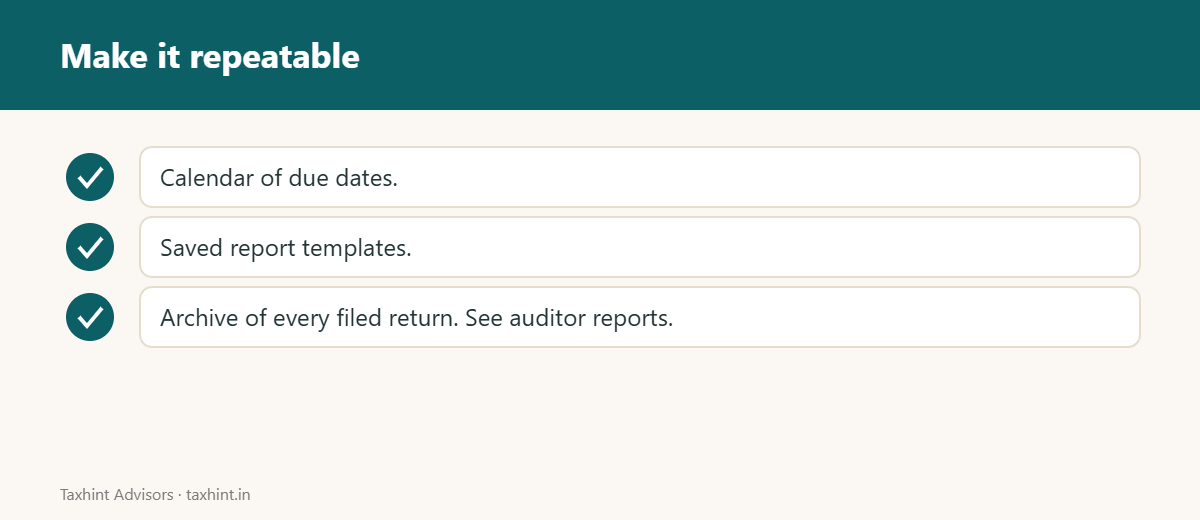
Make it repeatable
Same steps each time.
- Calendar of due dates.
- Saved report templates.
- Archive of every filed return. See auditor reports.
Rules in this area change, so please verify the current position with your CA, CS or compliance officer. See NBFC software and loan management software.
| Step | Owner |
|---|---|
| Data mapping | Finance and operations |
| Checks | Finance |
| Filing | Authorised signatory |
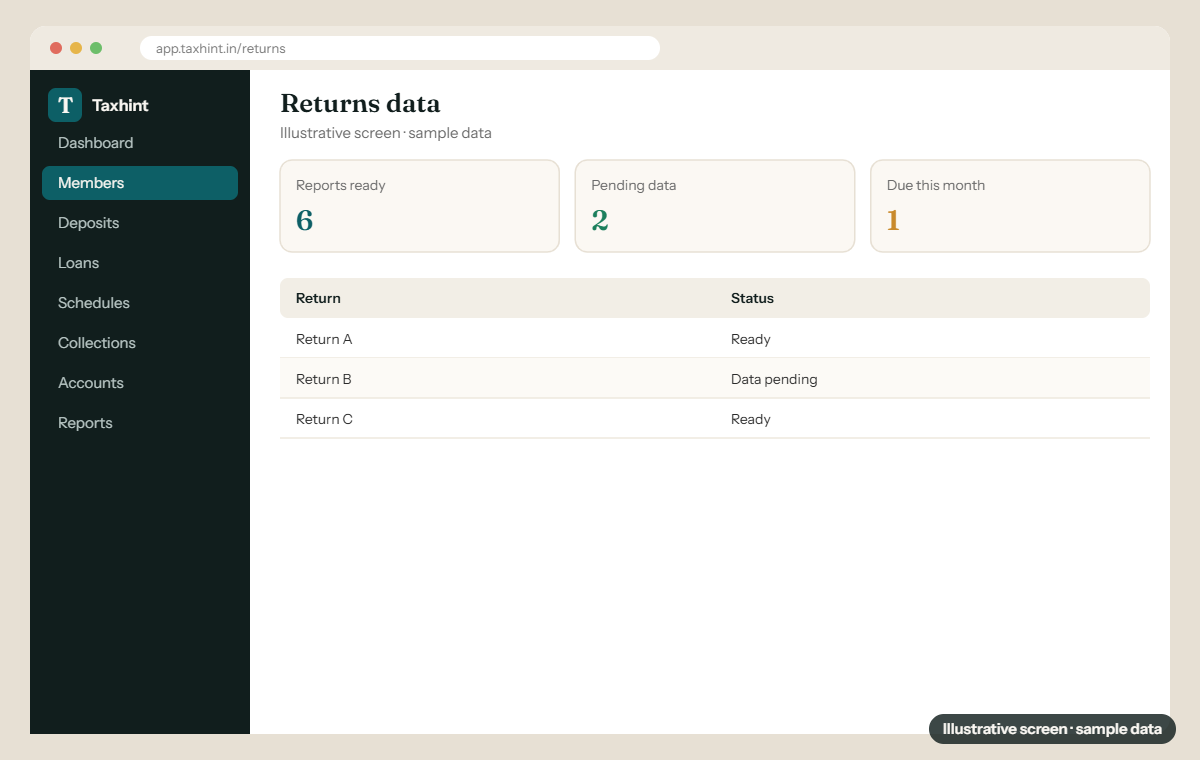
Getting return data out of the system
NBFCs have periodic returns to file with the regulator. Most of the data comes from the loan and accounting systems. The task is to make sure that the numbers are complete, consistent and traceable to the source.
Illustrative example: before a filing, the team runs a data check, compares totals with the books, resolves differences and then prepares the return from system reports.
Mistakes to avoid
- Preparing returns from memory or old files.
- Totals that differ from the books.
- No record of the source of each figure.
- Last minute filing without review.
Steps
- List the returns that apply to you and their dates.
- Map each item to a system report.
- Run a data quality check early.
- Reconcile with the books.
- Review by a second person and file with proof.
Points to confirm
- Applicable returns, formats and dates; ask your CA.
- Please verify with your CA, CS or lawyer before you rely on it.
Making it routine
Put return dates on a calendar, assign an owner and prepare a checklist. A rehearsal a few days before reduces stress. Put this in writing and revisit it every quarter, because the first version is rarely the best.
Keep the supporting files with the filed return.
- Calendar
- Checklist
- Support files
Learning from each cycle
After each filing, note what took the most time and what to fix in the system so that next time is easier. Put this in writing and revisit it every quarter, because the first version is rarely the best.
Discuss the notes with your software vendor.
- Post filing notes
- System fixes
- Vendor discussion
A dry run before each filing
A few days before the due date, prepare the return as if filing, compare totals with the books and let a second person review. Any gap found in the dry run is much cheaper to fix than a revision after filing. Write the answers down, assign an owner and revisit them each quarter so that the practice keeps improving instead of drifting.
- Dry run
- Totals compared
- Second reviewer
FAQs
Which returns apply to me?
Depends on your NBFC category. Please verify.
Can software file returns directly?
It prepares data. Filing is done on the regulator’s portal by authorised users.
What if data is missing?
Capture it going forward and fix at source.
How long should filed returns be kept?
As per rules and your policy.
Want return data ready from your loan and accounting records? Book a demo of Taxhint NBFC software. Talk to Taxhint on +91 93117 95484 or [email protected], or visit taxhint.in.