November 25, 2026 · Guides
Statutory Auditor Reports for NBFCs: Data Your Software Should Provide
At year end, the auditor asks for the same things every time: loan listings, ageing, provisioning workings, interest income checks and evidence of controls. If your software cannot produce them quickly, the audit drags on.
Reporting requirements depend on your entity type and the auditor’s scope, so please verify with your CA.
Here is a ready list.
In this guide
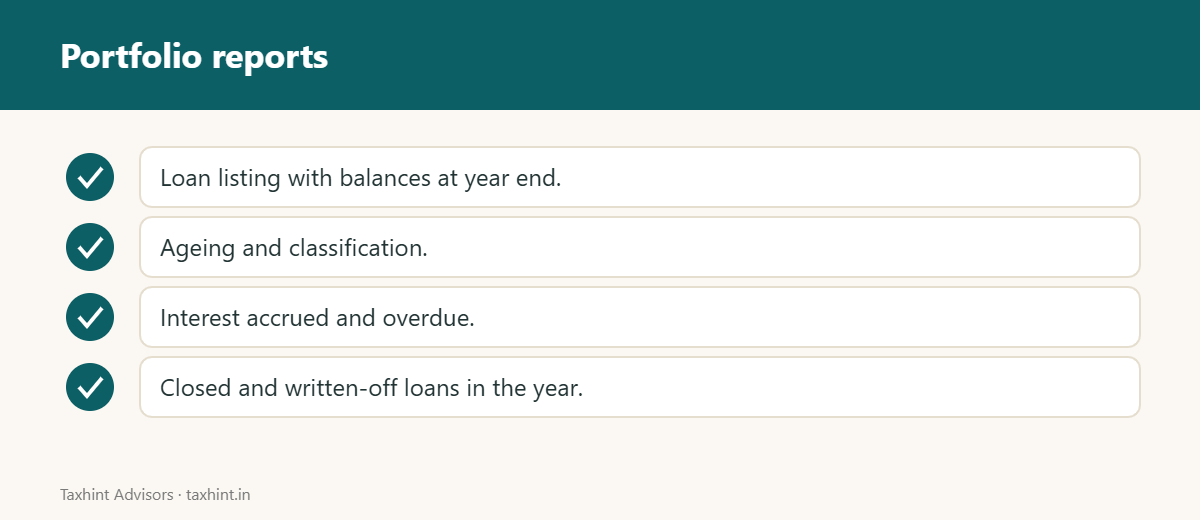
Portfolio reports
Foundation of the audit.
- Loan listing with balances at year end.
- Ageing and classification.
- Interest accrued and overdue.
- Closed and written-off loans in the year.
Accounting reports
Tie everything.
- Trial balance and ledgers.
- Subledger to ledger reconciliations.
- Fee and charge income summary.
Controls evidence
Show how it works.
- User roles and access list.
- Audit trail extracts for changes.
- Backup and restore evidence. See IT security checklist.
- Approval records for large items.
Make it smoother
Prepare early.
- Pre-audit review a month before year end.
- Single folder for all auditor requests.
- Query log with owners and dates.
Rules in this area change, so please verify the current position with your CA, CS or compliance officer. See NBFC software and loan management software.
| Report | Auditor use |
|---|---|
| Loan listing | Existence and balances |
| Ageing | Provisioning |
| Audit trail | Controls |
Helping the auditor with system reports
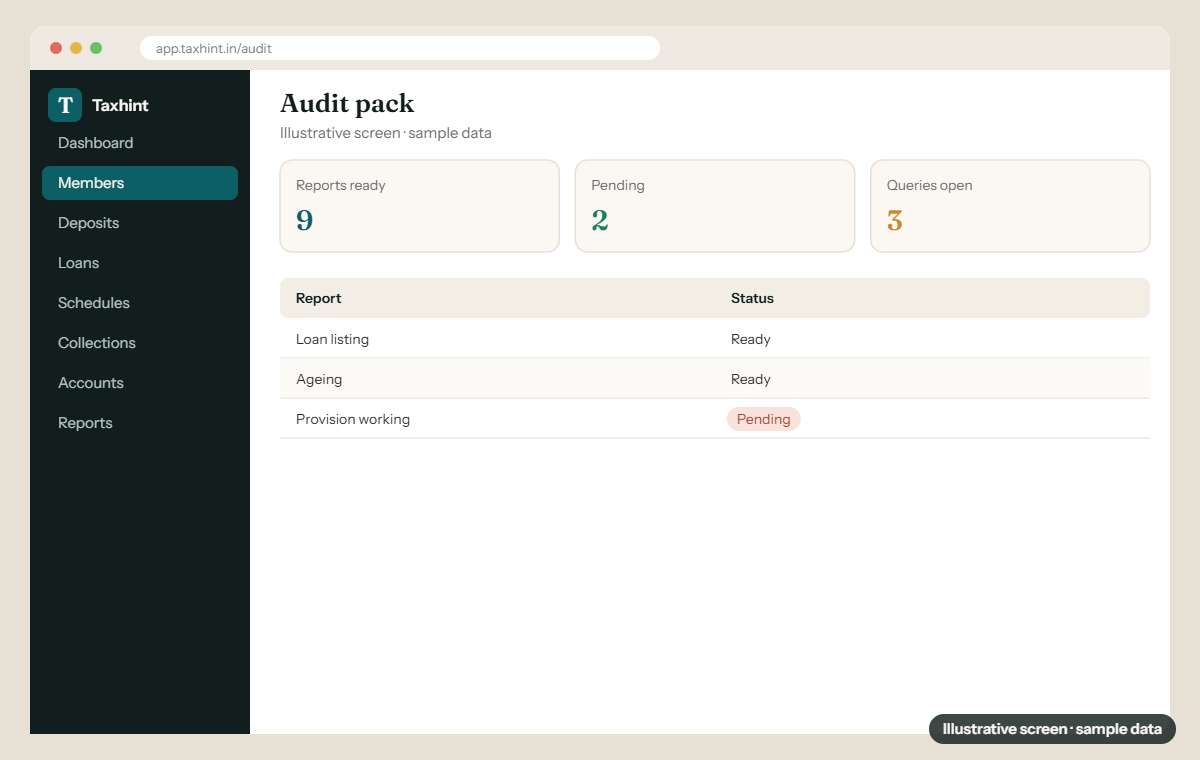
Statutory auditors of NBFCs need loan, deposit and accounting reports, along with evidence for classification and provisioning. If your software can produce these reports quickly and consistently, the audit goes faster and with fewer queries.
Illustrative example: before the audit, the finance team prepares the reports the auditor asked for last year, checks them against the books and keeps them in a shared folder.
Mistakes to avoid
- Producing reports on request only, with different numbers each time.
- No reconciliation between loan system and accounts.
- Missing supporting documents for sampled loans.
- Changing data after the reports are sent.
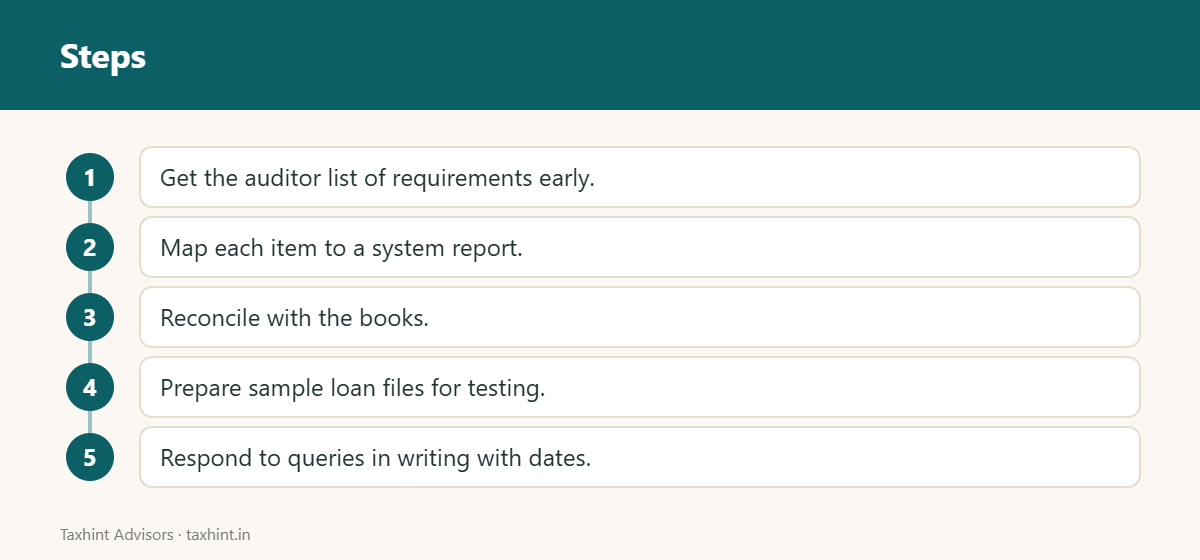
Steps
- Get the auditor list of requirements early.
- Map each item to a system report.
- Reconcile with the books.
- Prepare sample loan files for testing.
- Respond to queries in writing with dates.
Points to confirm
- Reports and formats required for your category; ask your auditor and CA.
- Please verify with your CA, CS or lawyer before you rely on it.
Access for auditors
Give the auditor read only access or exports as per your policy, with a log of what was shared. Put this in writing and revisit it every quarter, because the first version is rarely the best.
Avoid sharing more data than needed.
- Read only access
- Log of exports
- Need to know basis
After the audit
Note the points raised by the auditor and fix the system or process so that they do not repeat. Put this in writing and revisit it every quarter, because the first version is rarely the best.
Share the points with the board or management.
- Audit points list
- System fixes
- Management review
A shared audit folder
Create a folder with the reports requested, the reconciliation notes and the sample files. Update it as queries come in so that the auditor and your team both see the same information, and keep a list of queries with dates and replies. Write the answers down, assign an owner and revisit them each quarter so that the practice keeps improving instead of drifting.
- Reports folder
- Reconciliation notes
- Query list
FAQs
What does the auditor want from loan software?
Listings, ageing, trails and reconciliations.
Can reports be exported?
They should be exportable to Excel or PDF.
What slows audits down?
Unreconciled balances and missing evidence.
When should I start preparing?
At least a month before year end.
Want an audit pack at the click of a report? Book a demo of Taxhint NBFC software. Talk to Taxhint on +91 93117 95484 or [email protected], or visit taxhint.in.