November 25, 2026 · Guides
Nidhi Branch Rules: Planning Branches and Keeping Records

A Nidhi may be allowed to open branches under conditions in the Nidhi Rules, which can depend on its compliance record and net owned fund. Opening one without meeting the conditions is a compliance risk.
The conditions have been amended, so please verify them with your CA or CS before you plan.
Here is what to prepare.
In this guide
Check eligibility
Before the plan.
- Conditions in the current rules.
- Filing and compliance record.
- Board approval.
Rules in this area are specific and change, so please verify the current position with your CA or CS.
Set up in software
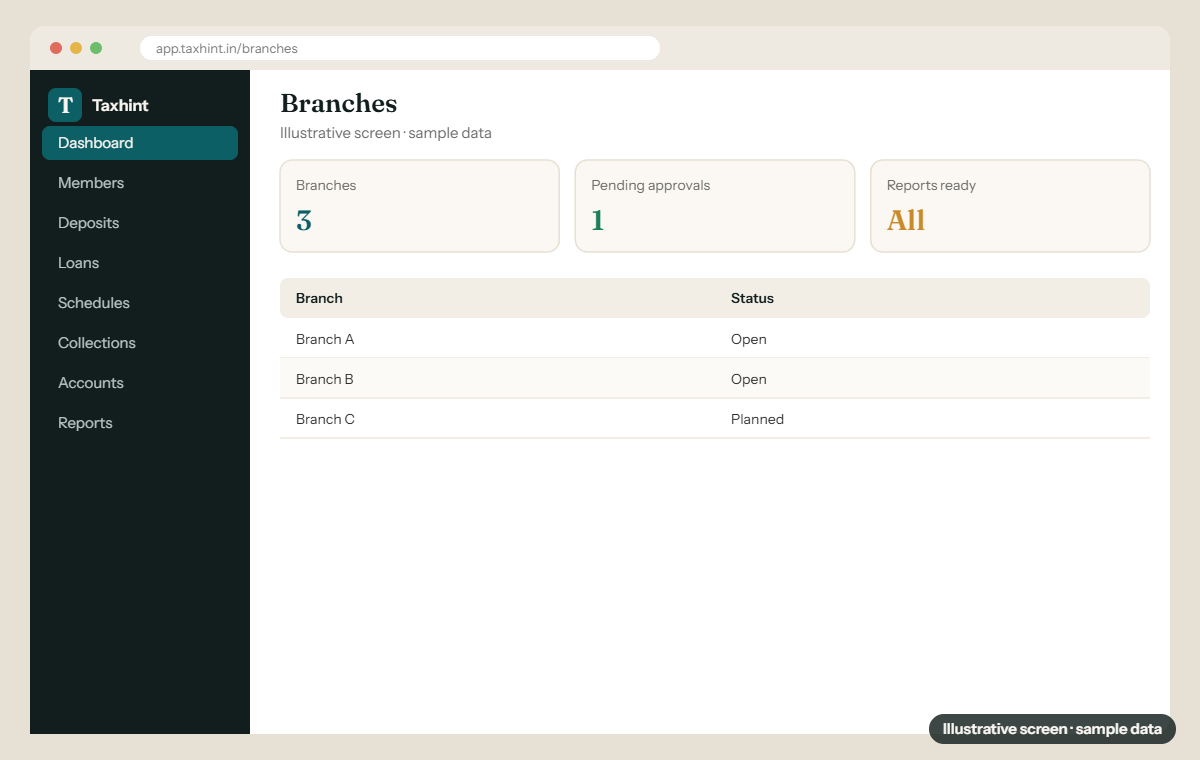
Branch wise control.
- Branch master and users.
- Cash and bank mapping.
- Branch wise limits and reports.
- See branch opening checklist.
Report and review
Stay in control.
- Branch wise deposits, loans and overdue.
- Intimation or filing as required. Please verify.
See Nidhi software.
| Item | Why |
|---|---|
| Eligibility | Avoid breach |
| Approval | Governance |
| Branch reports | Control |
Supporting branch rules in software
Nidhi rules may set conditions on opening branches, such as the time since incorporation and the compliance record. Even when the company meets the conditions, each branch needs set up, staff and controls. Software should treat each branch as its own unit with reports.
Illustrative example: after confirming that the company may open a branch, the team creates the branch in the system, assigns users and limits, tests sample entries and starts operations.
Mistakes to avoid
- Opening a branch before the conditions are met.
- Sharing logins between branches.
- No branch wise reports.
- Weak control over branch cash.
Steps
- Get the current conditions from your CA or CS.
- Confirm that the company meets them and complete any filing.
- Create the branch, users and limits in the software.
- Test and train staff.
- Review the first month closely.
Points to confirm
- Current conditions and filings for opening branches.
- Please verify with your CA, CS or lawyer before you rely on it.
Branch controls
Set cash limits, daily closing and approval levels, and require head office review of exceptions. Confirm the current rule text with your CA or CS and note the date you checked it.
Rotate audits across branches.
- Cash limits
- Daily closing
- Exception review
Reporting
Prepare branch wise reports of members, deposits, loans and overdue for management. Confirm the current rule text with your CA or CS and note the date you checked it.
Compare branches monthly.
- Branch reports
- Monthly comparison
- Action list
Questions people ask
Can any Nidhi open a branch? Only if it meets the conditions in the rules. Please verify with your CA or CS.
Do I need to file anything? Possibly. Ask your CS or CA for the current requirement.
How do I control a branch? With limits, daily closing and head office review.
Practical tip
Compare each branch with the head office every month. Put it in your written procedure so that every new staff member follows it from the first day.
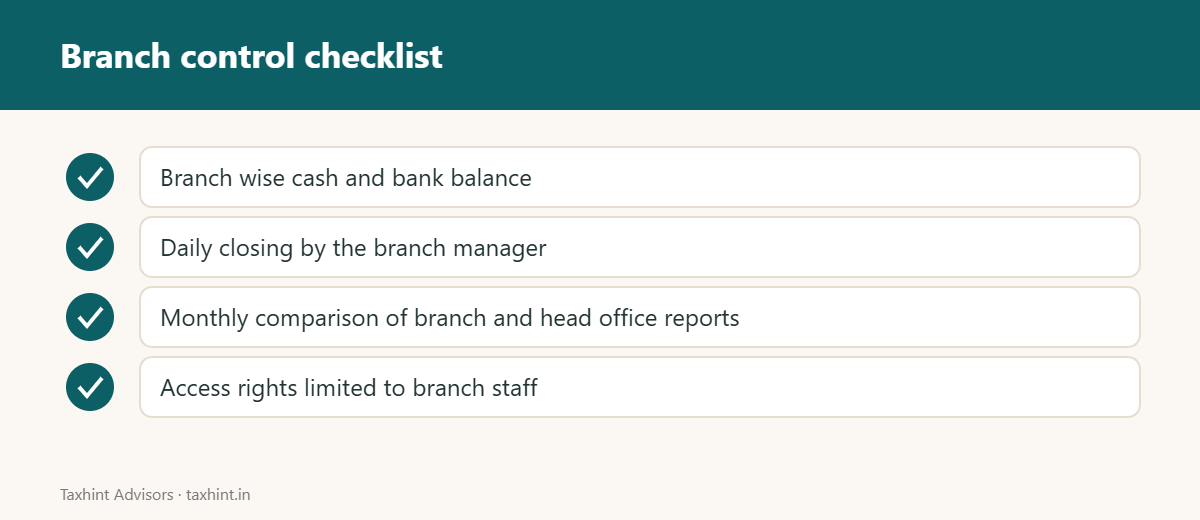
Branch control checklist
Opening a branch adds work for the head office. The software should show every branch separately and also roll everything up.
Ask your CS what filings or approvals apply before you open a new branch. Please verify with your CA or CS.
- Branch wise cash and bank balance
- Daily closing by the branch manager
- Monthly comparison of branch and head office reports
- Access rights limited to branch staff
FAQs
Can a Nidhi open branches?
Under conditions in the rules. Please verify.
Do I need to inform anyone?
Filings may be needed. Please verify.
Can one software run all branches?
Yes if it supports branch wise control.
Who approves?
The board, and as required by rules.
Want branch wise control from day one? Book a demo of Taxhint Nidhi software. Talk to Taxhint on +91 93117 95484 or [email protected], or visit taxhint.in.