November 25, 2026 · Guides
Deposit Limits for Nidhis: Tracking Them in Software
The amount of deposits a Nidhi can hold is linked to its net owned fund and other conditions in the Nidhi Rules. Crossing the limit is a compliance issue.
The ratios and conditions are set by the rules and have been amended, so please verify them with your CA or CS.
Here is how to track it.
In this guide
The link to NOF
Why capital matters.
- Deposit capacity depends on NOF. See net owned fund.
- Cover requirements for deposits. See unencumbered deposit.
Rules in this area are specific and change, so please verify the current position with your CA or CS.
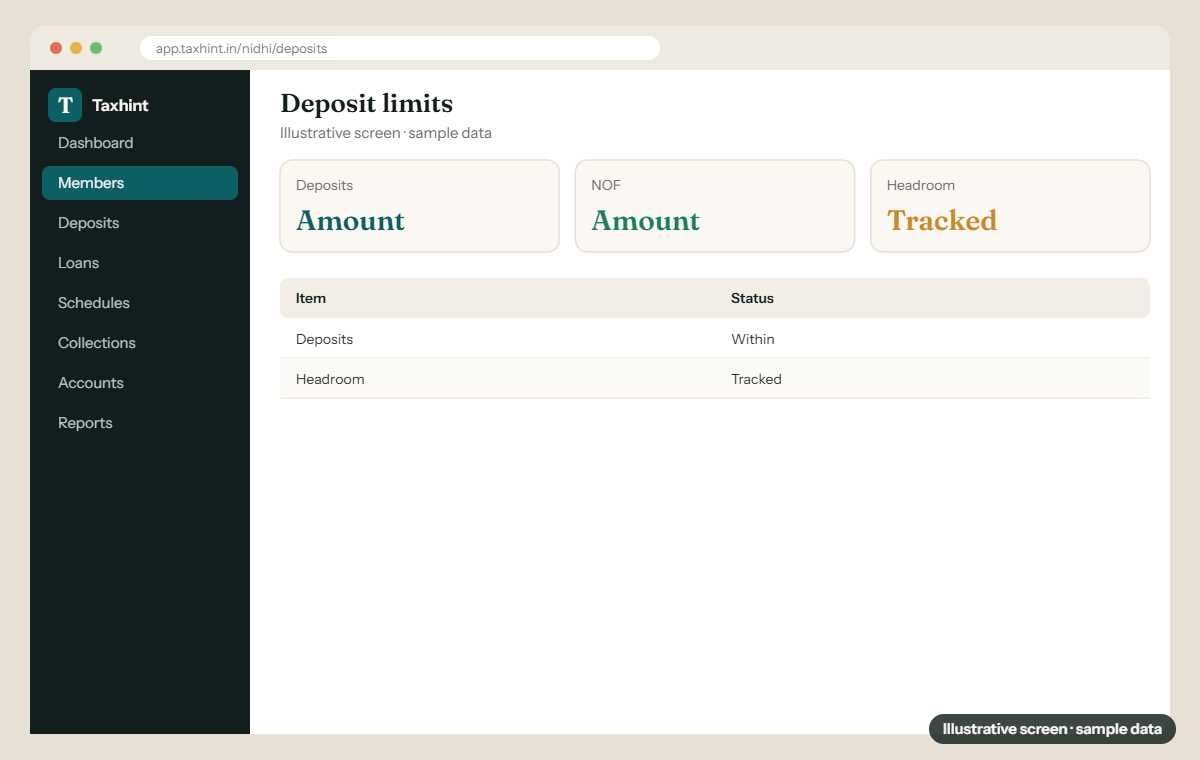
Track monthly
A control report.
- Total deposits by type.
- NOF from the latest figures.
- Headroom against the limit.
- Alert when headroom is low.
Act early
Before you breach.
- Slow down fresh deposits near the limit.
- Raise capital or reserves if the plan needs it.
- Record board decisions.
See Nidhi software.
| Report | Use |
|---|---|
| Deposits by type | Total view |
| NOF | Capacity |
| Headroom | Early warning |
Keeping deposits within the rules
A Nidhi accepts deposits only from members and within the conditions set by the rules. Software can apply these conditions at the time of entry, for example by checking membership and scheme terms, and can report the position against limits.
Illustrative example: when a deposit is entered, the system checks that the person is a member and that the scheme and tenure are allowed. A monthly report shows the total deposits against the applicable measures.
Mistakes to avoid
- Accepting deposits from non members.
- Offering schemes that the rules do not allow.
- Limits applied by hand with errors.
- No monthly check of the position.
Steps
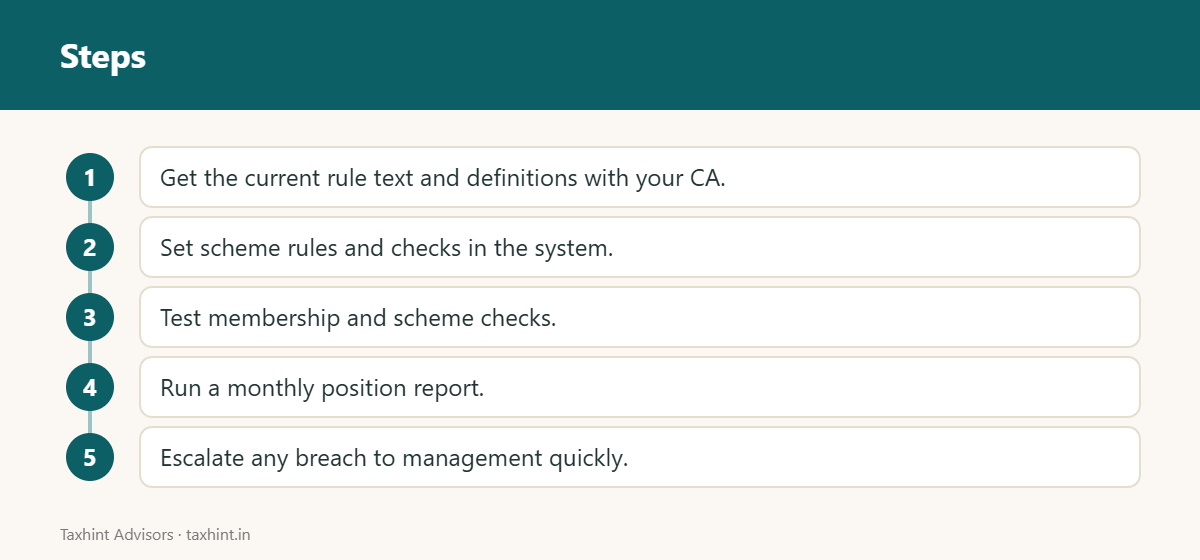
- Get the current rule text and definitions with your CA.
- Set scheme rules and checks in the system.
- Test membership and scheme checks.
- Run a monthly position report.
- Escalate any breach to management quickly.
Points to confirm
- Current conditions on deposits, limits and ratios.
- Please verify with your CA, CS or lawyer before you rely on it.
Communicating with members
Explain the scheme terms clearly, in the local language, and give written terms. Confirm the current rule text with your CA or CS and note the date you checked it.
Avoid promising returns that the rules or the business cannot support.
- Clear terms
- Local language
- No unrealistic promises
Monitoring
Review deposit growth, maturities and renewals. Plan liquidity for large maturities. Confirm the current rule text with your CA or CS and note the date you checked it.
Share the review with the board.
- Growth and maturity view
- Liquidity plan
- Board review
Questions people ask
Can a non member deposit? Not under the usual Nidhi rules. Please verify with your CA or CS.
How do I check scheme limits? Set them in the software and test with sample deposits.
What if a limit is breached? Inform management and your CA at once and take corrective steps.
Practical tip
Run the deposit position report on a fixed date every month. Put it in your written procedure so that every new staff member follows it from the first day.
FAQs
Is there a deposit limit?
Yes, linked to NOF and other conditions. Please verify.
Who checks it?
The auditor and the authority.
Can software warn me?
Yes, with NOF and deposit data.
What if I cross it?
Take advice from your CS and CA promptly.
Want deposit headroom visible every month? Book a demo of Taxhint Nidhi software. Talk to Taxhint on +91 93117 95484 or [email protected], or visit taxhint.in.