November 24, 2026 · Guides
Penal Charges on Loans: Setting Them Correctly in Software
Penal charges for late payment are a frequent source of complaints. Regulators have given directions on how regulated lenders may levy them and how they should be disclosed, and those directions can change.
Please verify the current directions with your CA, CS or compliance officer. This guide is about configuring and showing the charges clearly.
In this guide
Write the policy
Keep it simple.
- Which charges exist and when they apply.
- How they are calculated.
- Who may waive and with what reason.
- How they are shown in the agreement and statement.
Rules in this area are specific and change, so please verify the current position with your CA or CS.
Configure once
Avoid manual calculation.
- Set charge rules in the loan product.
- Let the system apply them from the due date.
- Show them as a separate line on the statement.
- Log waivers with approver.
Communicate
Surprises create complaints.
- Show charges in the sanction letter and key facts.
- Remind borrowers before the due date.
- Answer disputes with the statement.
See grievance module and loan management software.
| Item | Show on |
|---|---|
| Charge rule | Agreement |
| Charge applied | Statement |
| Waiver reason | Internal log |
Setting up penal charges in your software
Penal charges apply when a customer misses a payment. How they are described and applied is controlled by rules, so you should not design them from habit. Your software needs a place to store the rule, apply it consistently, show it on the statement and keep a record of any waiver.
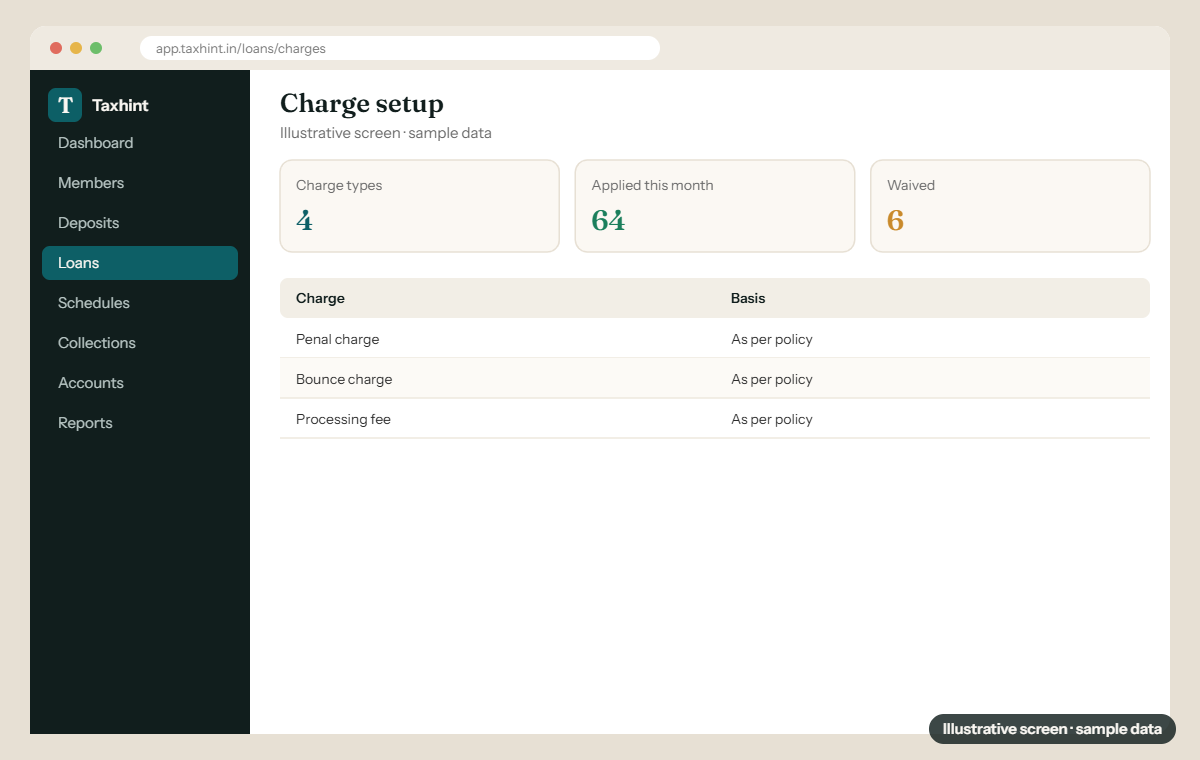
Illustrative example: the software reads the rule from a setting, calculates the charge on an overdue instalment, shows it as a separate line and lets only an authorised user waive it with a reason.
Mistakes to avoid
- Applying a charge that is not in the loan agreement.
- Different amounts for the same case at different branches.
- Charges added into the interest without showing them separately.
- Waivers given verbally with no entry.
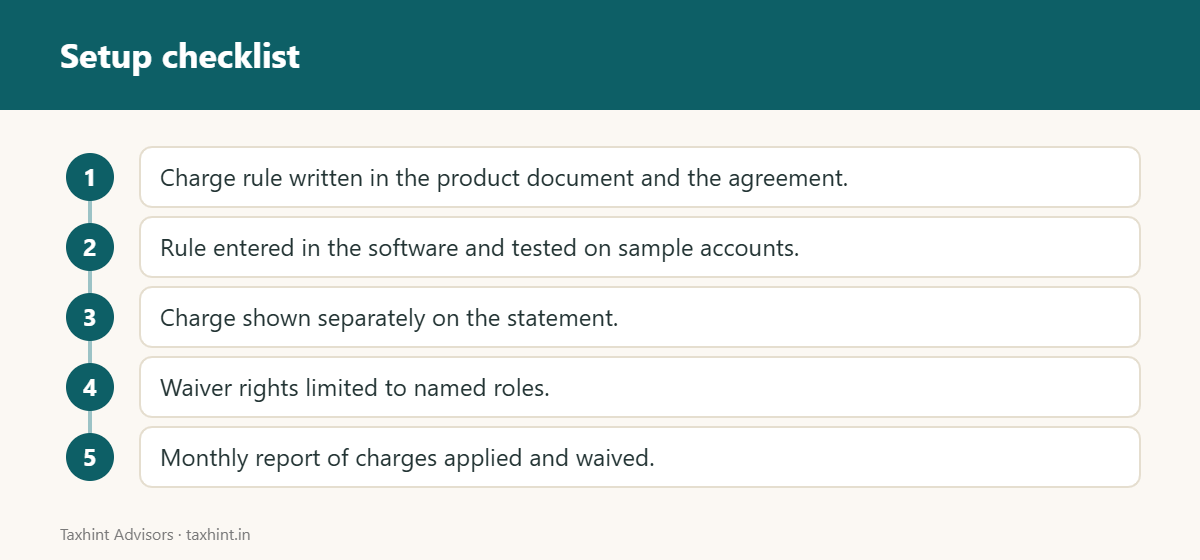
Setup checklist
- Charge rule written in the product document and the agreement.
- Rule entered in the software and tested on sample accounts.
- Charge shown separately on the statement.
- Waiver rights limited to named roles.
- Monthly report of charges applied and waived.
Before you finalise
- Check the current regulatory directions on penal charges.
- Please verify with your CA, CS or lawyer before you rely on it.
Tips for a small team
Keep one approved note on penal charges and share it with all branches. Whenever the rule changes, update the note, the software setting and the printed agreement together. A mismatch between the three is the most common source of complaints.
Review waivers each month to see whether they are given fairly and for good reasons.
- One approved rule note for all branches.
- Update software and agreement together.
- Review waivers monthly.
Explaining charges to customers
Staff should be able to explain the charge in one or two sentences, using the loan agreement. Practise this at the counter. A customer who understands why a charge applies is less likely to dispute it, and a clear explanation protects both the customer and your staff.
- Short script for staff.
- Agreement copy handed to every customer.
- Complaints about charges reviewed monthly.
FAQs
Can I charge any penal rate?
Directions apply to regulated lenders. Please verify the current rules.
Should charges be on the statement?
Yes, as a separate line.
Who can waive a charge?
As per your policy, with a reason.
Can software compute them?
Yes, once rules are set.
Want charges applied and shown consistently? Book a demo of Taxhint loan software. Talk to Taxhint on +91 93117 95484 or [email protected], or visit taxhint.in.