November 24, 2026 · Guides
NACH and e-Mandate EMI Collection: A Practical Guide for Lenders
Collecting EMIs by auto-debit reduces cash handling and late payments. But it adds its own tasks: setting up mandates, presenting debits on the right dates, handling returns and reconciling with the bank.
Here is a simple guide to running it well.
In this guide
Set up mandates properly
Most failures start here.
- Bank details verified with a cancelled cheque or similar proof.
- Mandate amount enough to cover the EMI and a small buffer.
- Start and end dates matching the loan.
- Borrower consent recorded.
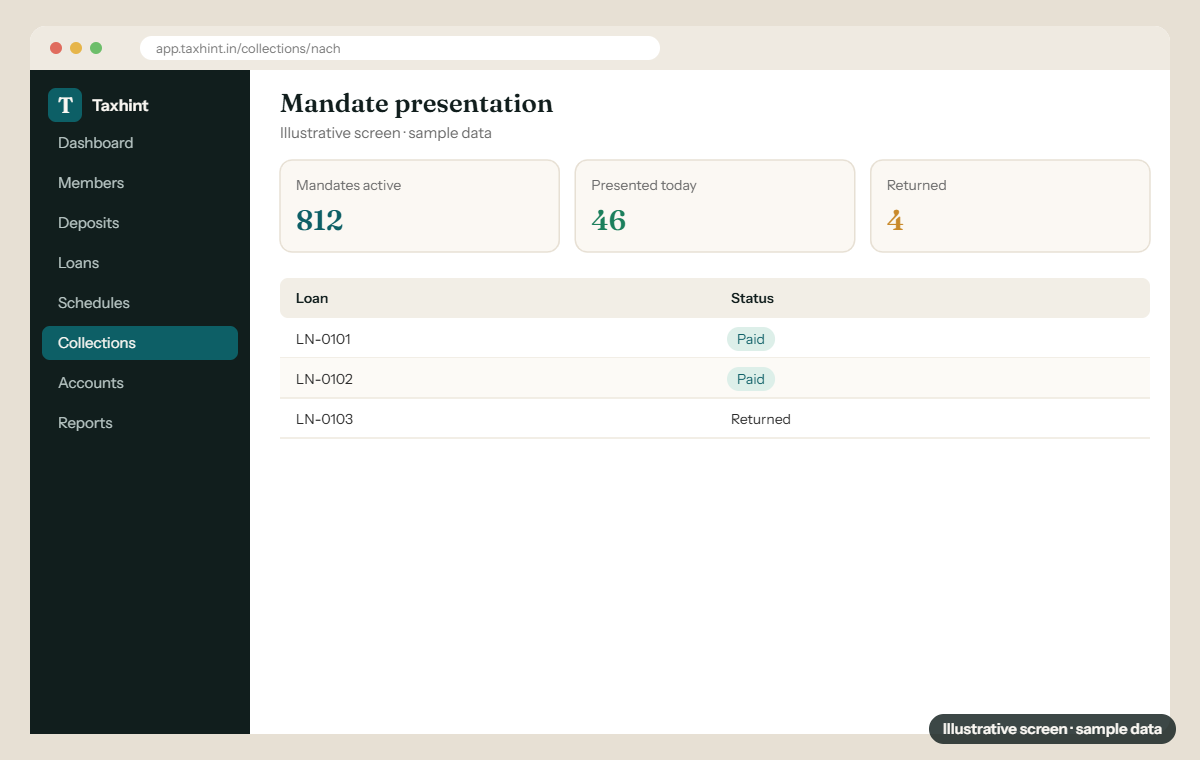
The monthly cycle
Keep a calendar.
- List EMIs due.
- Present debits before the due date as per bank cutoffs.
- Receive the response file.
- Post successes to loan accounts.
- Handle returns the same day. See EMI bounce handling.
Reconcile
Match every rupee.
- Bank credit against presented total.
- Returns against the return file.
- Unmatched items investigated within a day.
Charges and rules vary with your bank and the payment system, so please verify with your bank.
| Item | Check |
|---|---|
| Presented total | Equals bank credit plus returns |
| Returns | Each has a reason and action |
| Mandates expiring | List for renewal |
Why mandate hygiene matters
An eMandate lets a customer authorise automatic EMI debits. It reduces cash handling and missed due dates, but only if the mandate is set up correctly and tracked. Many bounces come from mandates that were never registered properly or accounts that were closed.
Illustrative example: an EMI is due on the fifth. The collection file goes out a few days earlier, the debit is attempted on the due date and the response file shows which accounts succeeded. Failed accounts are followed up the same day with a message and a call.
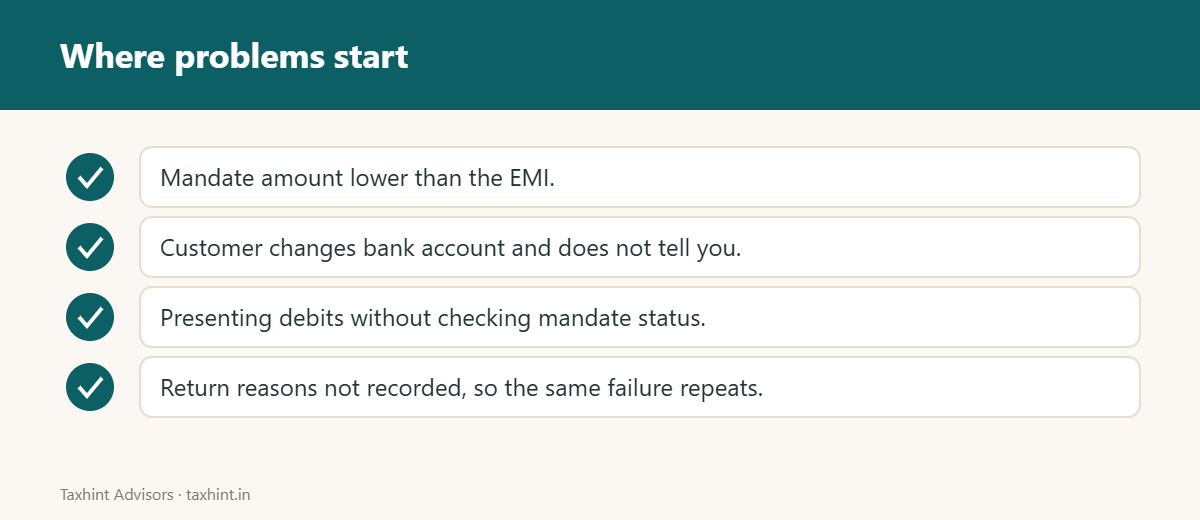
Where problems start
- Mandate amount lower than the EMI.
- Customer changes bank account and does not tell you.
- Presenting debits without checking mandate status.
- Return reasons not recorded, so the same failure repeats.
Monthly collection routine
- Check mandate status for all accounts due.
- Generate and send the collection file on time.
- Post successful debits automatically.
- Follow up failures the same day.
- Review repeat failures and ask for a new mandate where needed.
Customer communication
- Tell customers the debit date at the start of each month.
- Explain what charge applies on a bounce, as per your written policy.
- Offer another payment mode if a mandate fails.
- Please verify with your CA, CS or lawyer before you rely on it.
Tips for a small team
Start mandate registration at the time of sanction, not after disbursal. Keep a list of customers whose mandates are still pending and call them before the first due date. A small effort here prevents many first instalment bounces.
Send a reminder a few days before the debit date so customers keep enough balance in the account.
- Register mandates at sanction.
- Remind customers before the debit date.
- Review failed debits every week.
A note on customer trust
Customers are more comfortable with automatic debits when they know the date and the amount in advance. Give them a simple printed schedule and a contact number for queries. If a debit fails because of your error, correct it quickly and tell the customer, because trust is hard to rebuild.
- Printed schedule at sanction.
- Quick correction and a clear message after any error.
FAQs
What is a NACH mandate?
An authorisation for the lender to debit a borrower’s bank account regularly.
Why do debits fail?
Insufficient balance, expired mandate or wrong details.
Should I take a buffer in the amount?
Often useful. Check your bank and agreement.
How do I reconcile?
Match presentation, response and bank statement daily.
Want mandates, presentations and returns in one view? Book a demo of Taxhint loan software. Talk to Taxhint on +91 93117 95484 or [email protected], or visit taxhint.in.