November 24, 2026 · Guides
Core Banking for a Multi-State Cooperative Society: Needs and Checks
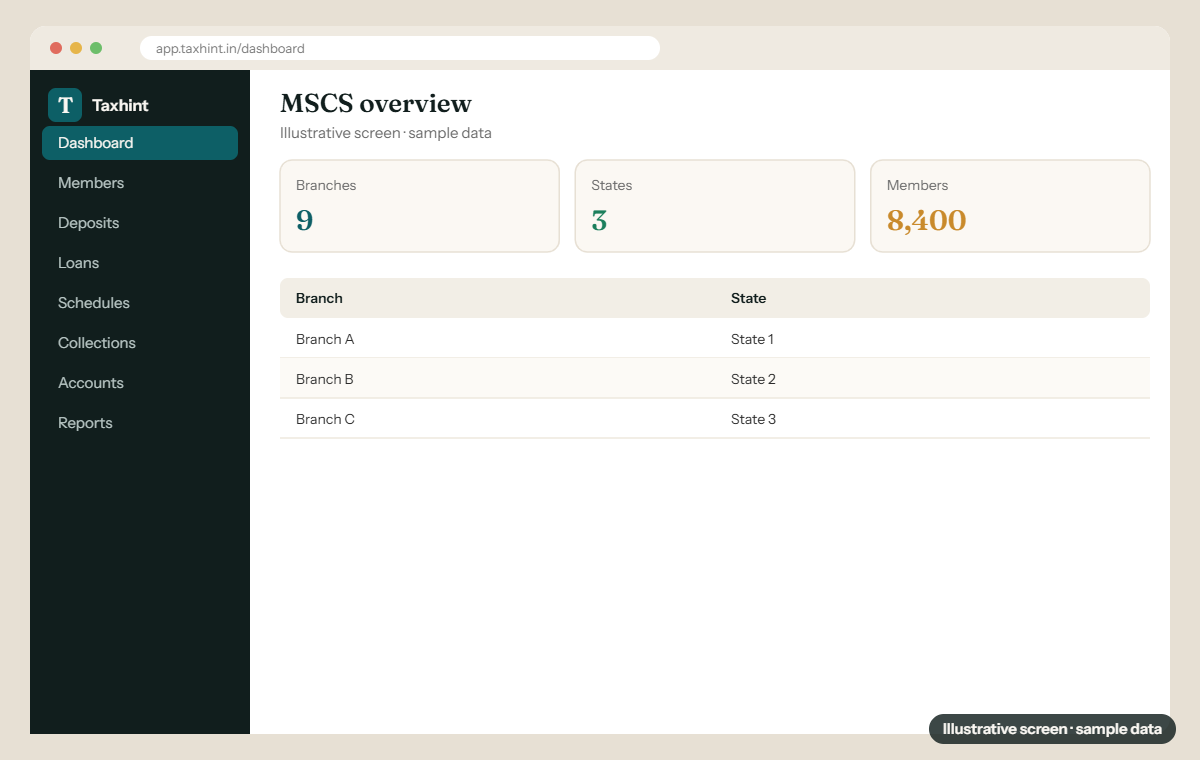
A multi-state cooperative society works across states with several branches. Its needs go beyond one-branch software: consolidated accounts, branch wise control and reports that reflect more than one state.
Registration, bye-laws and reporting come from the central cooperative law and the authority, so please verify requirements with your CA or CS.
Here is a checklist for core banking software.
In this guide
Structure
Many branches, one society.
- Branch master with state and address.
- Branch wise users and limits.
- Consolidated books with branch wise drill down.
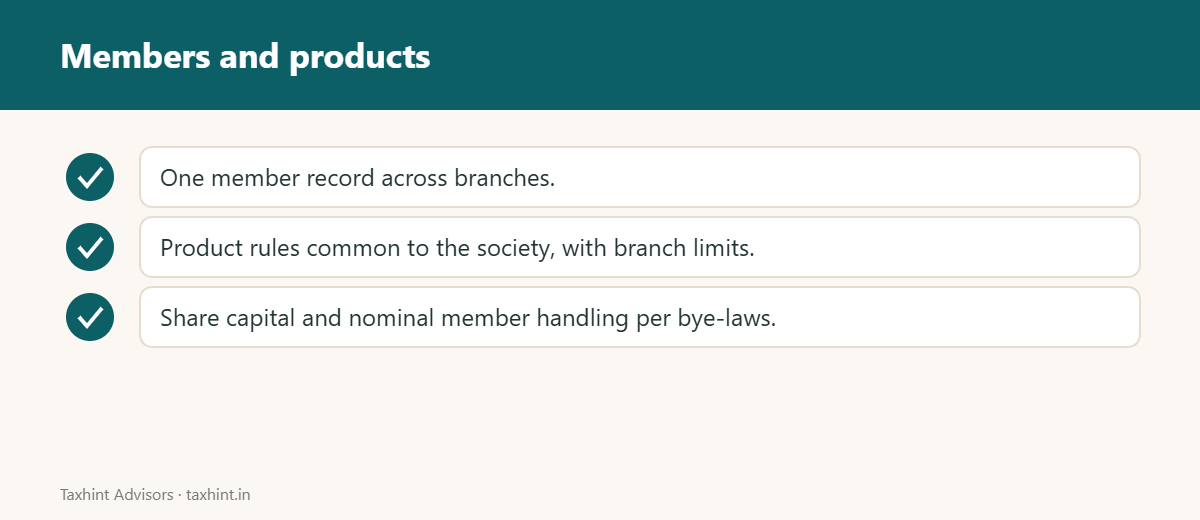
Members and products
Common rules, local variations.
- One member record across branches.
- Product rules common to the society, with branch limits.
- Share capital and nominal member handling per bye-laws.
Reports
For the board and the authority.
- Branch wise trial balance and balance sheet.
- State wise member and deposit reports. See state wise reports.
- Audit and compliance data for annual filings.
Controls
Distance needs discipline.
- Branch day closing with head office view.
- Inter-branch transactions tracked.
- Role based access and audit trail.
Rules differ by state and entity type, so please verify with your CA or CS before you finalise your policy. See loan management software and credit and thrift society software.
| Need | Check |
|---|---|
| Branch control | Limits and day closing |
| Consolidation | Society and branch view |
| State reports | Available |
What a multi-state society needs from core banking
A multi-state co-operative society works in more than one state, often with many branches. It needs a central system where members, deposits, loans and accounts are visible across branches, with reports for each state and for the head office.
Illustrative example: a member opens an account in one state and deposits at another branch. The balance is the same everywhere, and the head office sees a consolidated report with a state wise split.
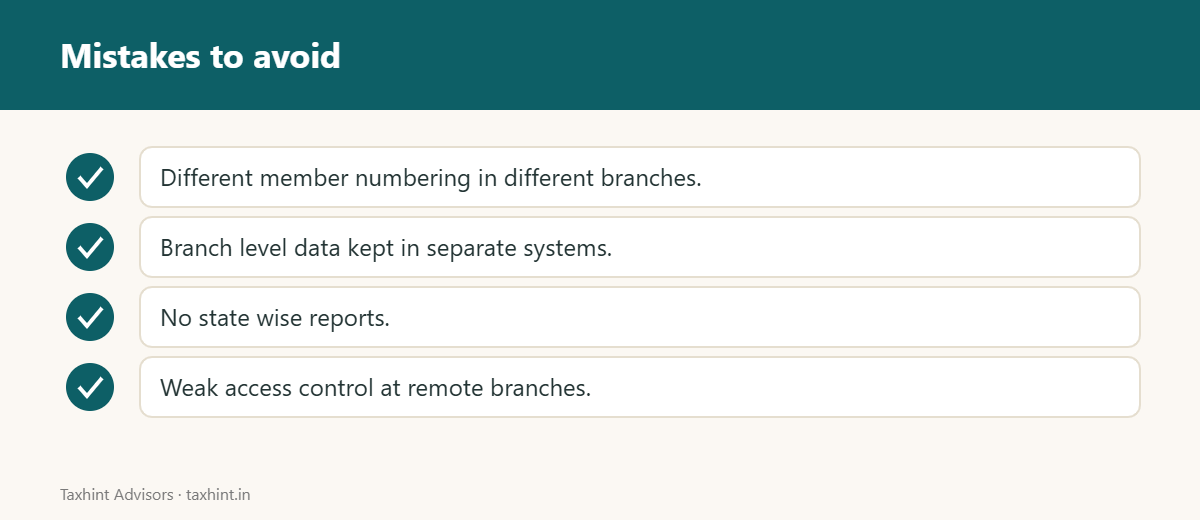
Mistakes to avoid
- Different member numbering in different branches.
- Branch level data kept in separate systems.
- No state wise reports.
- Weak access control at remote branches.
Steps
- List states and branches in the plan.
- Design roles and limits per branch.
- Set common product definitions.
- Test consolidated and state wise reports.
- Roll out branch by branch.
Points to confirm
- Returns and records required for multi-state societies; ask your CA or CS.
- Please verify with your CA, CS or lawyer before you rely on it.
Controls across branches
Set clear limits for branch managers and require head office approval above them. Review branch exceptions every month. Review this with your team once a quarter and update your checklist, because real cases teach more than the first draft.
Rotate audits across branches so that every branch is checked.
- Limits per branch
- Monthly exception review
- Rotating audits
Connectivity and backup
Branches may have poor internet. Ask how the system behaves when the connection drops and how data is backed up. Review this with your team once a quarter and update your checklist, because real cases teach more than the first draft.
Test a recovery from backup at least once a year.
- Offline behaviour tested
- Daily backup
- Annual recovery test
Questions for each branch
Ask each branch what reports it needs, how it handles poor connectivity and who manages local access. Put the answer in writing and revisit it every quarter, because the first version is rarely the best.
- Report needs
- Connectivity plan
- Access owner
FAQs
Does one software handle all branches?
Yes, if it supports multi-branch and consolidation.
How are inter-branch transactions handled?
As tracked entries with settlement.
Can reports be state wise?
They should be. Test with your branches.
Who decides reporting formats?
The law, authority and your auditor. Please verify.
Want branch wise and consolidated MSCS books? Book a demo of Taxhint co-op software. Talk to Taxhint on +91 93117 95484 or [email protected], or visit taxhint.in.