November 25, 2026 · Guides
Chit Fund Software vs Excel: Where Excel Starts to Fail
Most chit businesses start in Excel. It is free, familiar and flexible. For one or two groups it can work. As groups, tickets and months pile up, the sheet becomes slow, fragile and hard to audit.
Here is where the line is.
In this guide
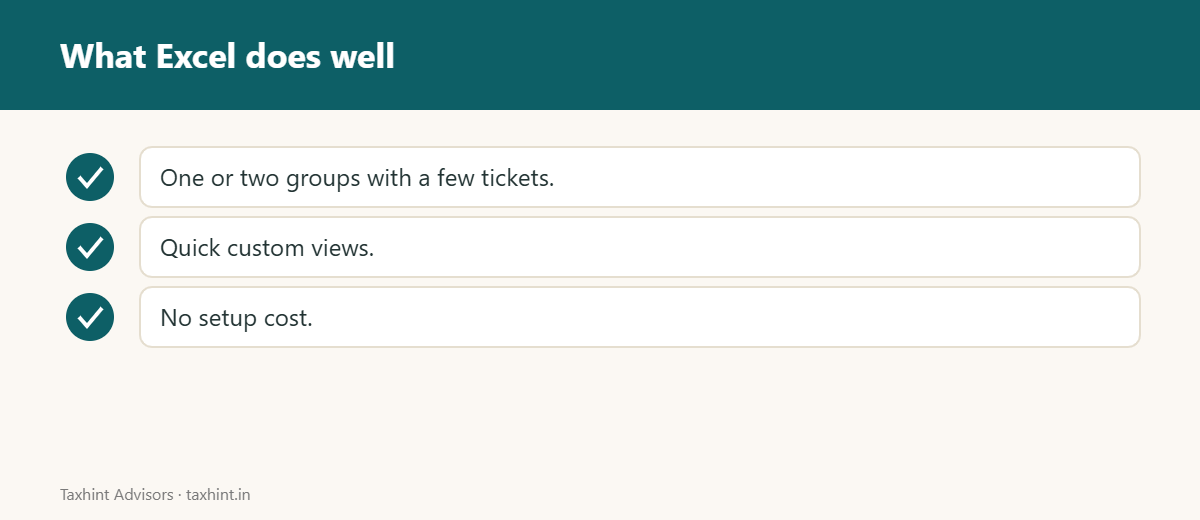
What Excel does well
At small scale.
- One or two groups with a few tickets.
- Quick custom views.
- No setup cost.
Where it breaks
At real scale.
- Auction, dividend and commission formulas copied and edited by hand.
- No audit trail of who changed what.
- Receipts and ledger kept separately.
- Defaulter and surety follow-up in notes.
- File corruption or version confusion.
What software adds
Control.
- Group and ticket master with rules.
- Auction, dividend and prize workflow.
- Receipts, ledger and statements together.
- Default and surety tracking. See default recovery.
Make the move
Plan the switch.
- Start with a new group in software.
- Migrate old groups with opening balances.
- Run a short parallel period. See UAT checklist.
Rules differ by state and entity type, so please verify with your CA or CS before you decide.
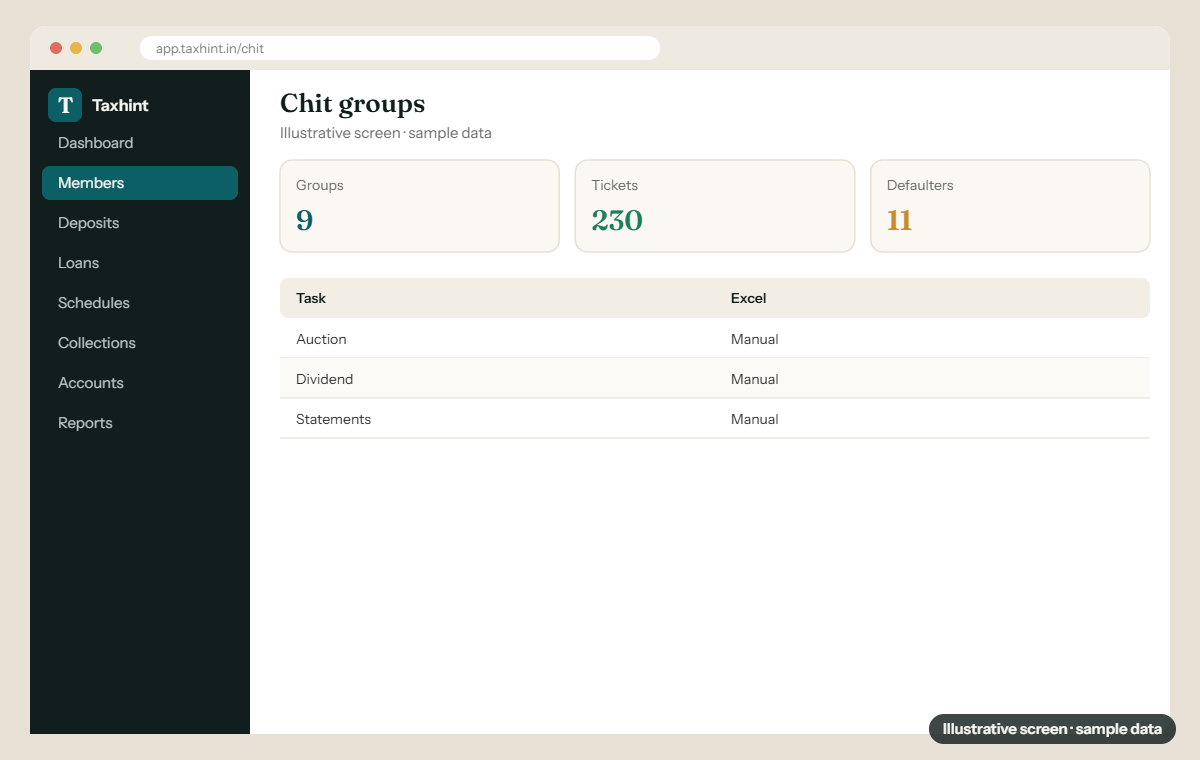
| Area | Excel |
|---|---|
| Audit trail | None |
| Formulas | Manual |
| Statements | Manual |
When Excel stops being enough
Excel works for a few groups and a few subscribers. As groups, tickets, auctions and dues grow, mistakes creep in, versions multiply and nobody can see the real position quickly. Software brings structure, controls and reports.
Illustrative example: an organiser runs five groups in a workbook. After a few months, one auction sheet is overwritten, and a subscriber disputes a due amount. Software would have kept an audit trail and a statement.
What Excel cannot easily do
- Control who can change a past entry.
- Produce subscriber statements in a click.
- Track dues across many tickets and groups.
- Send reminders and keep a record of them.
- Give a consolidated view for audit.
When to move
- More than a few groups running at once.
- Disputes about dues or auctions.
- More than one person entering data.
- Need for reports for authorities or auditors.
- Plans to add branches.
Points to confirm
- Record requirements in your state; ask your lawyer.
- Please verify with your CA, CS or lawyer before you rely on it.
Moving carefully
Clean the Excel data first, test the software with a sample group and run both in parallel for a month before you stop using the sheet. Write the answers down and decide with your team, not alone.
Keep a copy of the old files in a safe place.
- Clean data first
- Parallel run
- Archive old files
A simple test
Take one running group and try to answer five questions from Excel: who has paid this month, who owes the most, what the next auction result will change, how much each subscriber has paid so far and what the group position is. If any answer takes more than a few minutes, you have outgrown the sheet. Write the answers down and decide with your team, not alone.
Repeat the test with the software demo.
- Five questions test
- Time each answer
- Repeat in demo
FAQs
When should I leave Excel?
When groups or tickets grow or audits become hard.
Can I import my Excel data?
Usually yes, with a clean format.
Does software calculate dividends?
Yes, based on your group rules.
Does Taxhint have chit fund software?
Yes, along with chit fund registration.
Want to see a group run in software? Book a demo of Taxhint chit fund software. Talk to Taxhint on +91 93117 95484 or [email protected], or visit taxhint.in.