November 25, 2026 · Guides
Nidhi Software vs Credit Society Software: Which One Do You Need?
Nidhi companies and credit cooperative societies both take deposits from members and lend to them. Because the day to day looks similar, people assume one software fits both. The differences are in the rules, the reports and some products.
Your entity type decides what you must record and report. Please verify with your CA or CS.
Here is a side by side look.
In this guide
What is common
The core of both.
- Member master, deposits, loans and recoveries.
- Agent and pigmy collections.
- Ledger, day book and trial balance.
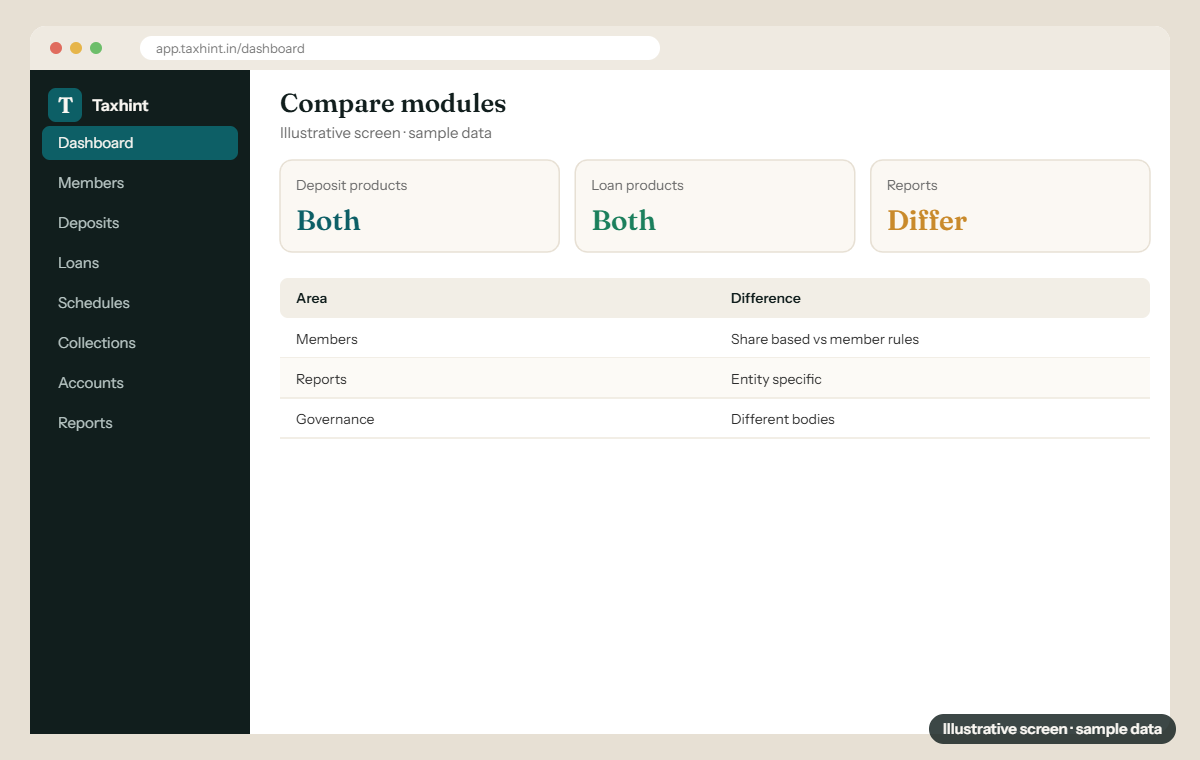
What differs
Entity specific parts.
- Reports and returns follow different laws.
- Share capital and dividend rules differ.
- Governance records such as AGM and board differ.
- Limits on deposits and loans follow each entity’s rules.
How to choose
Start from your entity.
- Confirm your entity type and the rules that apply.
- List the reports you must file.
- Ask the vendor to demo those exact reports.
- Check support for your products such as pigmy or group loans.
Next
See each in detail.
- Taxhint Nidhi software for Nidhi companies.
- Taxhint credit and thrift society software for societies.
- Cooperative with branches in several states: multistate cooperative society software.
Rules differ by state and entity type, so please verify with your CA or CS before you decide.
| Point | Nidhi |
|---|---|
| Governance | Company law |
| Reports | Nidhi specific |
| Software | Nidhi module |
Choosing by what you actually do
A Nidhi and a credit society both take deposits and give loans to members, but their rules, reports and member structure differ. Software built for one may not fit the other, so start from your legal form and your products, not from a feature list.
Illustrative example: a Nidhi needs member and deposit tracking in line with Nidhi rules, while a credit society needs share capital, dividend and bye law based limits. A demo should test these on your own sample data.
Questions to ask in a demo
- Does it support your legal form and its returns?
- How are shares, deposits and loans linked to members?
- Can I set limits from my bye laws or rules?
- Which reports will my auditor and the authority ask for?
- Can I move from one form to another later?
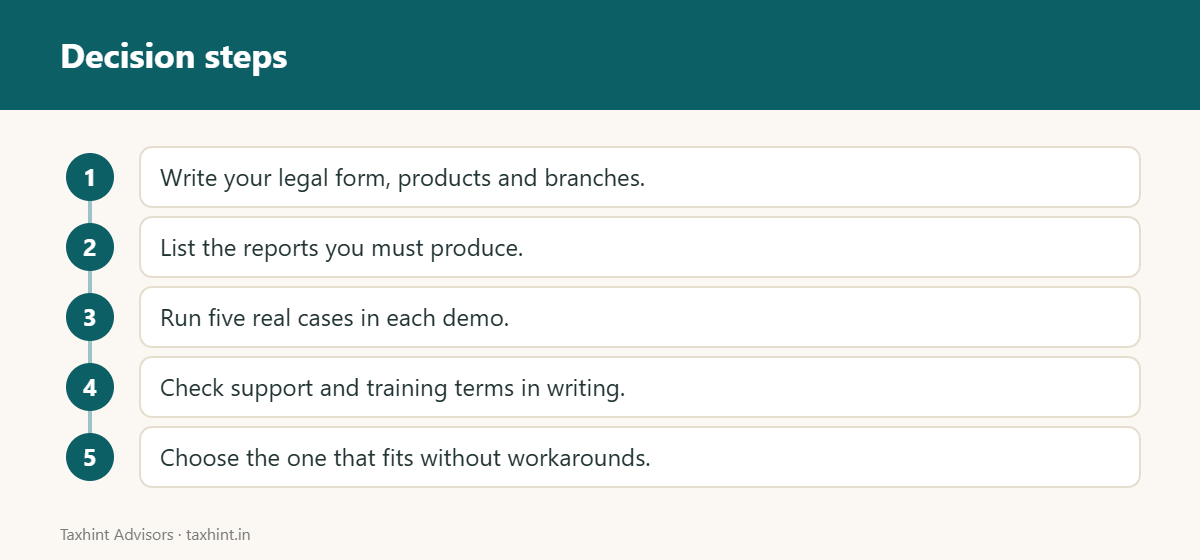
Decision steps
- Write your legal form, products and branches.
- List the reports you must produce.
- Run five real cases in each demo.
- Check support and training terms in writing.
- Choose the one that fits without workarounds.
Points to confirm
- Rules for your form; ask your CA or CS.
- Please verify with your CA, CS or lawyer before you rely on it.
Avoiding a bad fit
If a vendor says one product fits both without any change, ask to see both sets of reports. A weak fit shows up in the reports. Write the answers down and decide with your team, not alone.
Talk to a user of the same type of institution before you buy.
- See both sets of reports
- Talk to a similar user
- Check upgrade path
FAQs
Can one software run both?
A vendor can offer both modules. Check that reports match your entity.
Which has more rules?
Both have specific rules. Verify with your CA.
Does Taxhint offer both?
Yes, Taxhint has Nidhi software and credit and thrift society software.
What should I test in a demo?
Your own reports, your products and your day closing.
Not sure which fits you? Book a demo and tell us your entity type. Talk to Taxhint on +91 93117 95484 or [email protected], or visit taxhint.in.