November 24, 2026 · Guides
IT Security Checklist for Lending Software: 15 Points
A lending system holds money records and personal data. A weak password or a missing backup can stop the business or leak customer data.
Use this checklist for your own system and when you talk to a vendor. Regulated entities may have specific IT requirements, so please verify them with your compliance officer.
In this guide
Access
Who can do what.
- Separate login for every user.
- Roles with least access needed.
- Strong passwords and, where offered, two-step login.
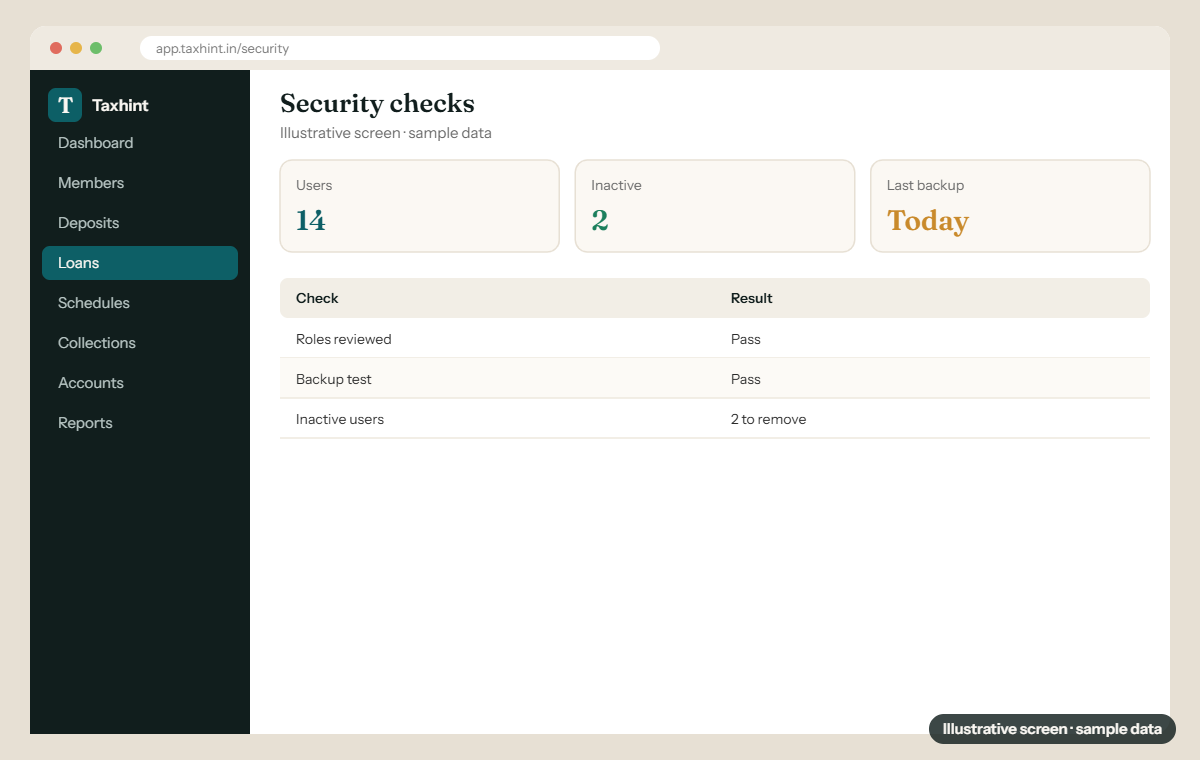
- Remove users who leave on the same day.
- Approval for edits to closed periods.
Data protection
Do not lose or leak data.
- Daily backup kept outside the office.
- Restore tested every quarter.
- Encrypted connection to the software.
- Audit trail of who changed what.
- Exports controlled by role.
Vendor and operations
Ask your software provider.
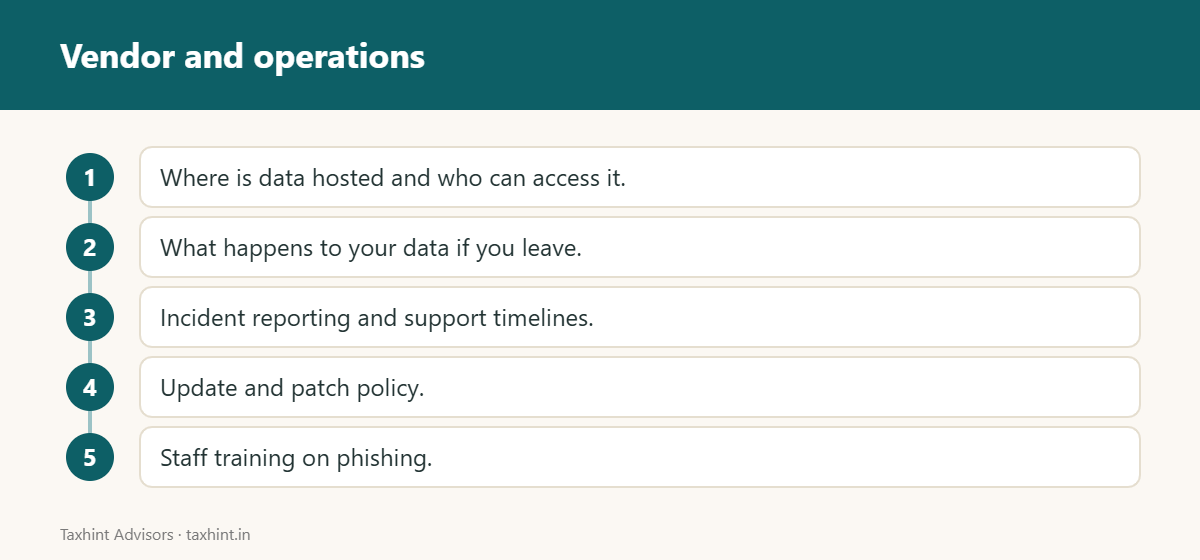
- Where is data hosted and who can access it.
- What happens to your data if you leave.
- Incident reporting and support timelines.
- Update and patch policy.
- Staff training on phishing.
Rules in this area change, so please verify the current position with your CA, CS or compliance officer.
Review
Make it routine.
- Run through the list every quarter.
- Fix gaps with an owner and date.
- See also vendor security questions.
See NBFC software and loan management software.
| Area | Check |
|---|---|
| Access | Roles and removal |
| Backup | Daily and tested |
| Audit | Trail on |
| Vendor | Exit and hosting |
Practical security for a small lender
Security does not need to be complicated to be useful. Strong passwords, limited access, regular backups, updated software and trained staff stop most common problems. The key is to make these habits routine and to check them regularly.
Illustrative example: an office keeps daily backups on a separate system, tests a restore once a month, removes access for staff who leave on the same day and reviews user rights every quarter.
Mistakes to avoid
- Shared logins for several staff.
- Backups never tested.
- Old staff accounts left active.
- Customer files on personal devices.
Quick actions
- Give every user a separate login.
- Turn on automatic backups and test a restore.
- Remove leavers immediately.
- Keep devices and software updated.
- Train staff to spot phishing messages.
Points to confirm
- Any security requirements that apply to your category of lender.
- Ask your software vendor for their security practices in writing.
- Please verify with your CA, CS or lawyer before you rely on it.
Building the habit
Put the security checklist on a monthly calendar reminder. One person ticks each item and the manager signs off. Over time the checks become routine, and a gap is spotted in weeks, not after an incident.
- Monthly checklist with sign off.
- Quarterly review of user access.
- Yearly test of the recovery plan.
If something goes wrong
Write a one page plan: who to call, what to switch off, how to restore from backup and how to inform customers if their data is affected. Keep it printed in the office. Practise once a year so that nobody is learning the steps for the first time during a real incident.
- One page incident plan.
- Names and phone numbers of key people.
- Yearly practice run.
Choosing an owner
Name one person who is responsible for security, even if the work is shared. That person keeps the checklist, tracks fixes and reports to management.
Without an owner, good intentions turn into forgotten tasks.
FAQs
What is the first thing to fix?
Shared logins and missing backups.
Do I need two-step login?
It is a strong protection where available.
How often should I test backups?
At least quarterly.
Can Taxhint share its security details?
Ask for them in your demo.
Want to see roles, audit trail and backups in action? Book a demo of Taxhint loan software. Talk to Taxhint on +91 93117 95484 or [email protected], or visit taxhint.in.