November 24, 2026 · Guides
12 Security Questions to Ask a Fintech Software Vendor
Your software holds member names, KYC copies, deposits and loan details. If it leaks or goes down, your members blame you, not the vendor. Before you buy or switch, ask these questions and note the answers in writing.
A good vendor answers plainly. If answers are vague, treat that as an answer too.
In this guide
Access and control
- Can I give each person a separate login and role? A cashier should not approve loans.
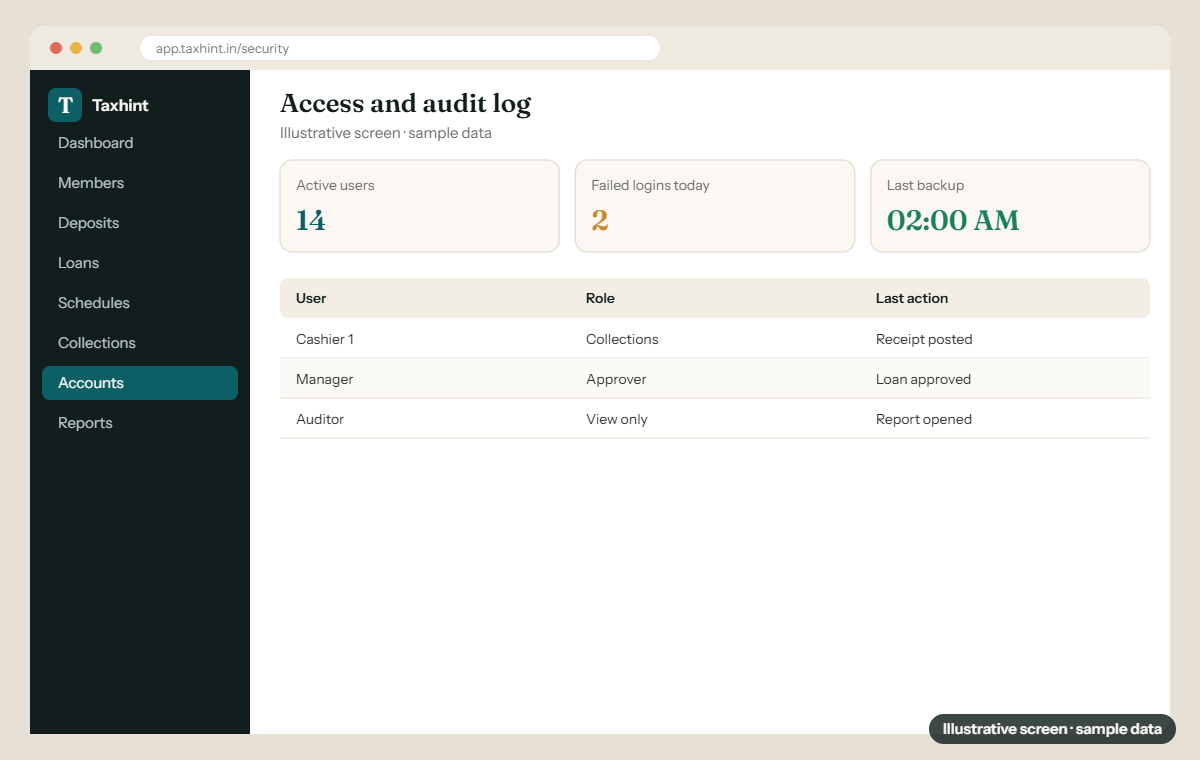
- Is there an audit trail? Every edit and deletion should show who did it and when.
- Can I limit what an auditor sees? Ideally view only, with no edit rights.
- Is there a second check for sensitive actions, such as approving a loan or changing an interest rate?
Data safety
- Where is the data stored and who can see it? Ask about hosting and staff access.
- How often are backups taken and where are they kept? Ask when the last restore was tested.
- Is data encrypted when stored and when sent? At minimum the login and data transfer should use HTTPS.
- What happens if the system goes down? Ask about support hours and how fast they respond.
Ownership and exit
- Who owns the data? It should be yours.
- Can I export everything in a usable format? Members, deposits, loans and ledgers, not just reports.
- What happens to my data if I stop paying or leave? Ask how long it is kept and how you get it back.
- Does it meet the rules for my entity? Ask what reports and records it keeps for audit. Please verify requirements with your CA or CS.
How to use this list
- Send the questions by email so the answers are on record.
- Ask for a demo of roles and the audit log, not only a presentation.
- Ask an existing customer how support has been.
- Compare two vendors on the same questions.
See also the NBFC software checklist, the co-operative society software checklist and the auditor access guide.
Red flags in a vendor’s answers
- No audit trail, or an audit trail that the administrator can switch off silently.
- Everyone logs in as the same user.
- Backups kept only on the same server as the live data.
- No clear way to export all your data.
- Pressure to sign before you have seen how roles and permissions work.
What you must do on your side
Even the best software cannot protect you if the basics at your office are weak. Use strong passwords, do not share logins, remove access when a staff member leaves, keep the office computer updated and limit who can export member data. Treat KYC copies like cash: only those who need them should see them.
Review the user list every quarter and remove anyone who no longer needs access.
FAQs
Is cloud software safe for a Nidhi or society?
It can be, if access is controlled, backups are tested and data is encrypted. Ask the vendor to show you.
Who should own the data?
You should. Make sure you can export it fully at any time.
What is an audit trail?
A record of who changed what and when, which helps both audit and internal control.
How often should backups run?
At least daily. Ask for the schedule in writing.
Have more questions on security or setup? Talk to Taxhint or book a demo. Talk to Taxhint on +91 93117 95484 or [email protected], or visit taxhint.in.