November 25, 2026 · Guides
Floating Rate Loans: How Interest Reset Works in Software

A floating rate loan changes its interest rate when a reference rate or your own benchmark changes. The loan still needs a clear schedule, so lenders decide whether to change the EMI or the tenure when the rate resets.
Regulated lenders have directions on how resets and borrower choice should work, so please verify the current position with your compliance officer.
Here is how to run it properly.
In this guide
Set the rule
Write it down.
- Reference rate or benchmark.
- Spread added by the lender.
- Reset frequency and dates.
- Impact: EMI change, tenure change or borrower choice.
Rules in this area change, so please verify the current position with your CA, CS or compliance officer.
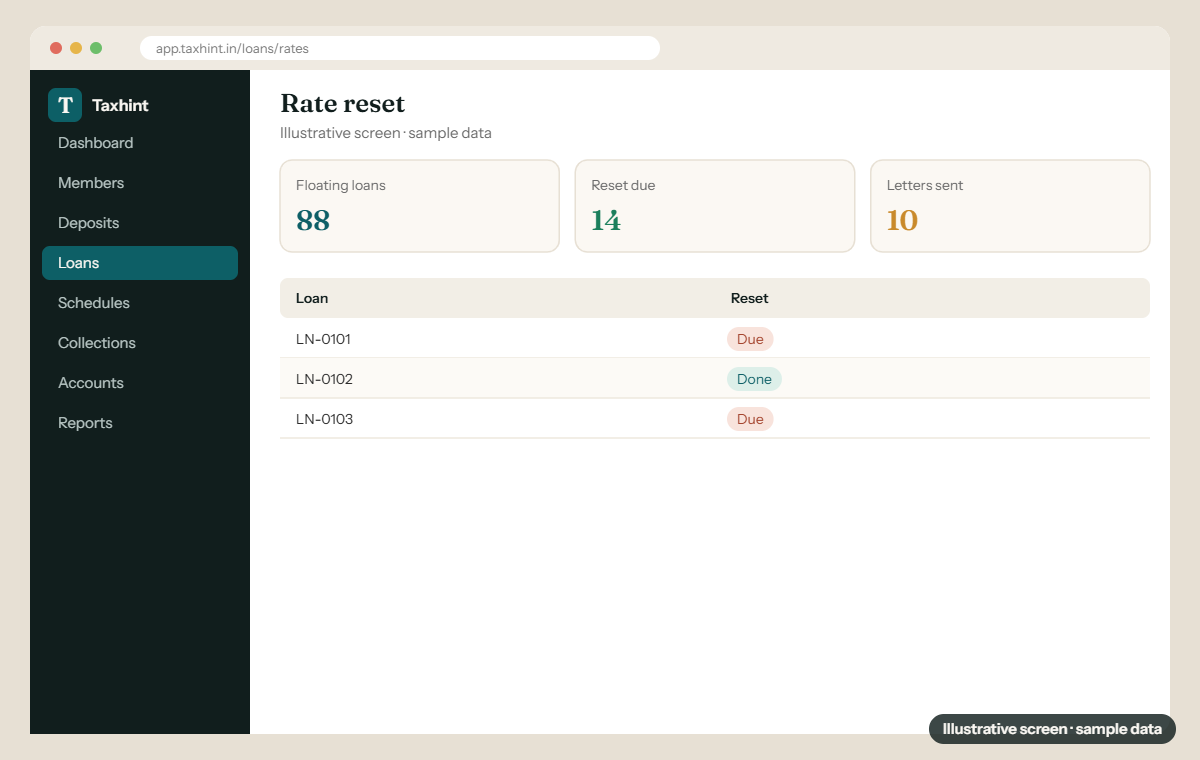
Run a reset
The same way each time.
- Update the benchmark on the effective date.
- Recalculate each loan’s schedule.
- Review changes for large movements.
- Generate communication to borrowers.
- Post the new schedule.
Tell the borrower
Avoid surprises.
- Letter or SMS with new rate and effect.
- Options available to the borrower.
- Copy of the new schedule on request. See schedule explained.
Audit
Keep the trail.
- Log of benchmark changes.
- Before and after schedule stored.
- Complaints linked to resets.
| Step | Evidence |
|---|---|
| Benchmark change | Dated log |
| Recalculation | Before and after |
| Notice | Copy sent |
How floating rate loans are reset
A floating rate loan has an interest rate that is linked to a benchmark and changes when the benchmark changes. At each reset, the lender may change the rate, the EMI or the tenure, as the agreement says. Customers need to be told clearly.
Illustrative example: when the benchmark moves, the system applies the new rate from the reset date, recalculates the schedule and generates a letter that shows the new rate and the effect on the loan.
Mistakes to avoid
- Applying the change from the wrong date.
- Changing the tenure without the customer knowing.
- Letters not sent or sent late.
- Different treatment for similar customers.
Steps
- Write the reset rule in the agreement and the system.
- Apply the change from the correct date.
- Recalculate the schedule.
- Send a clear notice to each customer.
- Report on resets and customer queries.
Points to confirm
- Regulatory expectations on resets and options for customers; check the current text.
- Please verify with your CA, CS or lawyer before you rely on it.
Explaining to customers
Show the old rate, the new rate, the date and the effect on EMI or tenure in simple words. Put this in writing and revisit it every quarter, because the first version is rarely the best.
Offer a contact for questions.
- Old and new rate
- Effect shown
- Contact given
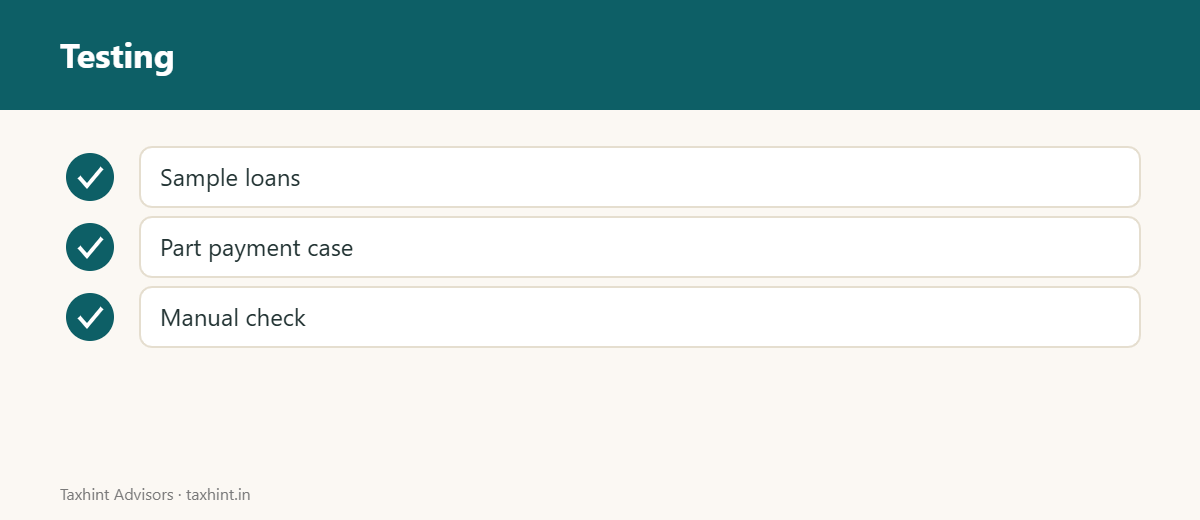
Testing
Test the reset on sample loans, including loans with part payments, before applying to all. Put this in writing and revisit it every quarter, because the first version is rarely the best.
Compare the result with a manual calculation.
- Sample loans
- Part payment case
- Manual check
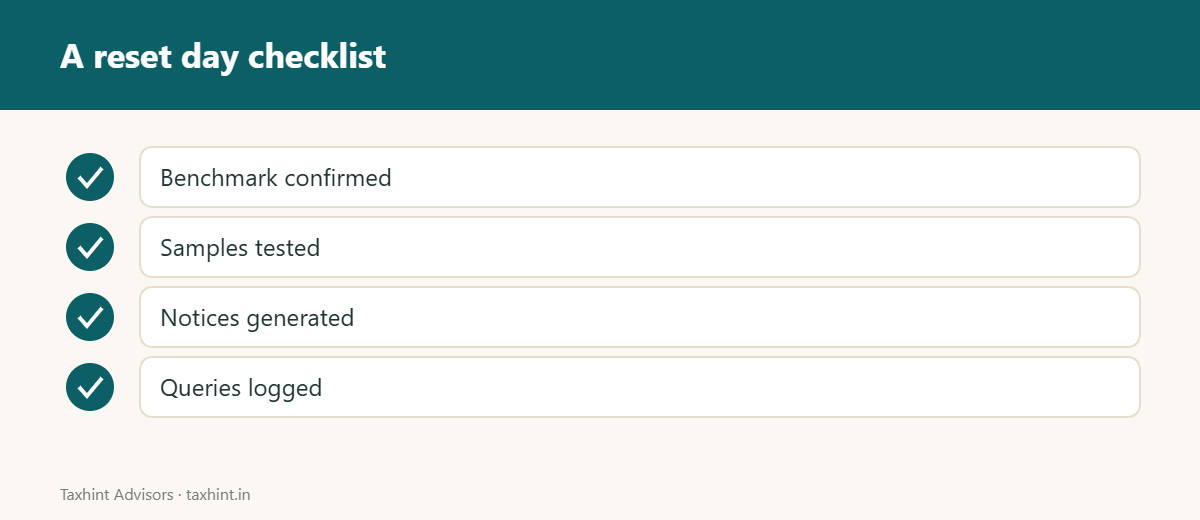
A reset day checklist
On the day of a reset, confirm the benchmark value, apply the rule in the system, test two sample loans, generate notices and keep the calculation sheet. Log customer queries and answer them using one approved script. Write the answers down, assign an owner and revisit them each quarter so that the practice keeps improving instead of drifting.
- Benchmark confirmed
- Samples tested
- Notices generated
- Queries logged
FAQs
What does a reset change?
The interest rate, and either the EMI or the tenure.
Can borrowers choose?
Directions may give choice to some borrowers. Please verify.
How often can rates reset?
As per the agreement and rules.
Can software handle it?
Yes, if floating schedules are supported. Test with your cases.
Want floating rate resets with letters and audit trail? Book a demo of Taxhint loan software. Talk to Taxhint on +91 93117 95484 or [email protected], or visit taxhint.in.