November 25, 2026 · Guides
Processing Fee and GST on Loans: How to Record and Show Them
A processing fee is part of the cost of a loan. When tax applies to it, the borrower should see the fee and the tax separately and clearly, and your books should record both correctly.
Tax treatment depends on the type of lender and the facts. Please verify with your CA before you set it up.
Here is how to set it up cleanly.
In this guide
Policy
Decide and document.
- Which fees you charge and on which loans.
- How each is computed.
- Who can waive and why.
Rules in this area change, so please verify the current position with your CA, CS or compliance officer.
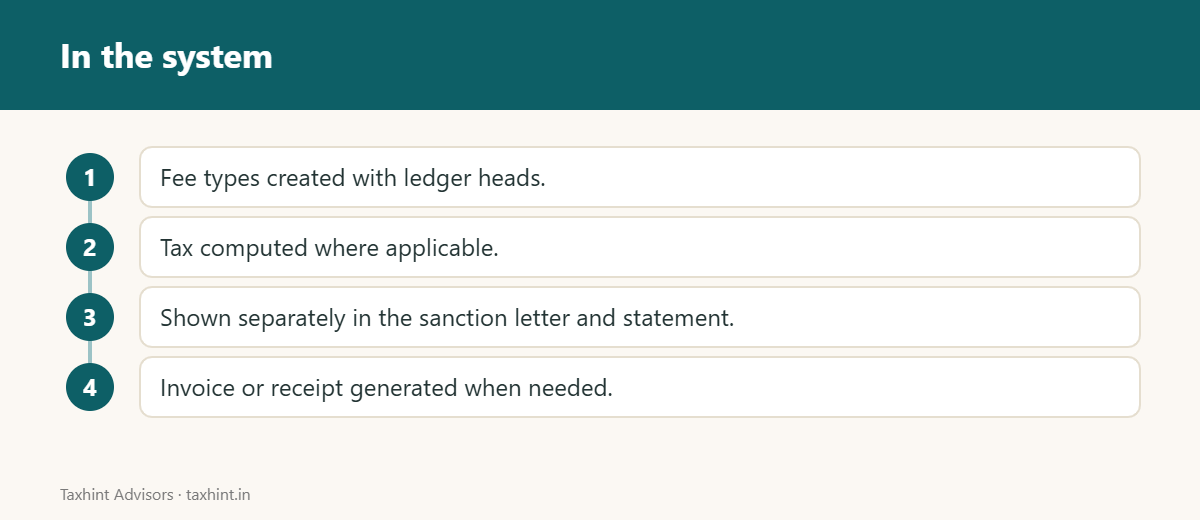
In the system
Set once.
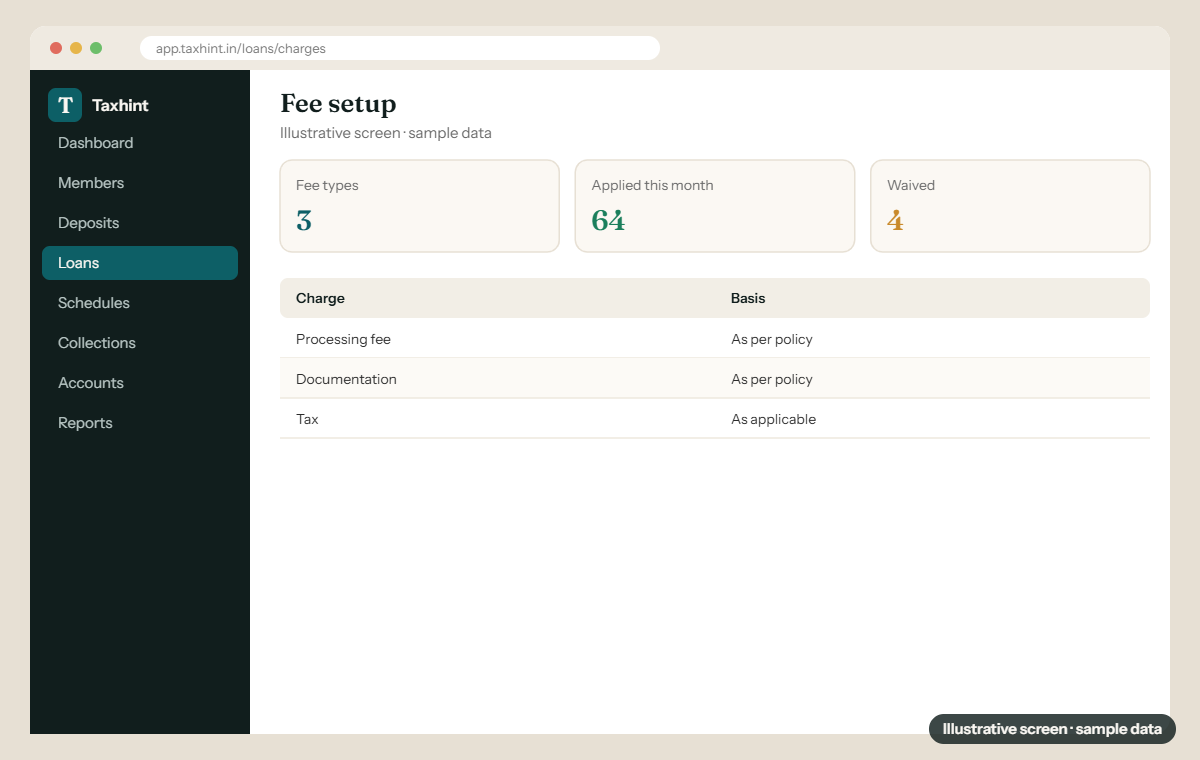
- Fee types created with ledger heads.
- Tax computed where applicable.
- Shown separately in the sanction letter and statement.
- Invoice or receipt generated when needed.
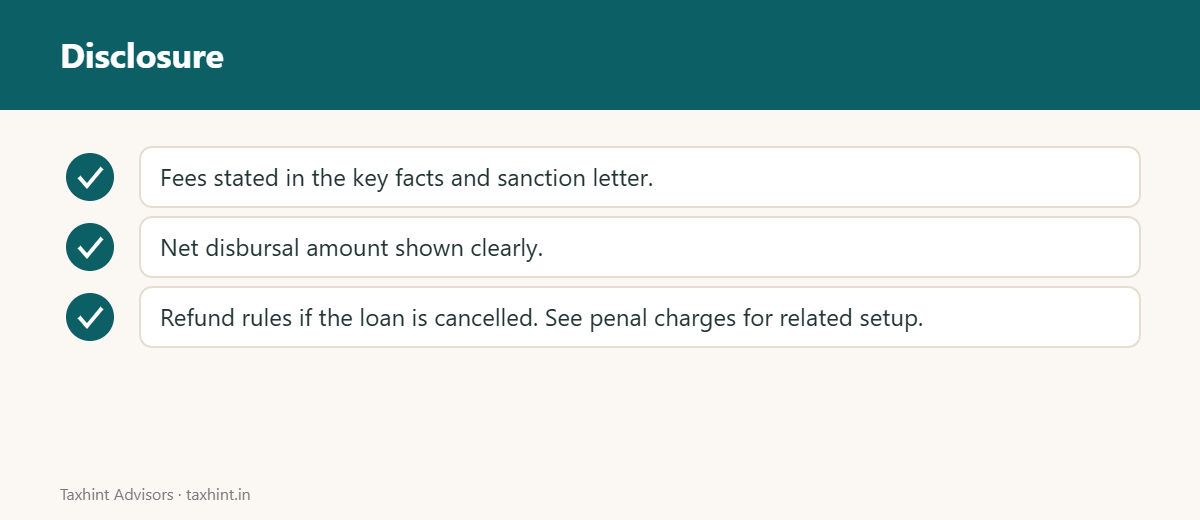
Disclosure
No surprises.
- Fees stated in the key facts and sanction letter.
- Net disbursal amount shown clearly.
- Refund rules if the loan is cancelled. See penal charges for related setup.
Accounts
Record correctly.
- Fee income and tax payable in separate heads.
- Monthly summary for returns.
- Reconciliation with collections.
| Item | Show on |
|---|---|
| Fee | Sanction letter |
| Tax | Receipt or invoice |
| Waiver | Internal log |
Charging fees correctly
A processing fee is charged at the start of a loan. It should be stated in the agreement and shown to the customer, and tax treatment must be handled correctly. Software should calculate the fee and the tax from settings and show them clearly on the receipt.
Illustrative example: the system applies the fee rule for the product, adds the tax as per your setting and prints a receipt that shows each part. The accounts team gets a report for returns.
Mistakes to avoid
- Fee not shown in the key terms.
- Tax rate set wrongly or not updated.
- Fee deducted from the loan without a receipt.
- Different fees at different branches.
Steps
- Define the fee in the product setup.
- Set the tax treatment with your CA.
- Show the fee in the sanction letter.
- Print a receipt that shows the breakup.
- Reconcile the fee income with the books.
Points to confirm
- Current tax treatment and rates; ask your CA. This is not tax advice.
- Please verify with your CA, CS or lawyer before you rely on it.
Refunds and waivers
Set rules on when a fee may be refunded or waived and who may approve. Keep a log. Put this in writing and revisit it every quarter, because the first version is rarely the best.
Review waivers each month.
- Rules written
- Approval limited
- Monthly review
Customer clarity
Explain the fee before the customer signs and give a copy of the receipt. Put this in writing and revisit it every quarter, because the first version is rarely the best.
Avoid surprises on the disbursal day.
- Explain early
- Receipt copy
- No surprises
A monthly reconciliation
Each month, compare the fee income in the loan system with the books and the tax returns. Investigate any difference and correct the setting that caused it. Keep the reconciliation sheet for audit. Write the answers down, assign an owner and revisit them each quarter so that the practice keeps improving instead of drifting.
- Fee income compared
- Differences investigated
- Sheet kept
FAQs
Is tax charged on processing fee?
Depends on the lender type and facts. Please verify with your CA.
Should fee be shown separately?
Yes, with the tax line where applicable.
Can fee be deducted from the loan amount?
Many lenders do. Show the net disbursal clearly.
What if the loan is cancelled?
Follow your refund policy and record it.
Want fees and tax lines recorded cleanly? Book a demo of Taxhint loan software. Talk to Taxhint on +91 93117 95484 or [email protected], or visit taxhint.in.