November 24, 2026 · Guides
Handling a Loan Moratorium or Payment Holiday in Software
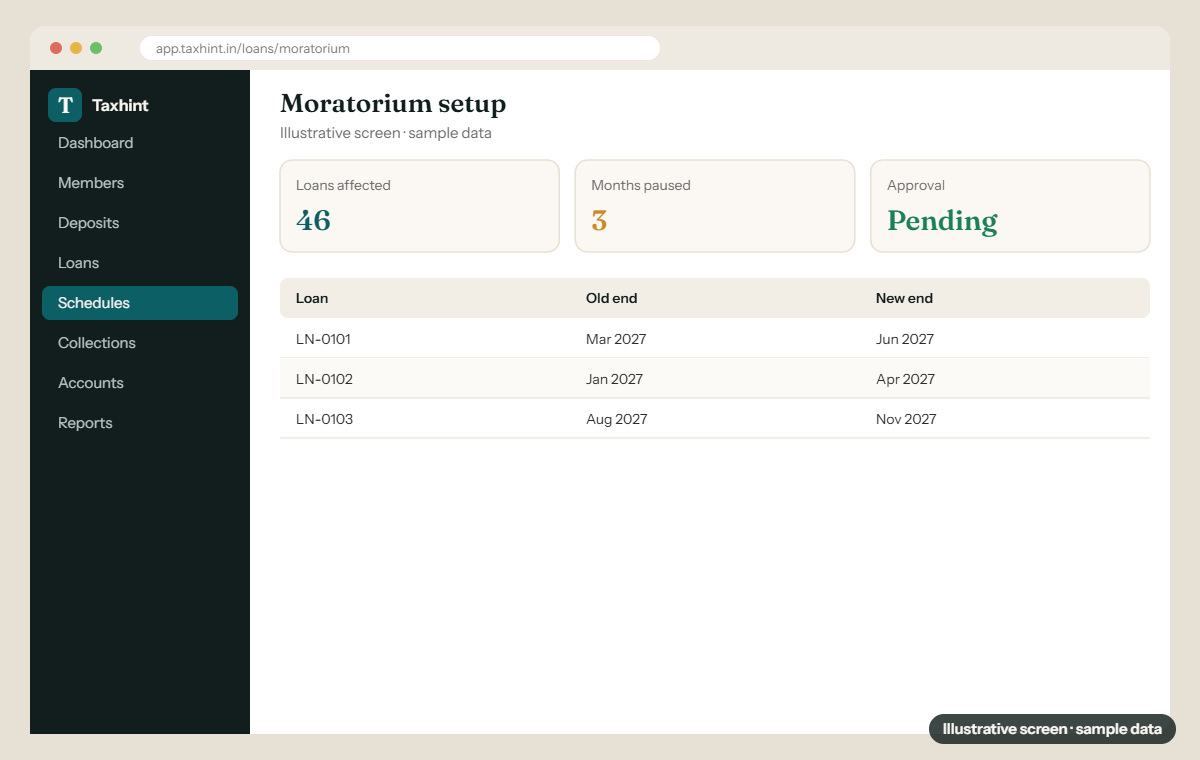
A moratorium pauses instalments for a period. It may be offered after a flood, a drought, a business problem or a regulator’s decision. The hard part is the books: the schedule changes, interest treatment must be decided and everything must be recorded.
Here is a simple way to do it. Please verify the treatment with your CA.
In this guide
Decide the policy
Write it down.
- Who is eligible and for how long.
- Whether interest is charged during the pause and how it is added back.
- Whether tenure increases or the EMI rises.
- Approval authority.
Treatment of interest, asset classification and reporting depends on your entity and any regulator’s directions, so please verify with your CA or CS.
Record it properly
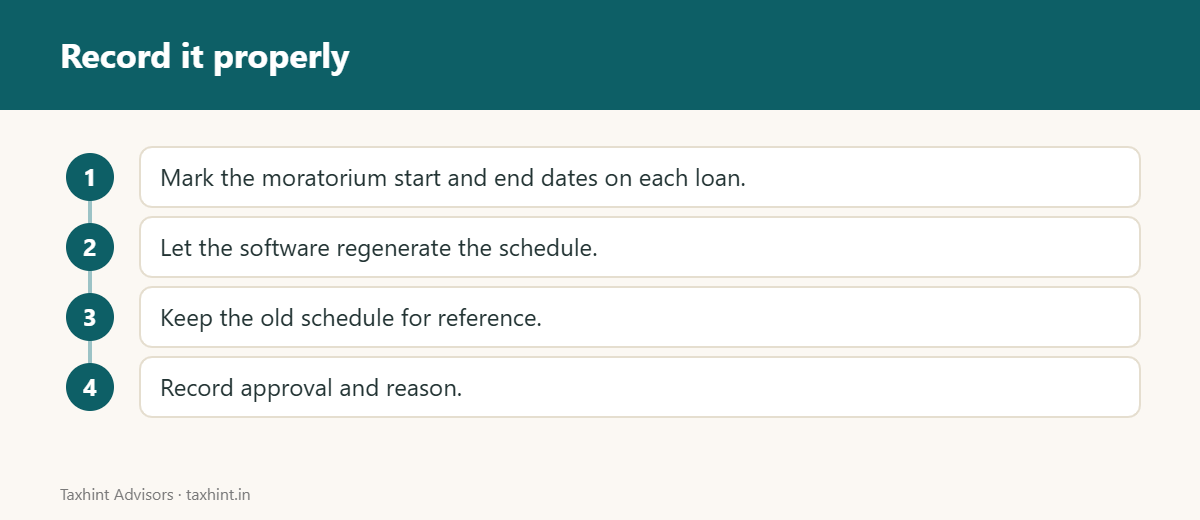
Do not edit old schedules by hand.
- Mark the moratorium start and end dates on each loan.
- Let the software regenerate the schedule.
- Keep the old schedule for reference.
- Record approval and reason.
Communicate with borrowers
Make it clear.
- Send the new schedule and end date.
- Explain the interest treatment in plain words.
- Keep a signed acknowledgement where possible.
See sanction letter and loan statement format.
Report and review
Watch the effect.
- List of loans in moratorium.
- Collection after the pause ends.
- Overdue and repeat requests.
See repayment schedule explained and loan management software.
A worked example
A borrower has a loan with 18 instalments left and the lender grants a three month pause. The software marks the pause dates and builds a new schedule. Under one common approach the tenure extends by three months and interest for the pause is added to the balance. Under another the interest for the period is spread across later instalments. Which approach applies depends on your policy and any directions that apply to you, so please verify with your CA or CS.
Checklist for a moratorium batch
- Approved list of borrowers with reason and period.
- Policy note on interest treatment.
- Old schedules saved before changes.
- New schedules generated and spot-checked by hand.
- Borrowers informed in writing with the new end date.
- Report of collections in the first three months after the pause.
A moratorium done carelessly produces disputes at closure. A clean record at the start avoids them.
Policy note template
| Item | Decision |
|---|---|
| Eligible borrowers | Criteria |
| Period | Months |
| Interest during pause | Per policy and directions |
| Tenure or EMI change | Per policy |
| Approval | Authority and date |
| Borrower communication | Letter and date |
Write the note before touching any schedule and keep it with the batch record. Treatment of interest and classification must be verified with your CA or CS.
Handling a payment pause in software
A moratorium or payment pause changes the schedule, so the software must handle it cleanly. The main questions are whether interest keeps accruing during the pause, whether the tenure extends and how the customer is told. Decide these in policy and test them before applying to real accounts.
Illustrative example: a customer gets a pause of two months. The software shows the paused instalments, the interest treatment you chose and the new end date, and prints a revised schedule.
Mistakes to avoid
- Applying a pause without a recorded approval.
- Interest treated differently in system and in the letter.
- Overdue status not updated correctly.
- Customer not given the revised schedule.
Checklist
- Approval and reason recorded.
- Interest treatment written in policy.
- Revised schedule generated and shared.
- Overdue days calculated correctly after the pause.
- Please verify any regulatory treatment with your CA.
FAQs
What is a moratorium?
A period during which instalments are paused.
Is interest charged during the pause?
Per your policy and any directions. Please verify.
Should I edit the schedule by hand?
No. Regenerate it in the software and keep the old one.
How do I track the effect?
Report loans in moratorium and collection after it ends.
Want moratoriums recorded without manual edits? Book a demo of Taxhint loan software. Talk to Taxhint on +91 93117 95484 or [email protected], or visit taxhint.in.