November 24, 2026 · Guides
Microfinance Field App Offline Mode: How Sync Really Works

Many centres sit where mobile data is patchy. A microfinance field app offline mode lets the officer record collections without internet and sync later, which is useful but brings its own risks.
These are the problems to test for before roll-out.
In this guide
- How offline works
- Common problems
- Rules to set
- How to test
- Receipts and proof
- A scenario to test
- Device and security rules
- Support on the ground
- FAQs
How offline works
The app stores the due list and member data on the phone, records collections locally and uploads when the phone gets a connection. The key question is what happens in between.
Common problems
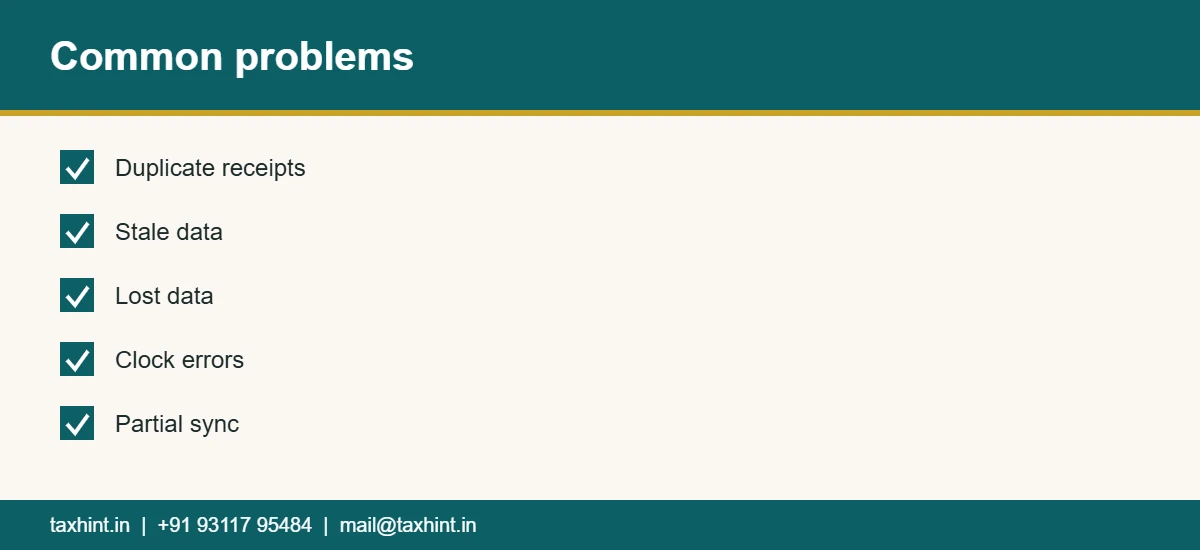
- Duplicate receipts: the officer taps twice or syncs twice and the same collection posts two times.
- Stale data: a member paid at the branch while the officer’s list was old.
- Lost data: phone is lost or reset before it synced.
- Clock errors: wrong phone time gives wrong receipt dates.
- Partial sync: half the records upload and then the app crashes.
Rules to set
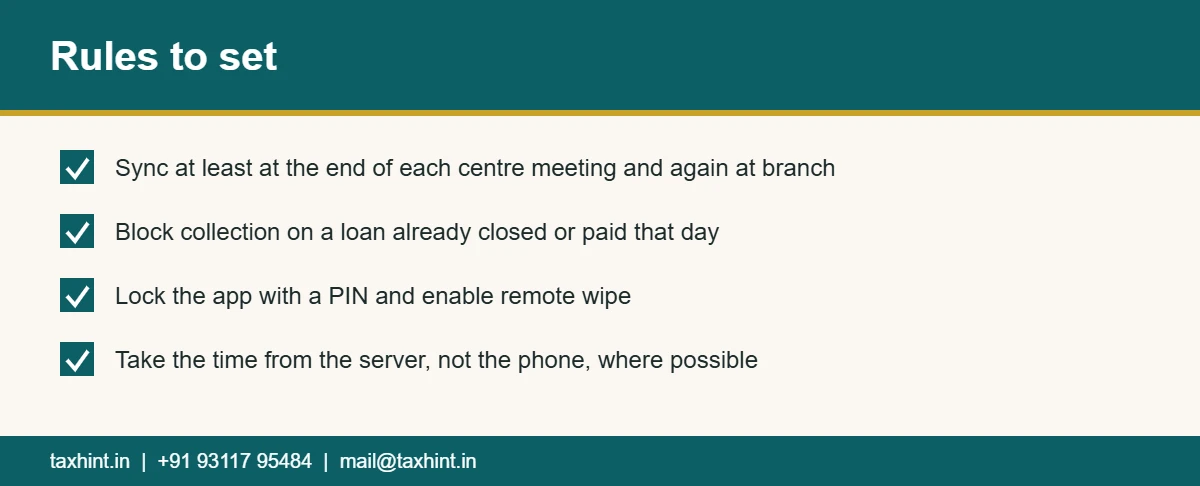
- Sync at least at the end of each centre meeting and again at branch.
- Block collection on a loan already closed or paid that day.
- Lock the app with a PIN and enable remote wipe.
- Take the time from the server, not the phone, where possible.
How to test
- Collect with airplane mode on, then sync, and check totals.
- Sync twice and confirm there is no duplicate.
- Edit the same loan from two devices and see which wins.
- Kill the app mid-sync and reopen.
- Check the audit log shows officer, device and time.
Receipts and proof
Give the member a receipt even offline, by SMS once synced or a printed slip. Tie this to your centre meeting app process and to the audit trail.
A scenario to test
This is a test scenario, not a real incident. Officer A collects ₹500 from Meena at 10 am with no signal. At 11 am Meena’s husband pays the same ₹500 at the branch. At 5 pm Officer A reaches signal and syncs. A weak system posts both and Meena is shown as paid twice. A good system flags the conflict, holds the second entry for a checker and tells both staff. Run this exact scenario in the demo.
Device and security rules
- Company-owned phones where possible, with a locked-down app.
- PIN or biometric lock and automatic logout.
- Remote wipe for lost phones.
- No sharing of logins between officers.
- App updates pushed centrally, not by WhatsApp.
Support on the ground
Plan a field helpline for sync problems on collection days. A failed sync at 6 pm on a meeting day is a bigger problem than a bug on a quiet Tuesday.
FAQs
Does the app need internet all the time?
No, a good field app works offline and syncs later, but you must test conflicts.
What if a phone is lost?
Use a PIN lock and remote wipe, and require frequent syncs so little data is at risk.
Can offline collections be edited?
Edits should be reversals with a reason and a checker, not silent changes.
How often should officers sync?
After every centre meeting and again at the branch at day end.
How do we avoid duplicate receipts?
Use unique receipt IDs generated on the device and check them on the server at sync time.
Do we need to print receipts?
Many lenders give a printed slip or an SMS after sync. Choose what borrowers can read and keep.
Running loans on spreadsheets? Book a free demo of our microfinance software, starting ₹15,000, or WhatsApp +91 93117 95484.