November 24, 2026 · Guides
Microfinance Software Implementation Timeline: What to Expect

A fair microfinance software implementation timeline depends less on the software and more on your data and people. A lender with clean records and one branch moves faster than one with five branches and messy spreadsheets.
Here are the phases and what drives them.
In this guide
- Phases
- What stretches the timeline
- What shortens it
- Do a parallel run
- Ask the vendor
- A planning example
- Who does what
- Risks to watch
- FAQs
Phases
| Phase | What happens |
|---|---|
| 1. Discovery | Products, branches, roles, reports needed |
| 2. Setup | Products, charts, users, branch hierarchy |
| 3. Data cleanup | Fix members, loans, balances in old files |
| 4. Migration and test | Load a sample, compare totals |
| 5. Training | Officers, accountants, managers |
| 6. Parallel run | Run old and new for a cycle |
| 7. Go-live and support | Switch over, daily checks |
What stretches the timeline
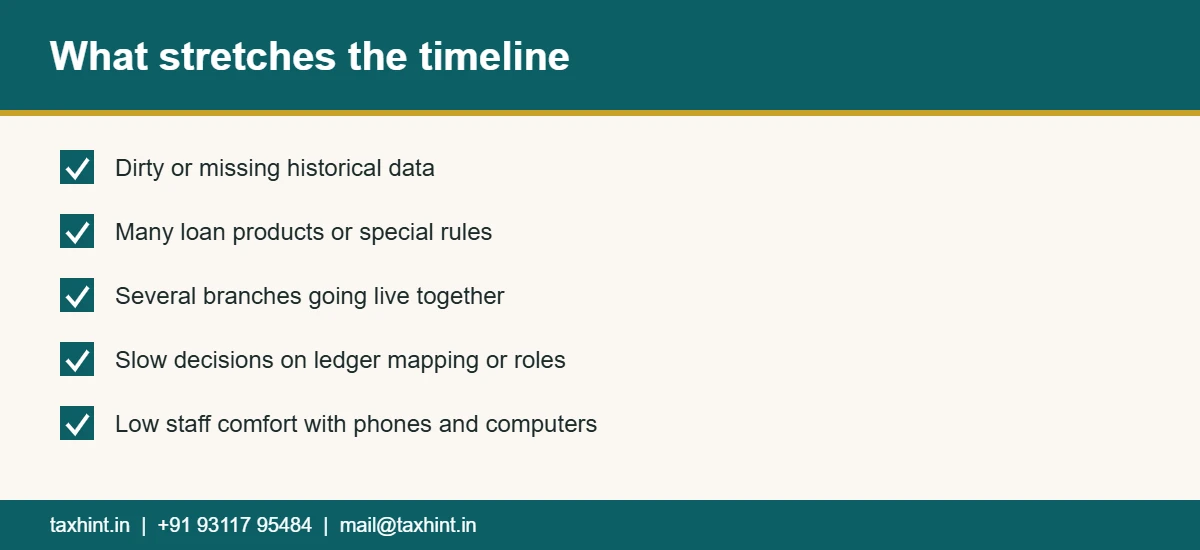
- Dirty or missing historical data.
- Many loan products or special rules.
- Several branches going live together.
- Slow decisions on ledger mapping or roles.
- Low staff comfort with phones and computers.
What shortens it
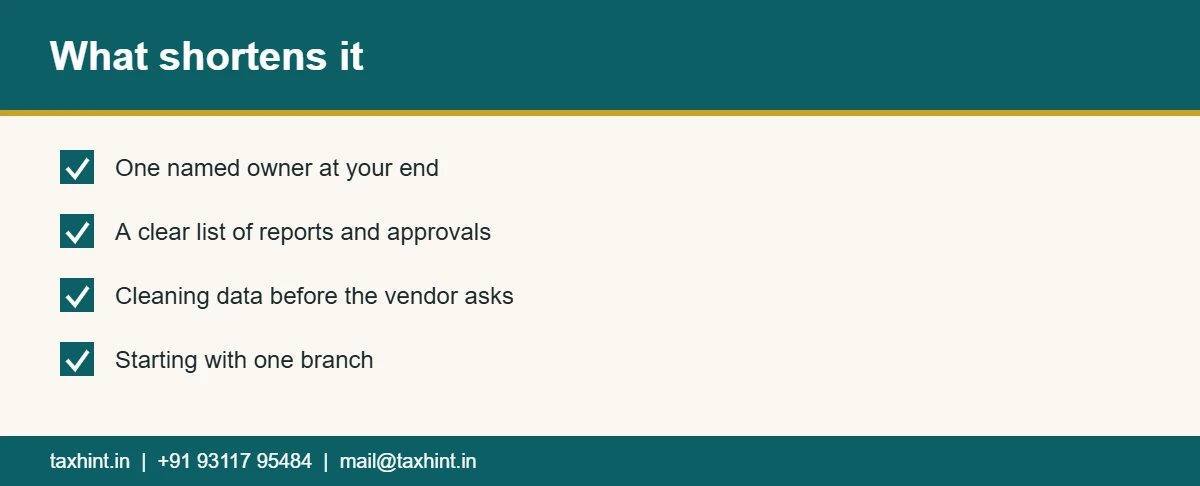
- One named owner at your end.
- A clear list of reports and approvals.
- Cleaning data before the vendor asks.
- Starting with one branch.
Do a parallel run
Run the old and new systems together for at least one repayment cycle and compare collections, outstanding and cash. Use the steps in our implementation checklist and Excel migration guide.
Ask the vendor
Request a written plan with phases, responsibilities and what you must provide, rather than a single go-live date. Our microfinance software team shares this plan during the demo.
A planning example
This is an illustrative plan, not a promise. A lender with one head office and three branches, clean Excel records and one nominated owner might plan: discovery and setup first, data cleaning and a trial load next, training for officers and accountants after that, then a parallel run for one repayment cycle and a branch-by-branch go-live. A lender with five branches and loans split across several spreadsheets will spend most of the schedule on data cleaning. The software is rarely the slow part.
Who does what
| Your side | Vendor side |
|---|---|
| Name one project owner | Assign an implementation lead |
| Clean and sign off data | Load and check migrated data |
| Decide products, roles, reports | Configure the system |
| Release staff for training | Train and prepare guides |
| Approve go-live checklist | Support go-live week |
Risks to watch
- Staff turnover during implementation.
- Changing product rules halfway through.
- Skipping the parallel run to save time.
- Going live on a month-end.
FAQs
How long does implementation take?
It varies with data quality, branches and products. Ask the vendor for a phase-wise plan instead of a promise.
Can we go live branch by branch?
Yes, and it is usually safer than switching everywhere at once.
What do we need to prepare?
Clean member and loan data, product rules, user list and the reports you need.
Is training included?
Confirm in writing who trains whom, how many sessions and in which language.
Should we go live at month-end?
Prefer the start of a month or repayment cycle, so closing balances are clean.
What if the parallel run shows differences?
Stop and resolve each one before go-live. A mismatch usually means a data or rule problem.
Running loans on spreadsheets? Book a free demo of our microfinance software, starting ₹15,000, or WhatsApp +91 93117 95484.