November 24, 2026 · Guides
Migrating Microfinance Loans from Excel to Software: A Checklist

Moving from Excel to microfinance software is mostly a data job. The system is the easy part; the hard part is making sure every live loan, every member and every balance in the new system matches what the borrower believes she owes.
This checklist works for a lender with one branch or ten.
Plan the move from Excel to microfinance software as a small project with a named owner and a cut-off date, not as a weekend task.
In this guide
- 1. Take stock of what you have
- 2. Clean the data first
- 3. Reconcile with the books
- 4. Map fields and set the cut-off
- 5. Run parallel for one cycle
- 6. After the switch
- An illustrative example
- Fields to bring over for each loan
- Mistakes to avoid
- FAQs
1. Take stock of what you have
List every spreadsheet: loan registers, collection sheets, member lists, savings or insurance sheets, branch-wise files. Note who updates each and how often. Different branches often use different column layouts, so expect to map several formats into one.
2. Clean the data first
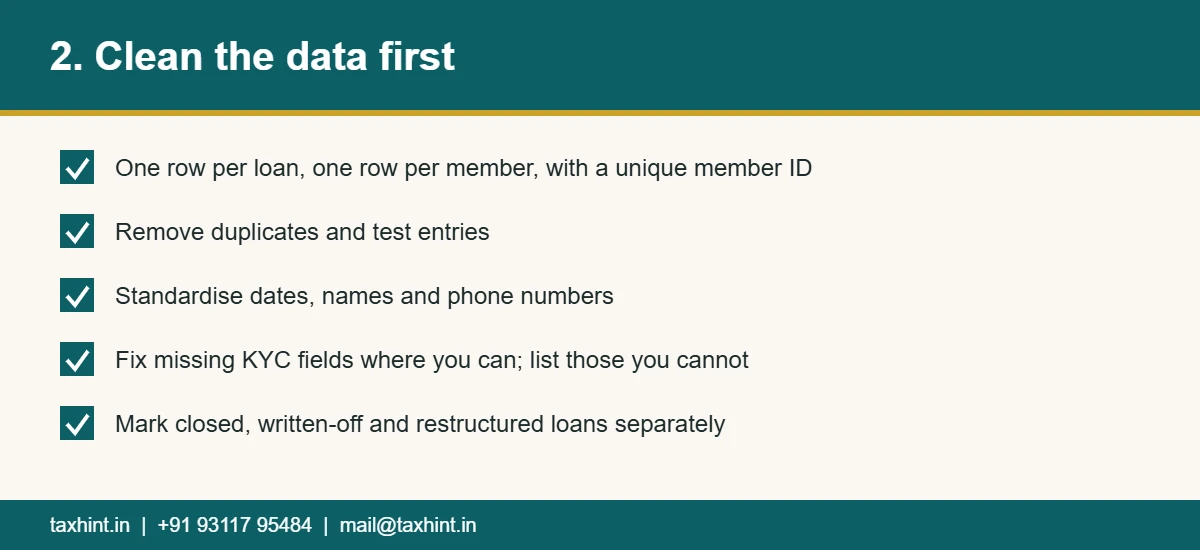
- One row per loan, one row per member, with a unique member ID.
- Remove duplicates and test entries.
- Standardise dates, names and phone numbers.
- Fix missing KYC fields where you can; list those you cannot.
- Mark closed, written-off and restructured loans separately.
3. Reconcile with the books
Total outstanding in the spreadsheets should match the loan receivable in your accounts. If it does not, find the difference before migrating, not after. Typical causes: part payments recorded in one place only, advance payments, reversed entries and branch cut-offs on different dates.
4. Map fields and set the cut-off
Decide the cut-off date, usually the end of a month. For each live loan, bring in the original amount, disbursement date, rate, tenure, schedule, instalments paid, current outstanding and overdue. Opening balances should come from the reconciled figures, not from recalculation, so no borrower sees a number change.
5. Run parallel for one cycle
Collect and record in both systems for one repayment cycle. At the end, totals by centre, branch and loan officer should match. Investigate every difference. Only then switch off the spreadsheets.
6. After the switch
Archive the final spreadsheets read-only, brief borrowers on any new receipt format, and watch the first month’s overdue and collection reports closely. See our implementation checklist for the wider plan and the audit trail guide for control settings.
An illustrative example
Picture a lender with two branches that kept one spreadsheet per centre. When the owner added up the sheets, the total outstanding was ₹1.2 lakh higher than the loan receivable in the books. The gap came from part payments written in the collection sheet but never posted, and a few advance payments entered twice. Fixing those before migration took longer than loading the data, but it meant every borrower’s opening balance in the new system was one both sides could trust.
This is an example of the kind of difference reconciliation finds, not a real client case.
Fields to bring over for each loan
| Group | Fields |
|---|---|
| Member | ID, name, address, mobile, KYC numbers, group, centre |
| Loan | Product, amount, disbursement date, rate, tenure, schedule |
| Status | Instalments paid, outstanding principal and interest, overdue, last payment date |
| Other | Savings, insurance, guarantor or co-applicant if recorded |
Mistakes to avoid
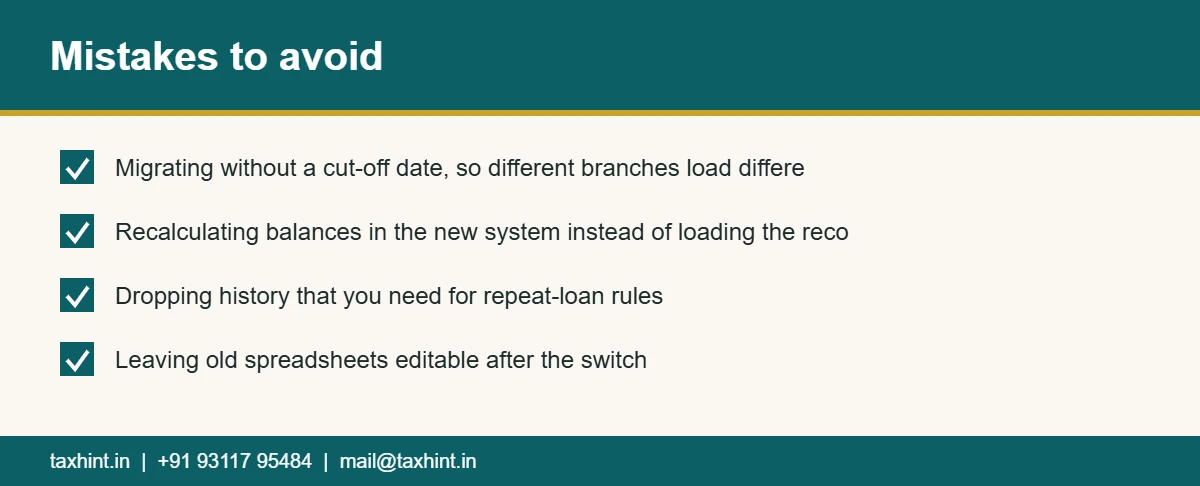
- Migrating without a cut-off date, so different branches load different days.
- Recalculating balances in the new system instead of loading the reconciled ones.
- Dropping history that you need for repeat-loan rules.
- Leaving old spreadsheets editable after the switch.
FAQs
How long does migration from Excel take?
It depends on data quality more than size. A clean one-branch book can move in days; messy multi-branch files take longer because of reconciliation.
Should we migrate closed loans too?
Bring closed loans in as history if you need them for repeat-loan rules or bureau reporting; otherwise keep them in an archived file.
What if balances do not match the books?
Resolve the difference before migrating. Do not carry unexplained gaps into the new system.
Can Taxhint do the migration?
Yes. We map your sheets, load and reconcile the data, and run the parallel cycle with you. Book a demo of our microfinance software.
Running loans on spreadsheets? Book a free demo of our microfinance software, starting ₹15,000, or WhatsApp +91 93117 95484.