November 23, 2026 · Guides
Microfinance Software Implementation: A Step-by-Step Checklist
A microfinance software implementation succeeds or fails on preparation, not on the software. Lenders that clean their data and agree their products first go live in weeks; those that do not spend months fixing balances.
This checklist is the one we use with lenders moving from registers or Excel.
Follow this microfinance software implementation checklist in order; each step depends on the one before it.
In this guide
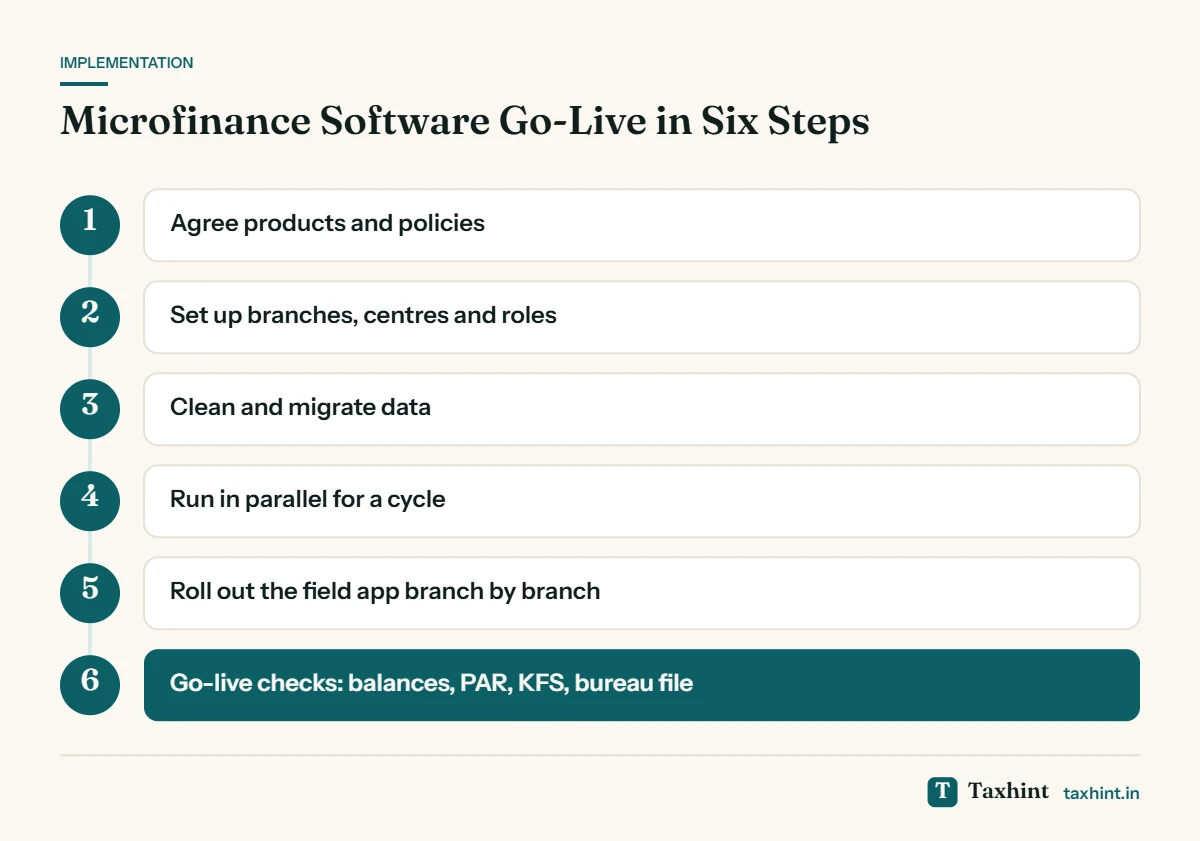
- 1. Agree products and policies
- 2. Set up the structure
- 3. Clean and migrate data
- 4. Run in parallel
- 5. Roll out the field app
- 6. Go-live checks
- A worked example: two branches from Excel
- Mistakes that delay go-live
- Who does what
- FAQs
1. Agree products and policies
Write down every loan product: amount range, tenure, frequency, interest method, fees, grace period, prepayment rule and penal charges. Match them to your board-approved credit and pricing policies. If you do not have those, start with our credit policy template.
2. Set up the structure
Create branches, centres, groups, loan officers and user roles. Decide who can sanction, disburse, collect and approve changes. Clear roles now prevent fraud later.
3. Clean and migrate data
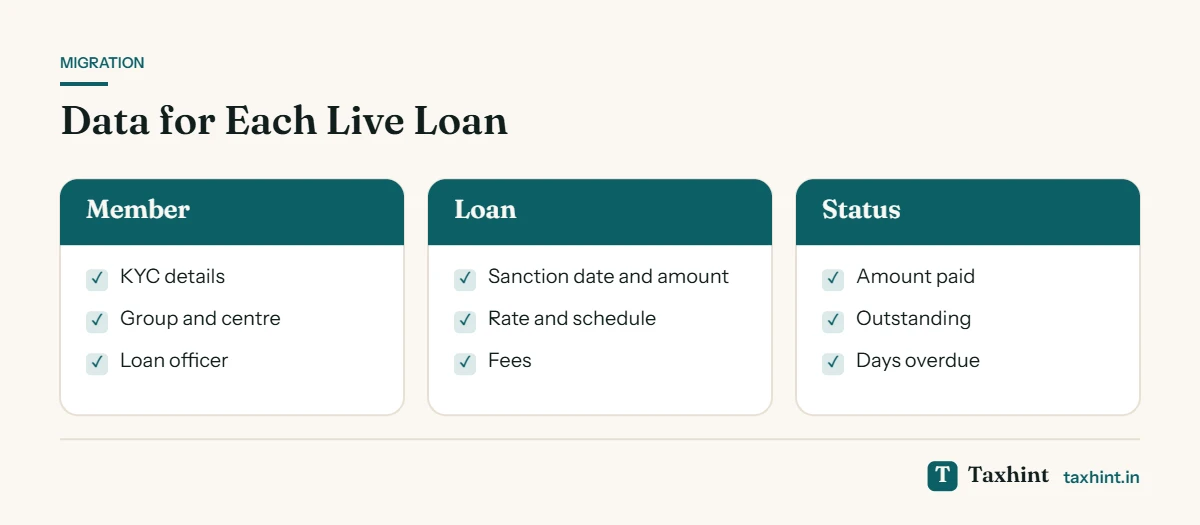
For each live loan you need: member KYC, group and centre, sanction date, amount, rate, schedule, amounts paid and outstanding, and overdue status. Reconcile total outstanding in your data with your books before migration. Most delays come from loans whose register balance does not match the ledger.
Migrate in a test system first and compare a sample of loans line by line.
4. Run in parallel
For one or two collection cycles, record collections in both the old method and the software. Compare totals daily. Fix differences before switching off the old method.
5. Roll out the field app
Start with one branch. Train loan officers on collection, receipts and offline sync. Check that every collection reaches the system the same day. Then roll out branch by branch. Our centre meeting register is a useful bridge for branches not yet live.
6. Go-live checks
- Total outstanding matches the books.
- PAR in the system matches your manual working.
- KFS and schedules print correctly for a new loan.
- Bureau file generates and validates.
- Backups and user access are confirmed.
After go-live, review PAR weekly with our PAR guide as a reference.
A worked example: two branches from Excel
A lender with two branches and 1,800 live loans kept a separate Excel sheet per centre. Before migration, we found 46 loans where the sheet balance and the ledger differed, mostly from part payments recorded in one place and not the other. Fixing those took longer than the migration itself.
After one parallel collection week, totals matched to the rupee, and the branches switched over. That pattern is typical of a smooth microfinance software implementation: most of the effort goes into the data, not the system.
Mistakes that delay go-live
- Migrating before balances are reconciled with the books.
- Configuring products from memory instead of the written policy.
- Training managers but not loan officers.
- Switching off the old method on day one.
- Giving every user admin rights to save time.
Who does what
The lender owns product definitions, data accuracy and staff availability. The vendor owns configuration, migration scripts, training and support. A named person on each side, meeting weekly until go-live, keeps the microfinance software implementation on track.
FAQs
How long does microfinance software implementation take?
For a small lender with clean data, a few weeks is common. Unclean balances and unclear products are what stretch it.
What data is needed to migrate live loans?
Member KYC, group and centre, sanction details, schedule, amounts paid, outstanding and overdue status for each loan, reconciled with the books.
Should we run old and new systems together?
Yes, for one or two collection cycles, comparing totals daily.
Do you help with migration from Excel?
Yes. We map your Excel or register data, migrate it and reconcile balances as part of set-up.
Running loans on spreadsheets? Book a free demo of our microfinance software, starting ₹15,000, or WhatsApp +91 93117 95484.