November 25, 2026 · Guides
NBFC Branch Expansion: What Software and Controls You Need

Opening a branch is easy. Controlling it from a distance is the hard part. Without branch wise limits, reports and approvals, a new branch can create exposure that head office sees too late.
Requirements for branch opening, intimation and licences depend on your entity type and state, so please verify them with your CA or CS.
Here is what to prepare in your system.
In this guide
Set up the branch
In the system first.
- Branch master with address and manager.
- Users and roles limited to the branch.
- Cash and bank accounts mapped.
- Products and charges enabled for that branch.
Control limits
Grow safely.
- Sanction limits by officer and branch.
- Daily cash limit and closing.
- Disbursal approval from head office for early months.
- Concentration limits by branch. See concentration limits.
Monitor
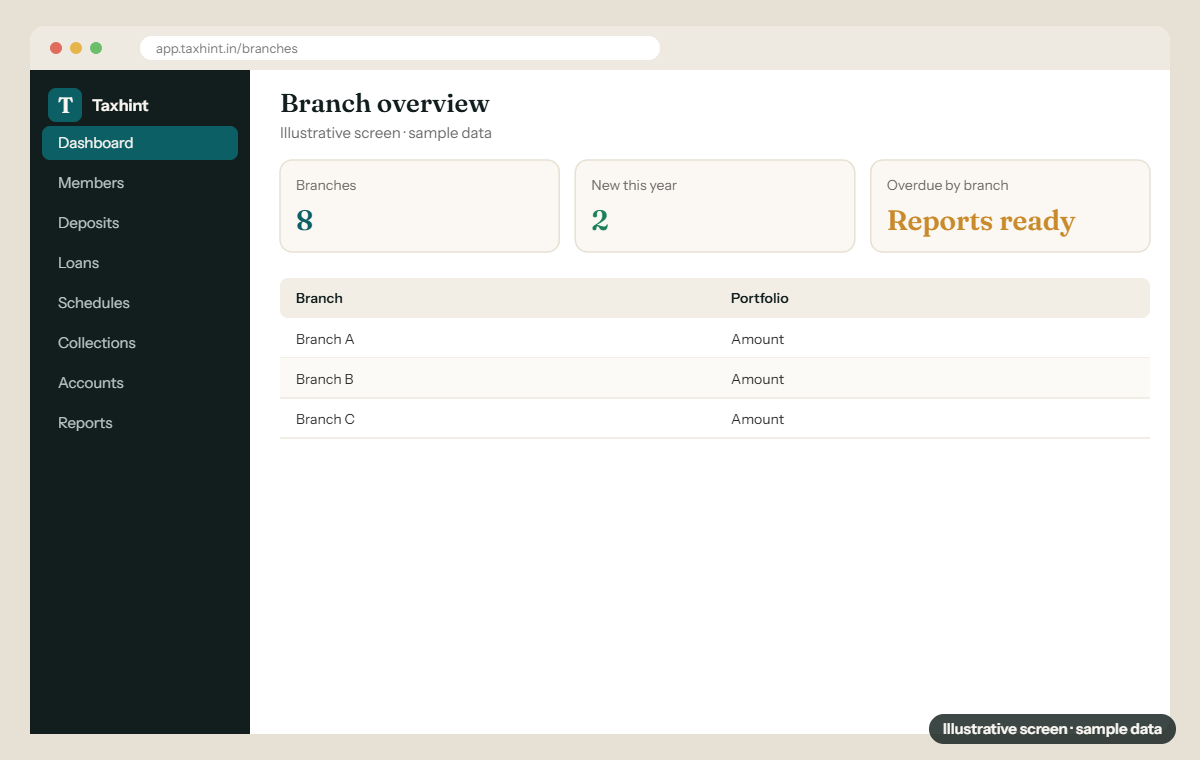
Head office view.
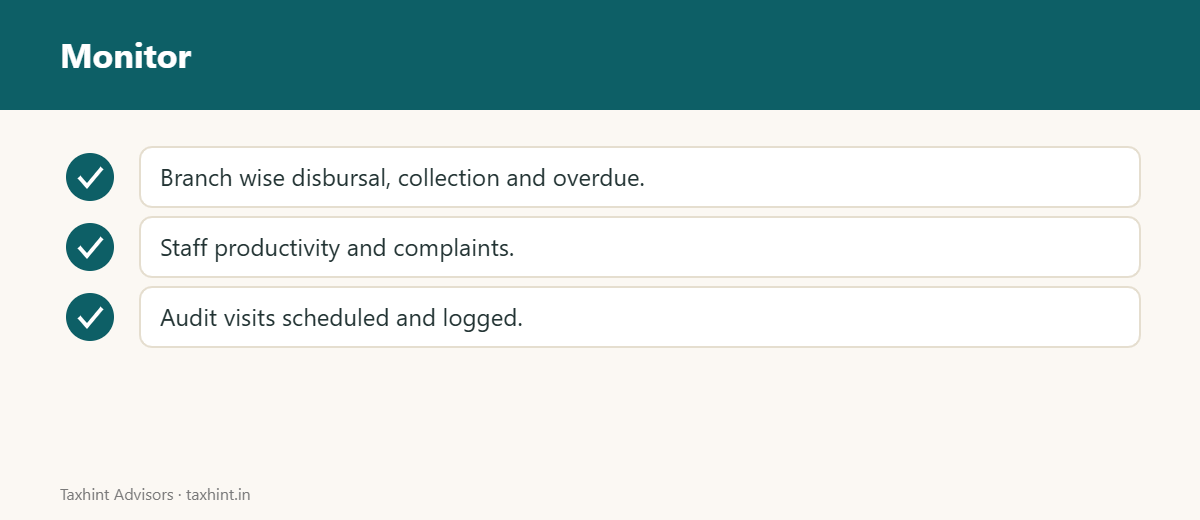
- Branch wise disbursal, collection and overdue.
- Staff productivity and complaints.
- Audit visits scheduled and logged.
Compliance side
Do not forget the paperwork.
- Branch opening requirements for your entity type. Please verify.
- Display of required notices and officer details.
- Updates to registers and returns.
Rules in this area change, so please verify the current position with your CA, CS or compliance officer. See NBFC software and loan management software.
| Area | Control |
|---|---|
| Users | Branch only |
| Limits | By officer and branch |
| Reports | Daily head office view |
Adding a branch without losing control
When an NBFC opens a new branch, the software must carry the same products, approval limits and reports to the new place. If it does not, the branch will invent its own practices. Plan the system side before the doors open.
Illustrative example: the head office creates the branch code, user roles, cash and bank heads and product list, tests with sample loans and only then lets the branch handle customers.
Mistakes to avoid
- Opening the branch before approvals and system setup are ready.
- Copying head office users to the branch with full rights.
- No branch wise report for management.
- Different document formats at the new branch.
Steps
- Confirm approvals and intimations needed.
- Create the branch and its accounts in the system.
- Set roles, limits and products.
- Train staff and test sample loans.
- Review the first month closely.
Points to confirm
- Intimation and records for new branches; ask your CA or CS.
- Please verify with your CA, CS or lawyer before you rely on it.
Controlling growth
Open one branch at a time and compare it with older branches on volume, overdue and complaints. Put this in writing and revisit it every quarter, because the first version is rarely the best.
Pause new lending at a branch if overdue rises quickly until the cause is fixed.
- One at a time
- Branch comparison
- Pause rule
Reporting to management
Prepare a branch scorecard each month with disbursal, collection, overdue and complaints. Share it in the management meeting. Put this in writing and revisit it every quarter, because the first version is rarely the best.
Use it to decide staffing and training.
- Monthly scorecard
- Management discussion
- Staffing decisions
FAQs
Can one software run many branches?
Yes, if it supports branch wise control and consolidation.
Should new branches have lower limits?
Many lenders do this in early months.
What reports should head office see?
Disbursal, collection and overdue by branch.
Do I need approval to open a branch?
Depends on entity type. Please verify.
Want branch wise limits and reports from day one? Book a demo of Taxhint NBFC software. Talk to Taxhint on +91 93117 95484 or [email protected], or visit taxhint.in.