November 24, 2026 · Guides
Credit Bureau Reporting for NBFCs: UCRF File and Data Quality
Credit institutions are expected to report borrower and account data to credit bureaus regularly. The common file format is the UCRF. Bad data hurts both you and the borrower, so the real work is keeping the data clean.
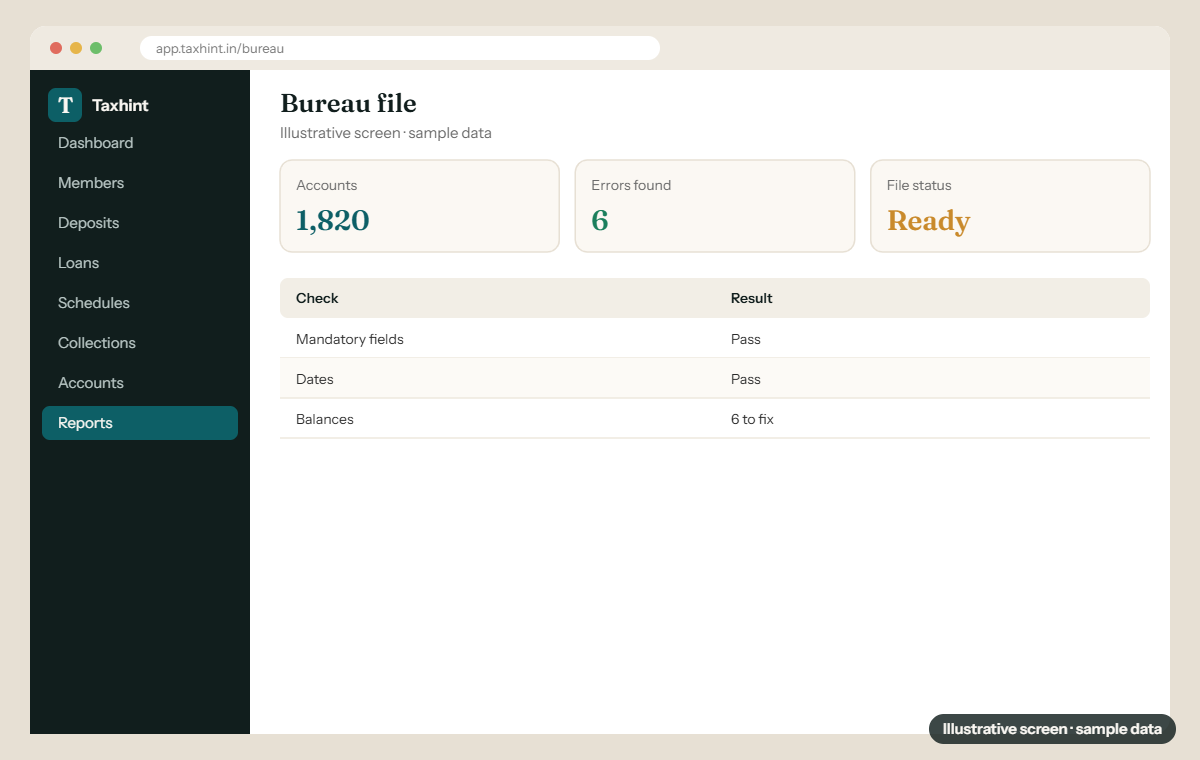
Taxhint loan software can produce the bureau file in the UCRF format. Reporting frequency and rules are set by the regulator and the bureaus, so please verify the current requirements.
In this guide
Prepare the data
Quality starts at origination.
- Accurate name, date of birth and ID numbers.
- Correct address and phone.
- Account open date, amount, tenure and security.
- Consistent borrower IDs across loans.
Rules in this area are specific and change, so please verify the current position with your CA or CS.
Monthly routine
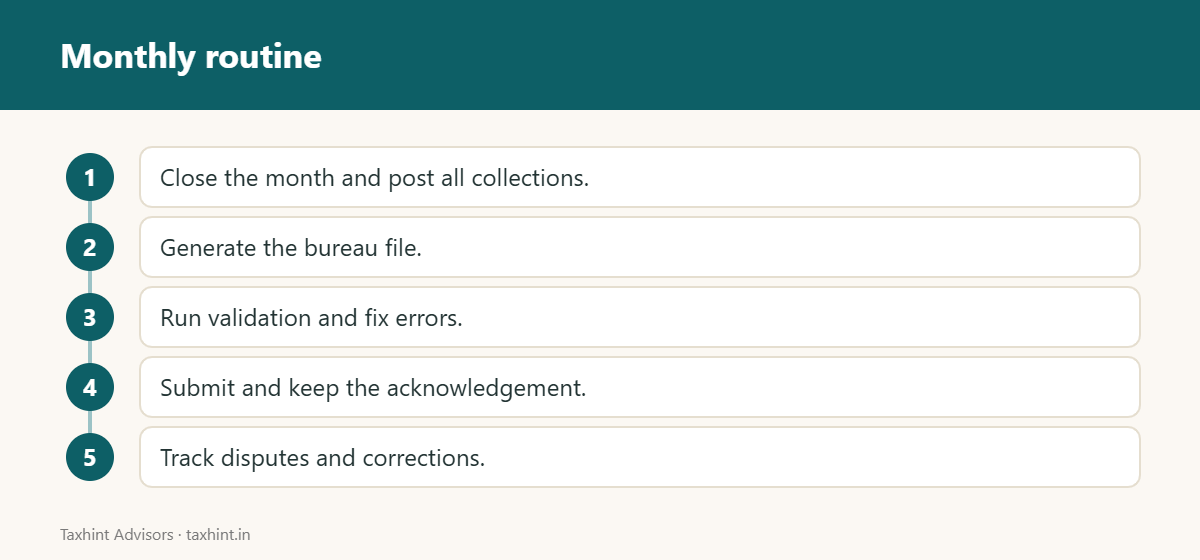
Make it repeatable.
- Close the month and post all collections.
- Generate the bureau file.
- Run validation and fix errors.
- Submit and keep the acknowledgement.
- Track disputes and corrections.
Common errors
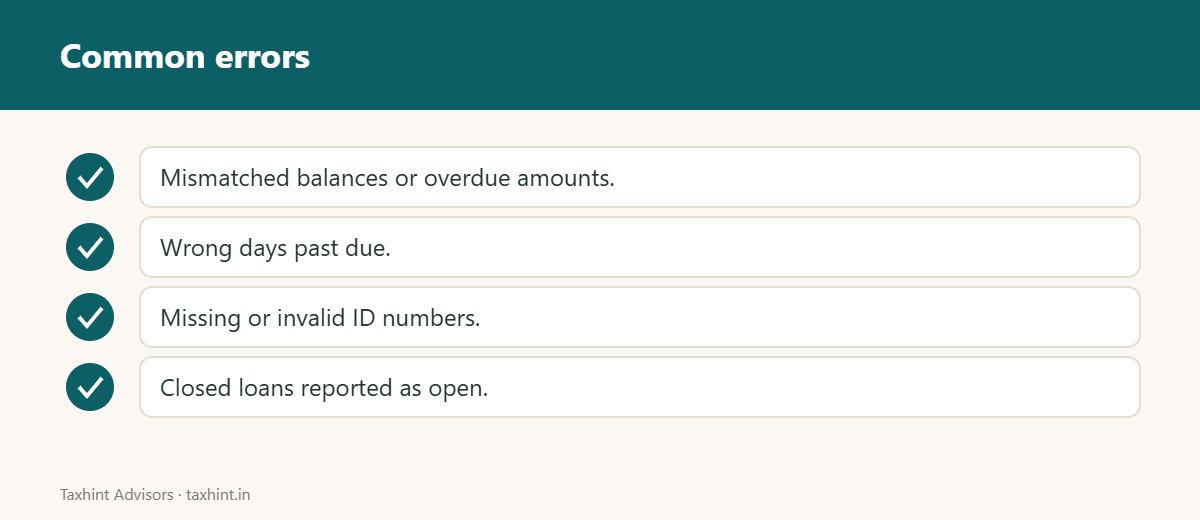
Fix these first.
- Mismatched balances or overdue amounts.
- Wrong days past due.
- Missing or invalid ID numbers.
- Closed loans reported as open.
See NBFC software and loan management software.
| Step | Owner |
|---|---|
| Close month | Accounts |
| Generate file | Operations |
| Fix errors | Operations |
| Submit and file receipt | Compliance |
How bureau reporting fits into month end
Credit bureau reporting means sending the status of each loan account to the bureaus on a regular schedule. Good reporting starts with clean data: correct customer details, correct account status and correct overdue days. The upload file is only as good as the loan accounts behind it.
Illustrative example: before the reporting date, the team runs a data check, fixes accounts with missing identity details, reviews accounts whose status looks wrong and then generates the file. After upload, they check the response file for errors and correct them in the system.
Typical data problems
- Missing or wrong identity numbers.
- Closed accounts still showing as open.
- Overdue days calculated differently from the collection report.
- Joint borrowers or guarantors recorded inconsistently.
Monthly checklist
- Data quality check run a few days early.
- File generated in the required format.
- Upload done and response file downloaded.
- Rejected records corrected and resent.
- Customer disputes handled and logged.
Questions for your software vendor
- Does it generate the bureau file in the format you need.
- Does it flag likely errors before upload.
- How are customer disputes recorded.
- Please verify with your CA, CS or lawyer before you rely on it.
Tips for a small team
Treat bureau reporting as a monthly project with a calendar. Mark the data check date, the upload date and the correction date. Keep a log of errors found so you can fix them at the source, in the loan entry stage, not at month end.
If a customer disputes the reported status, record the dispute, check your records and correct the account where needed.
- Run a data check early each month.
- Fix errors at the source.
- Keep a dispute log.
Keeping evidence ready
Keep a copy of every file you send and every response you receive, with dates. If a customer or the bureau raises a question months later, these copies show what was reported and when. Store them in a folder organised by month so that anyone in the team can find them quickly.
- Folder per month for files and responses.
- Short note on corrections made.
FAQs
What is UCRF?
A common file format used to report credit data to bureaus.
Can Taxhint produce it?
Yes, Taxhint loan software can produce the UCRF file.
How often must I report?
As required by the regulator and bureau agreements. Please verify.
Why does data quality matter?
Errors affect borrowers’ scores and your own reporting.
Want a clean bureau file every month? Book a demo of Taxhint loan software. Talk to Taxhint on +91 93117 95484 or [email protected], or visit taxhint.in.