November 25, 2026 · Guides
NDH-4 and Member Count Tracking in Nidhi Software
A new Nidhi company has to meet conditions on member count and net owned fund within a set period and report this through a form commonly called NDH-4. Missing it can cost the Nidhi its status.
The exact conditions and dates come from the Nidhi Rules and MCA notifications and change over time. Please verify with your CA or CS.
Software cannot replace advice, but it can keep the numbers ready.
In this guide
What to track
Numbers and dates.
- Date of incorporation and the deadline you are working to.
- Number of members admitted, with dates.
- NOF position. See net owned fund.
Rules in this area are specific and change, so please verify the current position with your CA or CS.
Build the file
Make it audit ready.
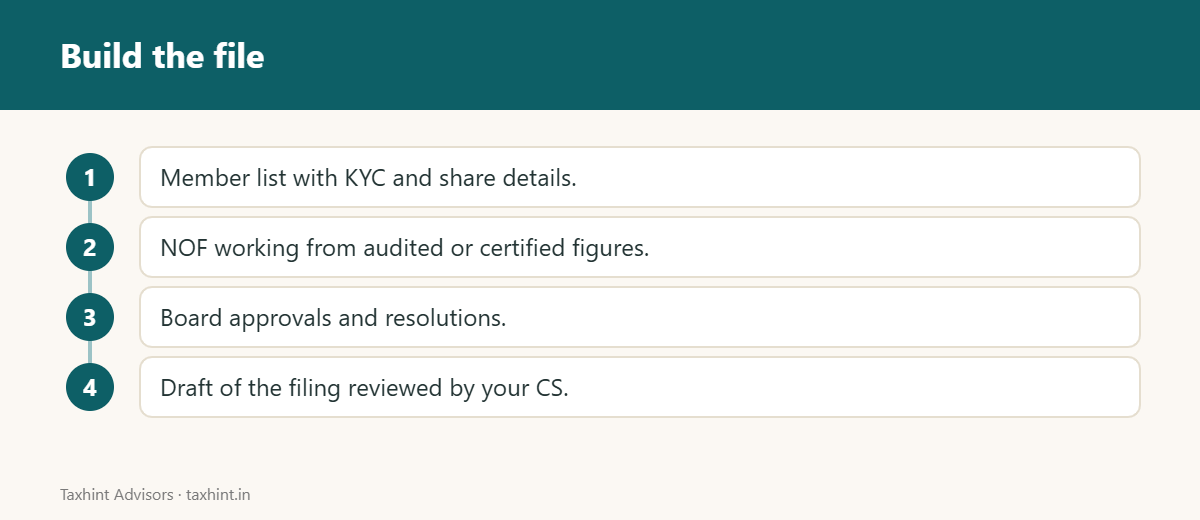
- Member list with KYC and share details.
- NOF working from audited or certified figures.
- Board approvals and resolutions.
- Draft of the filing reviewed by your CS.
Avoid delays
Plan early.
- Monthly count report from software.
- Alert as the deadline nears.
- Keep evidence for each admission.
See Nidhi software.
| Item | Evidence |
|---|---|
| Members | Register with dates |
| NOF | Working sheet |
| Approvals | Board minutes |
Tracking member counts and returns
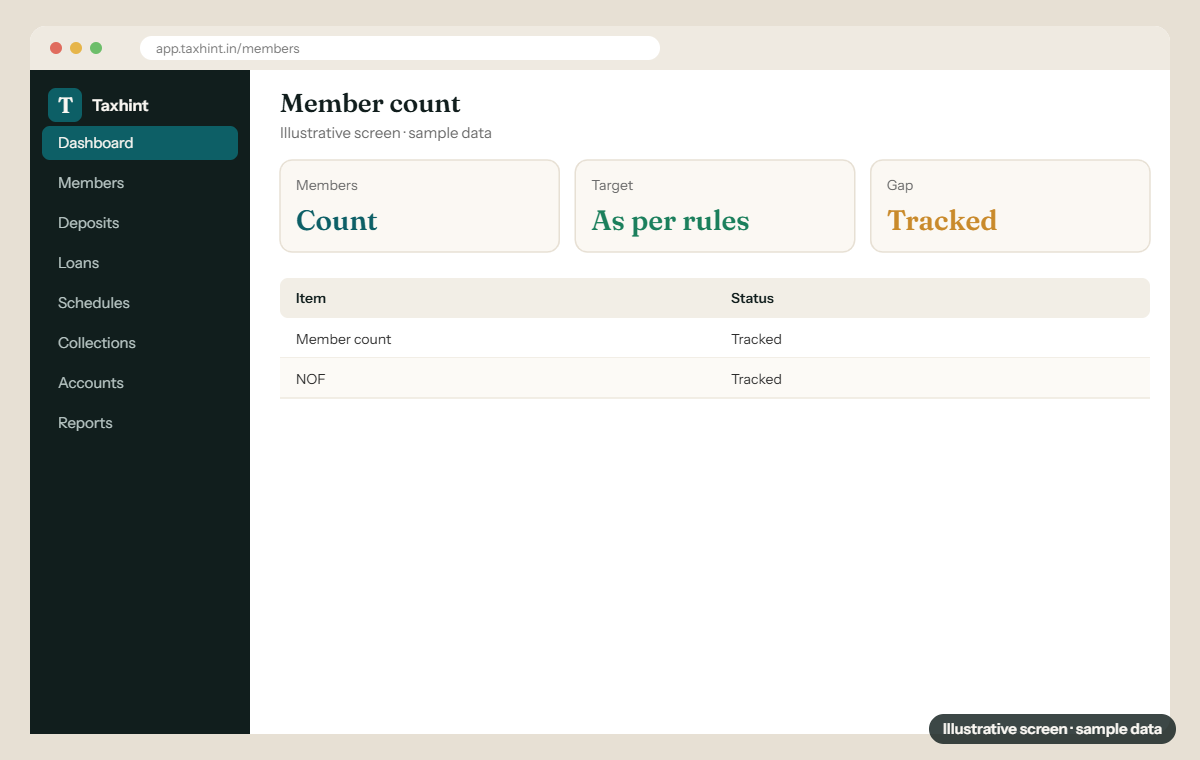
Nidhi companies are expected to file returns that report certain details, including member numbers, as the rules require. Software can help you track the count over time and prepare the return from system data instead of from memory.
Illustrative example: each month the system lists new members, exits and the closing count. Before the filing date, the team checks the figures with the register and prepares the return.
Mistakes to avoid
- Counting members from different lists.
- Missing exits and transfers.
- Preparing the return at the last minute.
- No record of how the count was reached.
Steps
- Find the current form and its due dates.
- Map each field to a system report.
- Run a monthly member count check.
- Reconcile with the register before filing.
- Keep proof of filing with the working sheet.
Points to confirm
- Current form names, content and dates; ask your CS or CA.
- Please verify with your CA, CS or lawyer before you rely on it.
Making it routine
Put the filing date on a calendar, assign an owner and set a reminder at least two weeks before. Confirm the current rule text with your CA or CS and note the date you checked it.
Keep a checklist for each cycle.
- Calendar entry
- Owner assigned
- Checklist
Data quality
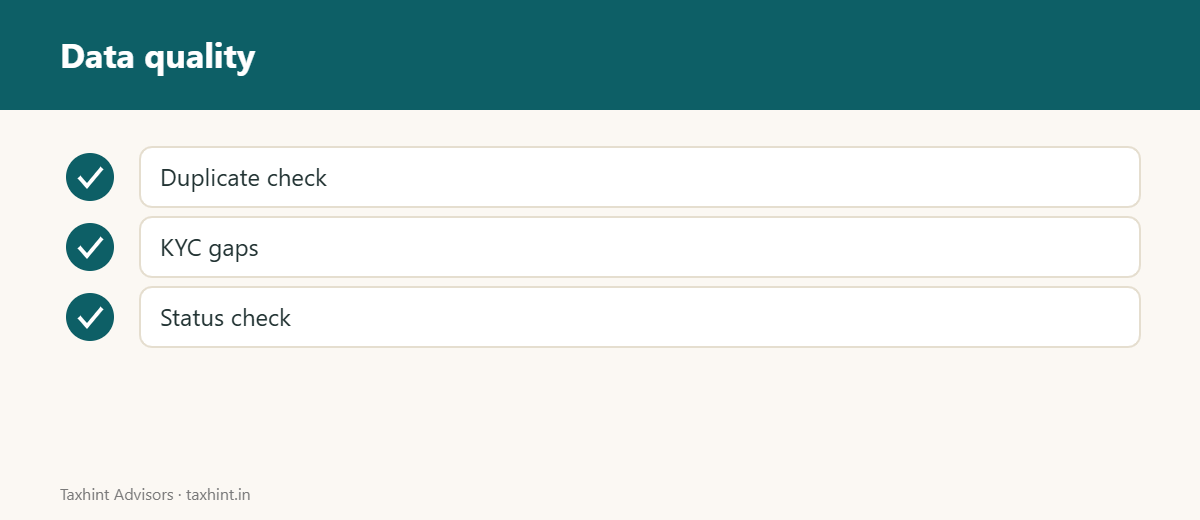
Clean the member data once a quarter: duplicates, missing KYC and wrong status. Confirm the current rule text with your CA or CS and note the date you checked it.
Fix at the source in the register.
- Duplicate check
- KYC gaps
- Status check
Questions people ask
Who prepares the return? Usually the company secretary or an authorised professional with data from the system.
What if the count is wrong? Correct the register first and then correct the return as the rules allow. Please verify with your CA or CS.
How often should I check? Monthly checks make the filing easy.
Practical tip
Keep the working sheet for every filing together with proof. Put it in your written procedure so that every new staff member follows it from the first day.
FAQs
What is NDH-4?
A form used by Nidhi companies in compliance reporting. Please verify current use.
What if the count is short?
Take advice from your CS promptly.
Can software prepare the form?
It prepares data. Filing is done on the portal after review.
Who signs?
As the form requires. Please verify.
Want member count and NOF tracked monthly? Book a demo of Taxhint Nidhi software. Talk to Taxhint on +91 93117 95484 or [email protected], or visit taxhint.in.