November 25, 2026 · Guides
Share Allotment and Member Register in Nidhi Software
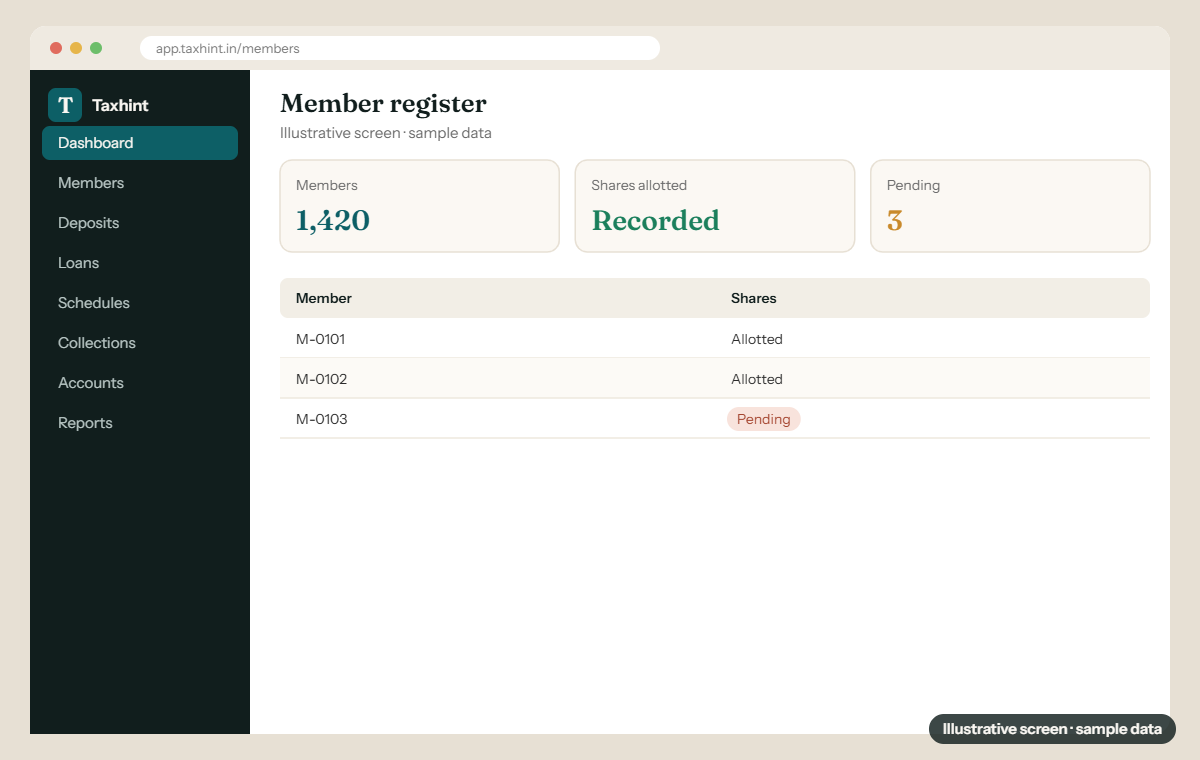
A Nidhi company is owned and used by its members. So two registers matter most: who holds shares and who is a member. Errors here create trouble at audit and in returns.
Nidhi Rules and company law set what to record and when. Please verify the current requirements with your CA or CS.
Here is how to keep both registers right.
In this guide
At admission
Capture everything once.
- Application, KYC and nominee.
- Share amount received and receipt number.
- Board approval of allotment where required.
Rules in this area are specific and change, so please verify the current position with your CA or CS.
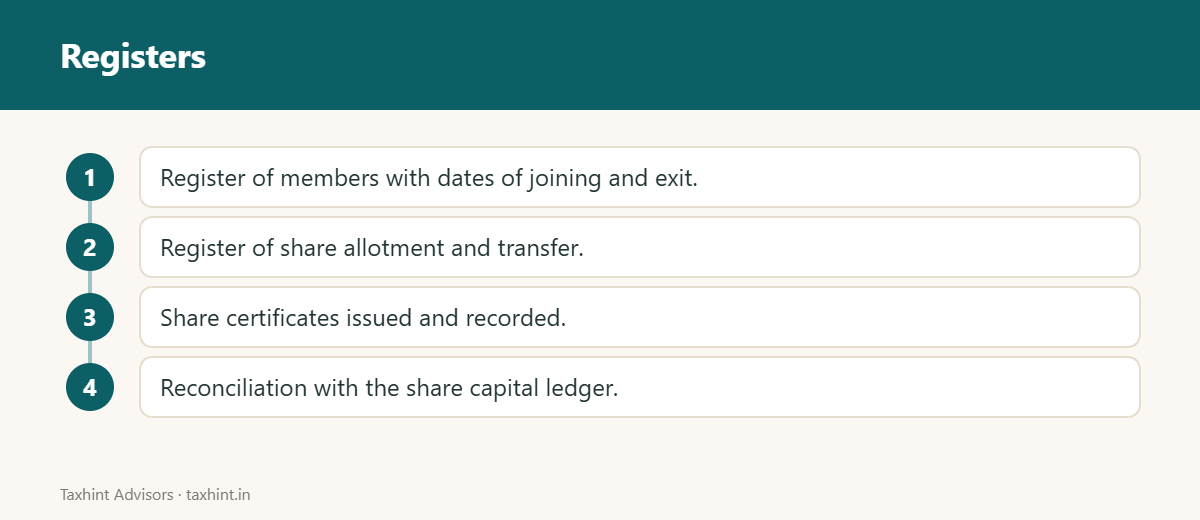
Registers
Keep them live.
- Register of members with dates of joining and exit.
- Register of share allotment and transfer.
- Share certificates issued and recorded.
- Reconciliation with the share capital ledger.
Exit and transfer
Do not leave gaps.
- Exit date and refund approval.
- Transfer with board approval and records.
- See share capital basics for the concept.
See Nidhi software.
| Register | Check |
|---|---|
| Members | Join and exit dates |
| Shares | Matches ledger |
| Certificates | Numbered |
Why the member register is the heart of a Nidhi
A Nidhi deals with its own members, so the register of members and their shares is the foundation of its records. Every deposit, loan and vote depends on it. If the register is wrong, the rest of the data becomes unreliable.
Illustrative example: when a new member joins, the staff verify KYC, allot shares as per the scheme, issue the share record and update the register in the software. The member then gets an account number that links to deposits and loans.
Mistakes to avoid
- Shares allotted without recording the date and amount.
- Members added without proper KYC.
- Different names in the register and the account.
- No link between the register and the filing records.
Steps
- Define the membership and share allotment process.
- Collect and verify KYC and application.
- Allot shares and issue the record.
- Update the register and software the same day.
- Reconcile the register with the books each month.
Points to confirm
- Current Nidhi rules on membership and share capital.
- Please verify with your CA, CS or lawyer before you rely on it.
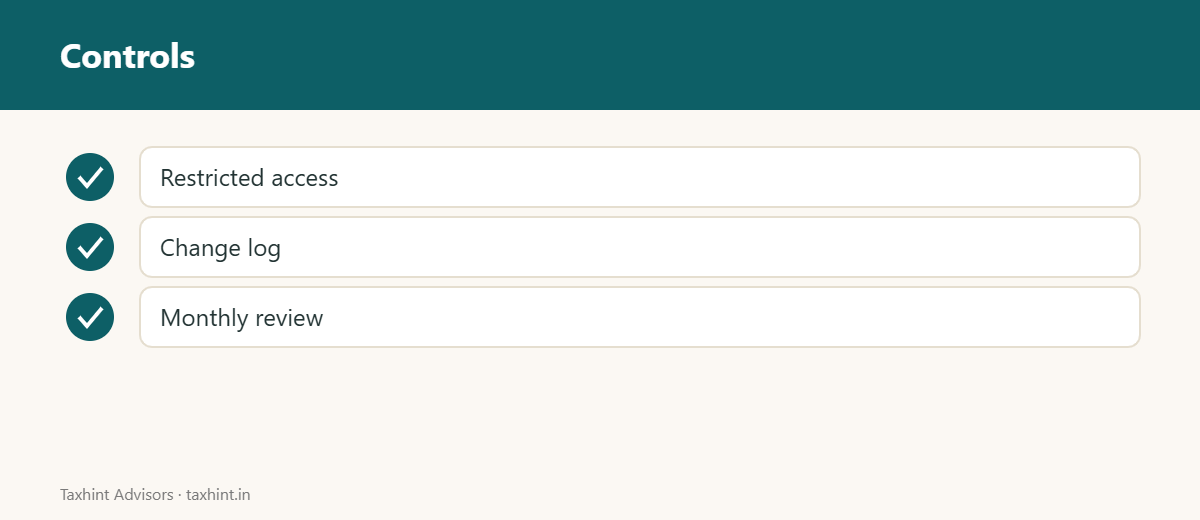
Controls
Give only authorised staff the right to add members or change share records. Keep a log of all changes. Confirm the current rule text with your CA or CS and note the date you checked it.
Review the log every month.
- Restricted access
- Change log
- Monthly review
Reports to keep ready
Keep a current list of members with join date, shares and status ready for the board and the authority. Confirm the current rule text with your CA or CS and note the date you checked it.
Test the report with sample data.
- Member list
- Share summary
- Filing support
Questions people ask
Can I add a member without KYC? No. Complete KYC first as per your policy.
Where is the share record kept? In the register and in the software, and the two should match.
What if a member exits? Update the register and the account as per the rules. Please verify with your CA or CS.
Practical tip
Reconcile the register with the books at month end and note any difference. Put it in your written procedure so that every new staff member follows it from the first day.
FAQs
Why keep two registers?
One lists members, the other lists shares and changes.
Can software print certificates?
Yes, with the right template.
How often should I reconcile?
Monthly with the ledger.
Who approves allotment?
As per rules, usually the board. Please verify.
Want member and share registers tied to the ledger? Book a demo of Taxhint Nidhi software. Talk to Taxhint on +91 93117 95484 or [email protected], or visit taxhint.in.