November 25, 2026 · Guides
Minimum Members Rule for Nidhis: Tracking It in Software
Nidhi Rules set a minimum number of members that a Nidhi has to reach within a set period from incorporation. Nidhis that miss it can face consequences.
Because the number and period are set by rules that have been amended, please verify the current figure and dates with your CA or CS. This guide is about monitoring.
Here is a simple approach.
In this guide
Set the target
From the current rules.
- Required number and deadline, confirmed with your CS.
- Starting date for the count.
Rules in this area are specific and change, so please verify the current position with your CA or CS.
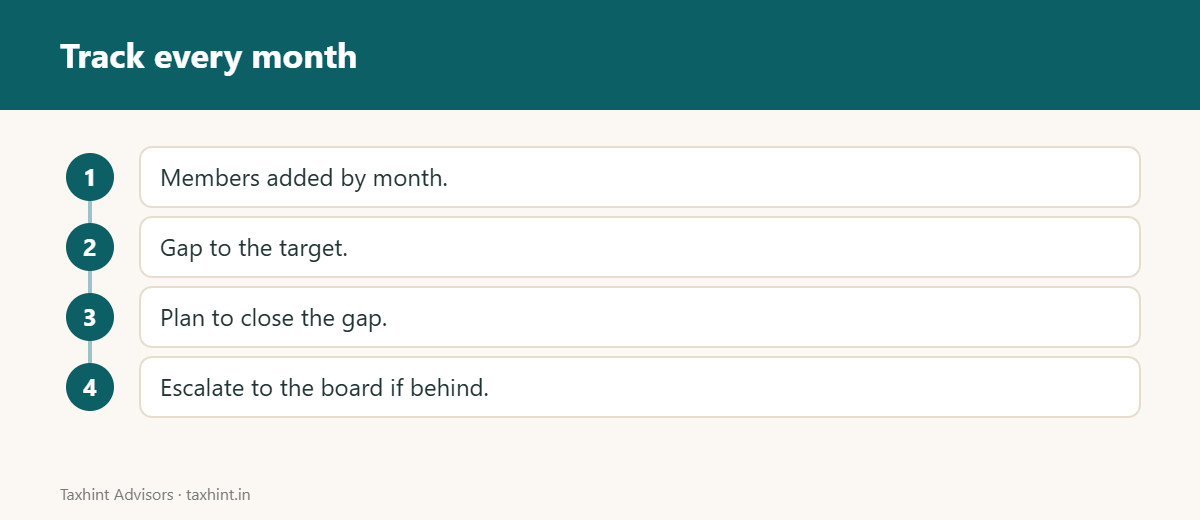
Track every month
A simple dashboard.
- Members added by month.
- Gap to the target.
- Plan to close the gap.
- Escalate to the board if behind.
Keep proof
For the filing.
- Register of members with join dates.
- KYC and share receipts.
- See NDH-4 tracking.
See Nidhi software.
| Item | Why |
|---|---|
| Target | Rule compliance |
| Monthly count | Early warning |
| Proof | Filing support |
Watching a membership threshold
The Nidhi rules contain a requirement related to the number of members that a company must reach within a stated time after starting. The exact number, time and consequences come from the current rules. Software can help you track progress against the requirement instead of discovering a shortfall late.
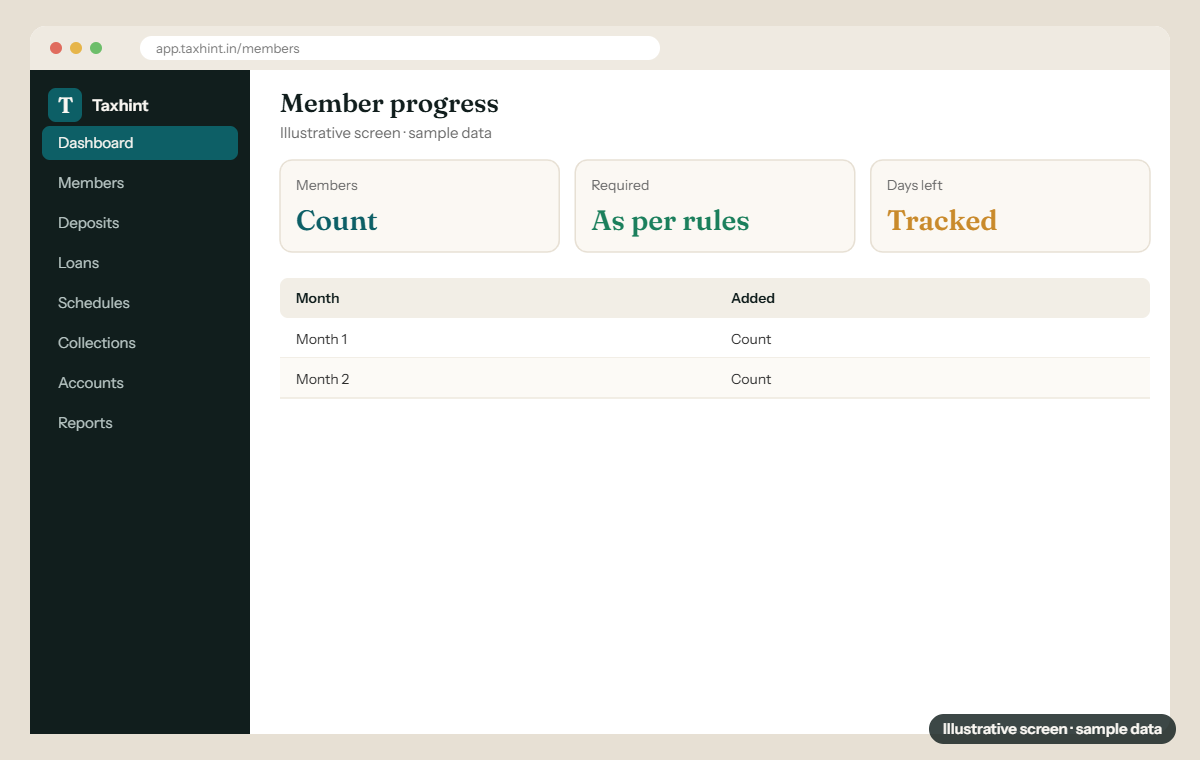
Illustrative example: the dashboard shows the current member count, the target and the date by which the target must be met, as confirmed by your CA, so that the management team sees the gap each month.
Mistakes to avoid
- Counting people who are not eligible members.
- Forgetting exits.
- Not tracking the date.
- No plan for member growth.
Steps
- Get the rule text and the exact requirement from your CA.
- Set the target and date in your tracking report.
- Update the count from the register monthly.
- Plan member acquisition to meet the target.
- Document the position for the board.
Points to confirm
- The current threshold, time limit and consequences.
- Please verify with your CA, CS or lawyer before you rely on it.
Planning growth
Set monthly targets for new members, assign people and review progress. Focus on genuine members who will use your services. Confirm the current rule text with your CA or CS and note the date you checked it.
Avoid shortcuts that create problems later.
- Monthly targets
- Assigned people
- Genuine members
Reporting to the board
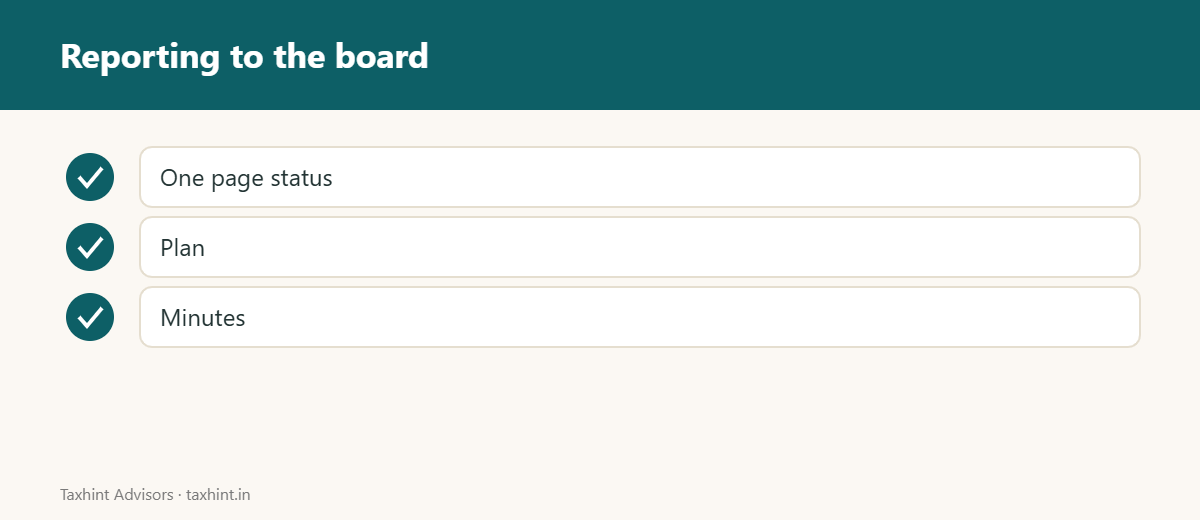
Show the board a one page status: current count, target, shortfall and plan. Confirm the current rule text with your CA or CS and note the date you checked it.
Record the discussion in the minutes.
- One page status
- Plan
- Minutes
Questions people ask
Who counts as a member? Only persons who meet the membership conditions in the rules and your articles. Please verify with your CA or CS.
What if we are short? Talk to your CA or CS early about the options.
Can software guarantee compliance? No, it tracks the count; compliance depends on the facts.
Practical tip
Show the count and target on the management dashboard every month. Put it in your written procedure so that every new staff member follows it from the first day.
FAQs
Is there a minimum member rule?
Yes, in the Nidhi Rules. Please verify the current number.
By when must it be met?
Within the period set by the rules. Please verify.
What if I miss it?
Take advice from your CS promptly.
Can software help?
It tracks the count and keeps proof.
Want a member count dashboard? Book a demo of Taxhint Nidhi software. Talk to Taxhint on +91 93117 95484 or [email protected], or visit taxhint.in.