November 24, 2026 · Guides
Property Loan Module in Nidhi Software
A property loan is the biggest ticket most Nidhis give, and the one where records matter most. A mistake in the paperwork can cost far more than a missed EMI. A property loan module keeps the property, the papers and the loan together. Lending limits for Nidhi companies are set by the rules, so please verify what you can lend against property before setting up the product.
In this guide
- Property details
- Valuation and loan limit
- Document checklist
- Mortgage and charge records
- Schedule and collection
- Closure and release
- FAQs
Property details
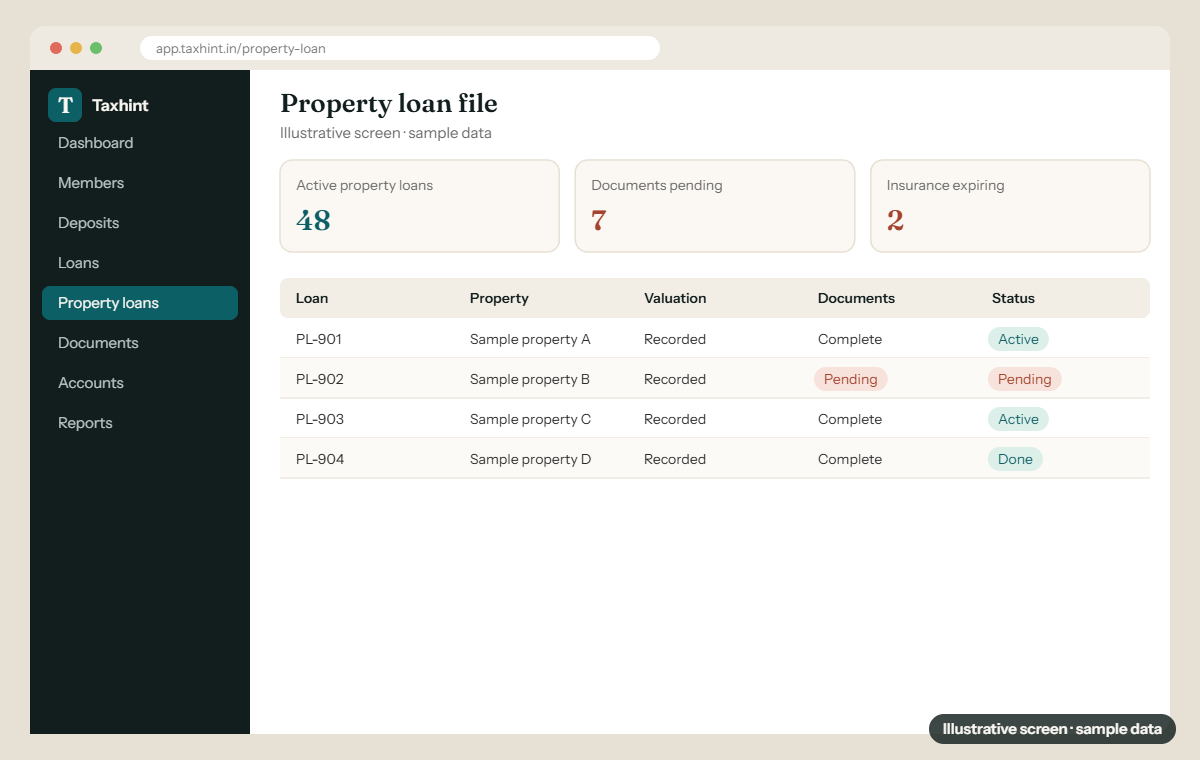
Each loan should record the property type, address, area, owner and the survey or plot details. Photos and location notes help later if there is a dispute.
- Property type, address and owner details
- Survey, plot or khasra numbers as applicable
- Photographs and site notes
- Multiple properties against one loan if required
Valuation and loan limit
- Valuer name, date and value recorded
- Loan to value limit as a setting in the product
- Loan sanctioned only within the limit, with approval beyond it
- Revaluation date and reminders
Document checklist
The software should hold a checklist of documents per loan, with a status for each and a scan attached. Which documents you need is a legal matter, so please set the list with your advocate.
- Title documents and chain of ownership
- Encumbrance or search report
- Identity and address proof of owners and borrowers
- Mortgage or charge documents as applicable
- Insurance of the property where required
Mortgage and charge records
Record how the security was created, the date, the registration reference where applicable and where the originals are stored. Many Nidhi companies keep originals in a vault, so the location should be a field.
Schedule and collection
EMI schedules, part payment and foreclosure should work as in any loan. Test sample figures on the loan EMI calculator.
Closure and release
- Loan fully repaid and closure figure confirmed.
- Release of charge recorded with date and reference.
- Originals returned against a signed acknowledgement.
- Loan closed and the file marked complete.
Property loans sit in our Nidhi management software. See also loan against FD, group loans and fintech software.
FAQs
Can a Nidhi give a loan against property?
Nidhi loans are limited by the Nidhi rules, so please verify with your CA or CS what is allowed and set your product within it.
What documents should be tracked?
The list is set with your advocate. Typically title documents, search report, identity proofs and mortgage documents.
Can the software store the location of original documents?
Yes. A vault or location field with a movement history is useful for property files.
How is the loan limit set?
As a loan to value setting in the product, within your policy and the rules.
Does it track insurance?
It can hold policy details and expiry dates and alert before expiry.
What happens at closure?
Closure figure, release of charge and return of originals are recorded before the loan is marked closed.
Want to see property loans in Nidhi software? Talk to Taxhint on +91 93117 95484 or [email protected], or visit taxhint.in.