November 24, 2026 · Guides
Nidhi Software for a New Nidhi Company: Setup Guide
A new Nidhi company starts with an empty register and a short list of legal duties. The software you pick on day one will hold every member, deposit and loan from the first entry, so changing it later is painful. This guide covers what to set up before the first member joins. Nidhi rules are specific and change from time to time, so please verify current requirements with your CA or CS.
In this guide
- 1. Members and shares
- 2. Deposit schemes
- 3. Loan products
- 4. Accounts and compliance data
- 5. Control and support
- A simple day-one order
- FAQs
1. Members and shares
Every Nidhi is built on its members, so the register comes first. Each member needs a record with KYC, nominee and the shares held, and every deposit and loan must link back to that member.
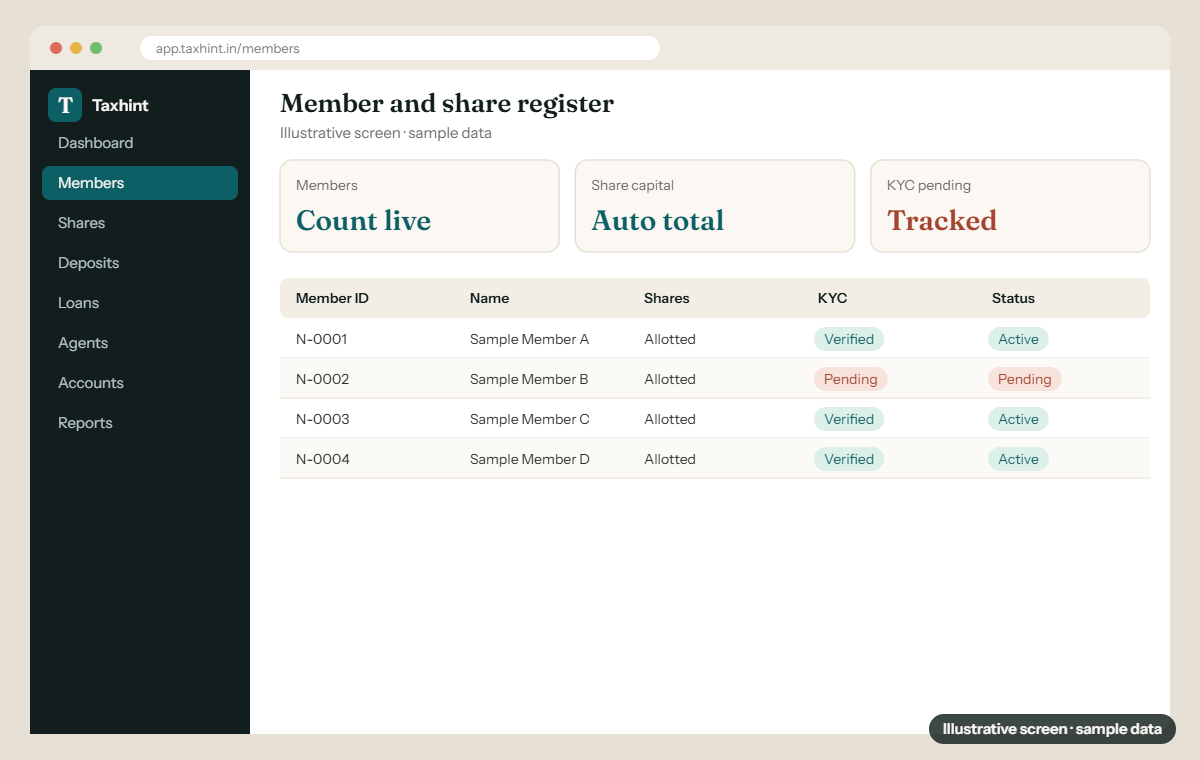
- Member record with KYC, nominee and contact details
- Share allotment and transfer history
- Member-wise view of deposits, loans and shares together
- Member count tracking, because Nidhi rules set membership conditions you must monitor
2. Deposit schemes
Set up each deposit scheme once: tenure, rate, payout and premature closure rule. Interest should then post on its own, and maturity alerts should reach you before the due date. Nidhi rules limit who can deposit and how deposits are used, so please verify the current limits and build them into your scheme setup.
- Savings, FD, RD and any daily scheme with separate rules
- Interest calculated and posted automatically
- Maturity and renewal alerts
- Premature closure handled with an audit trail
You can try the numbers on our FD interest calculator and RD calculator.
3. Loan products
Nidhi companies lend to members, so the software should check that the borrower is a member and apply your own limits and security rules. Loans against FD, gold, property and groups each need their own setup. The loan EMI calculator shows how schedules work.
- Loan products with rate, tenure, security and limits
- Member check before sanction
- Guarantor and security records
- EMI schedule, part payment and closure
- Overdue list and ageing
4. Accounts and compliance data
Every deposit, loan and charge should post to the ledger on its own. By year end you want a trial balance and the data your CA needs for the returns Nidhi companies must file. Return formats and due dates change, so please verify them with your CA or CS.
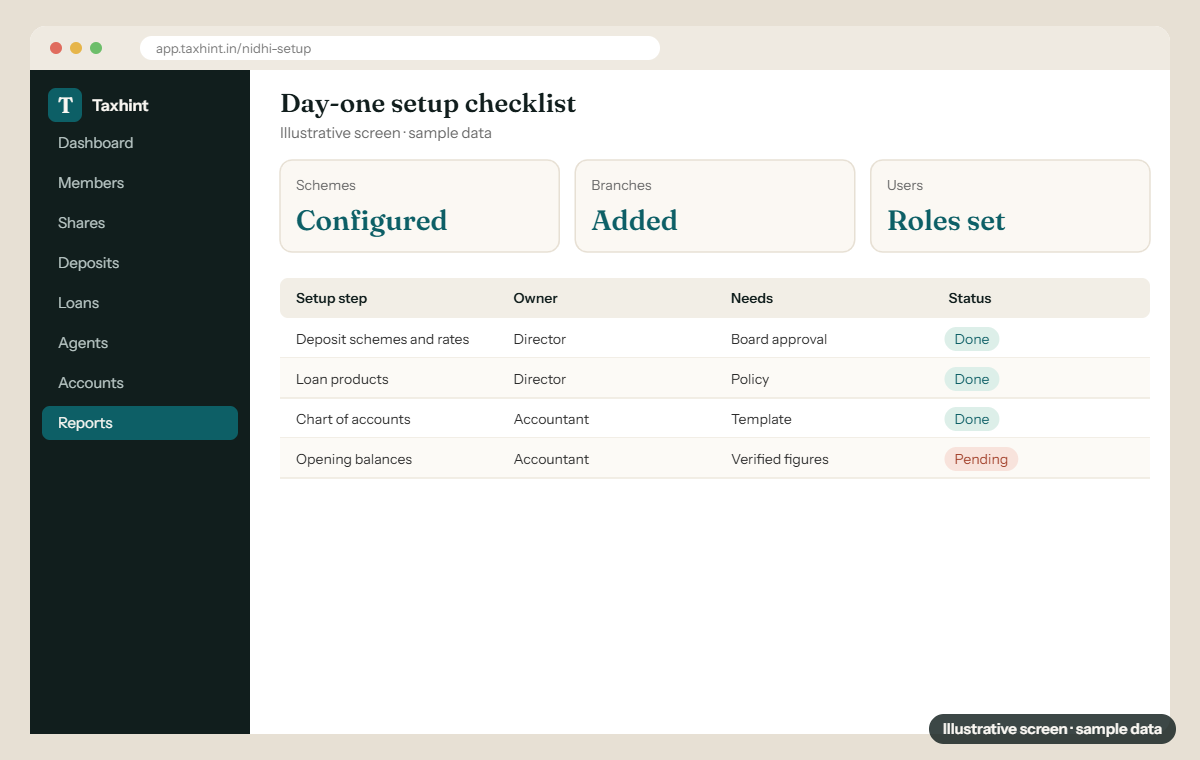
- Chart of accounts ready before the first entry
- Opening balances entered and verified
- Day book, trial balance and balance sheet at any date
- Member-wise and scheme-wise reports for the auditor
5. Control and support
- Role-wise logins for director, manager, cashier and agent
- Activity log for every change
- Backups and a data export whenever you ask
- Support with named contacts and written response times
See what is included on our Nidhi management software page. For registration, see Nidhi registration. Related guides: how to compare society software. More products: fintech software.
A simple day-one order
- Finalise deposit schemes and loan products on paper.
- Set up the chart of accounts and users.
- Configure schemes, products and limits in the software.
- Enter opening balances and check the trial balance.
- Add the first members and allot shares.
- Run one test deposit and one test loan end to end.
- Take a backup before going live.
FAQs
When should a new Nidhi company choose software?
Before the first member is admitted. Moving data later is slower and riskier than starting clean.
What must Nidhi software do that general accounting software cannot?
Keep a member-linked register of shares, deposits and loans, apply scheme rules and give the member and compliance reports a Nidhi needs.
Can software enforce Nidhi rules?
It can apply limits and checks you set up, but the rules themselves are legal. Please verify current Nidhi rules with your CA or CS and have the setup reviewed.
Do we need a branch module from the start?
Only if you plan multiple branches. Ask how branches are added later and whether reports can be branch-wise.
How long does setup take?
It depends on how ready your schemes and opening data are. Ask the vendor for a written plan with dates.
Can we start with one module and add more later?
Usually yes. Ask which modules are included and how adding a loan or gold module later works.
Starting a Nidhi company and want software set up from day one? Talk to Taxhint on +91 93117 95484 or [email protected], or visit taxhint.in.