November 24, 2026 · Guides
Tractor Loan Software: Seasonal Repayment and Asset Tracking
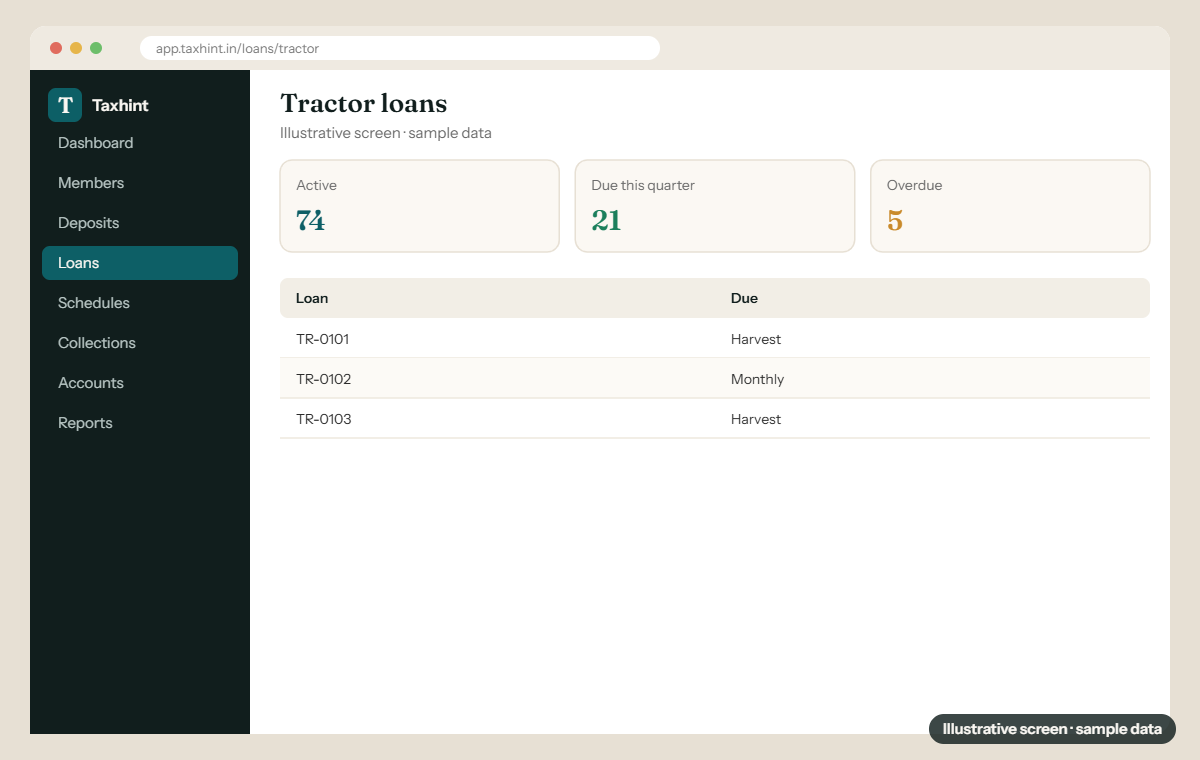
Tractor loans follow the crop cycle. Repayment is often due after harvest, not every month. A normal monthly EMI loan product does not always fit.
Software must support the way farmers earn.
In this guide
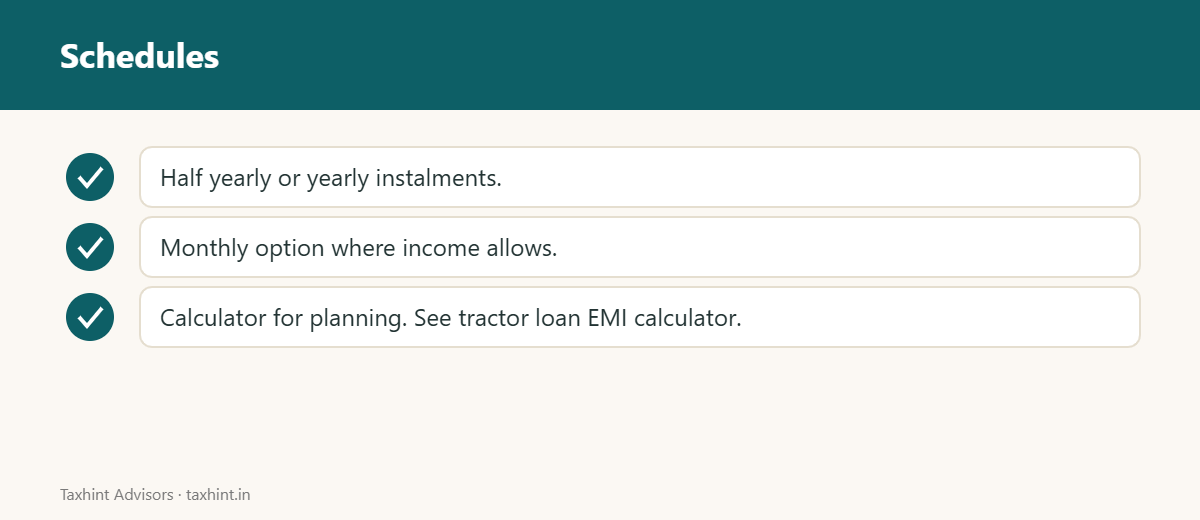
Schedules
Match the crop cycle.
- Half yearly or yearly instalments.
- Monthly option where income allows.
- Calculator for planning. See tractor loan EMI calculator.
Asset and borrower
Record both.
- Tractor, trolley and implement details.
- Land details and guarantor information.
- Insurance and RC follow-up.
Collections
Plan around harvest.
- Reminders before the due season.
- Visit and contact notes.
- Overdue ageing by village or area.
See tractor finance documents. See auto loan software and loan management software.
| Item | Why |
|---|---|
| Harvest due date | Matches income |
| Implement details | Full asset record |
| Village wise overdue | Better follow-up |
How tractor lending differs
Tractor customers are usually farmers whose income follows the crop cycle. Repayment is often yearly or half yearly, timed after harvest, instead of monthly. Your software needs to support such schedules, record land and crop details where your policy needs them, and remind customers before the due season.
Illustrative example: a farmer buys a tractor with two instalments a year, after the main harvests. The system records the schedule, sends reminders a few weeks before each date and shows the outstanding after each payment.
Mistakes to avoid
- Using monthly schedules for seasonal income.
- Not recording the crop cycle or land details.
- Ignoring weather related stress in an area.
- No record of the dealer or the implement details.
Steps to set it up
- Create the product with yearly or half yearly options as per policy.
- Record land, crop and tractor details.
- Set reminders before the harvest seasons.
- Track collection by village and agent.
- Review areas hit by bad weather early.
Points to confirm
- State rules on registration and any subsidy schemes.
- Recovery steps with your lawyer.
- Please verify with your CA, CS or lawyer before you rely on it.
Seasonal reporting
Prepare a report before each harvest season showing which customers are due, how much and where. Plan staff visits to the villages with the largest dues, and coordinate with local agents who know the crop conditions.
After the season, compare collections with the plan and note the reasons for any gaps, such as weather or crop price changes.
Use these notes to adjust the schedule for the next year.
Keeping field staff connected
Field staff should enter visit notes in the system the same day, including crop condition and any problem the farmer mentioned. Review this with your team once a quarter and update the checklist, because real cases always teach something the first draft missed.
- Same day visit notes
- Crop and weather remarks
- Village wise review
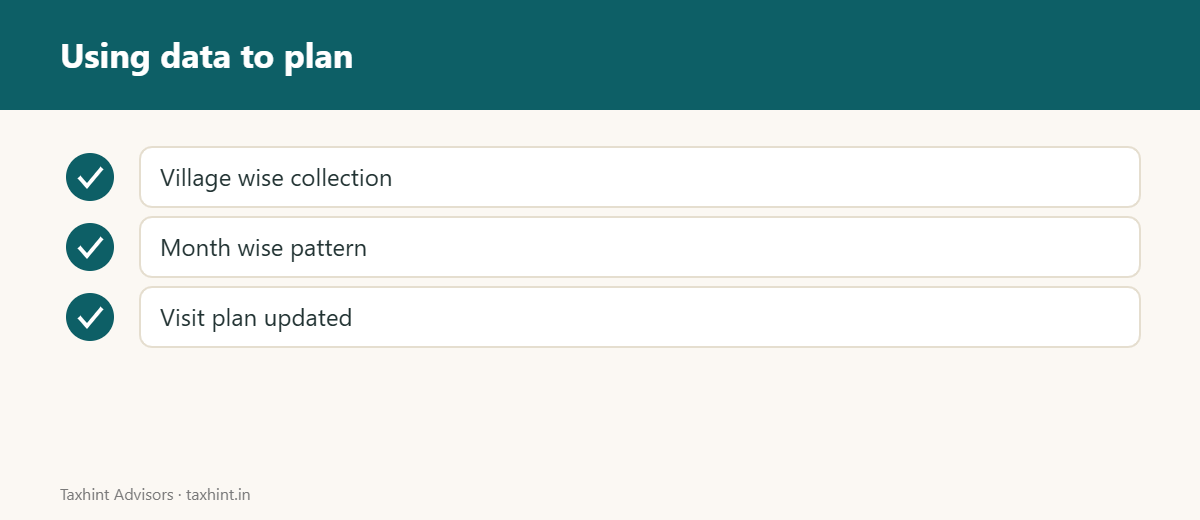
Using data to plan
After two seasons of data, compare collections by village and by month. Use it to fix reminder dates and visit plans. Review this with your team once a quarter and update your checklist, because real cases teach more than the first draft.
Share the findings with field staff, who often explain the causes.
- Village wise collection
- Month wise pattern
- Visit plan updated
FAQs
Can monthly EMI work for tractors?
Sometimes. Many lenders use half yearly or yearly schedules.
Do I need land details?
Often useful for assessment. Follow your policy.
How do I plan collection?
Remind before the harvest season.
Can Taxhint handle it?
Software can hold custom schedules. Test with your cases.
Want crop cycle schedules in your loan system? Book a demo of Taxhint auto loan software. Talk to Taxhint on +91 93117 95484 or [email protected], or visit taxhint.in.