November 25, 2026 · Guides
What Is a Core Banking System? Meaning, Modules and Who Needs It
A core banking system is the central software that records a financial institution’s accounts and transactions. Deposits, withdrawals, loans, interest and the general ledger all live in it, and branches and channels connect to it.
The term comes from banks, where it is used across many branches. Smaller institutions such as societies and Nidhis often use software with a similar core but lighter set up.
Here is what it contains.
In this guide
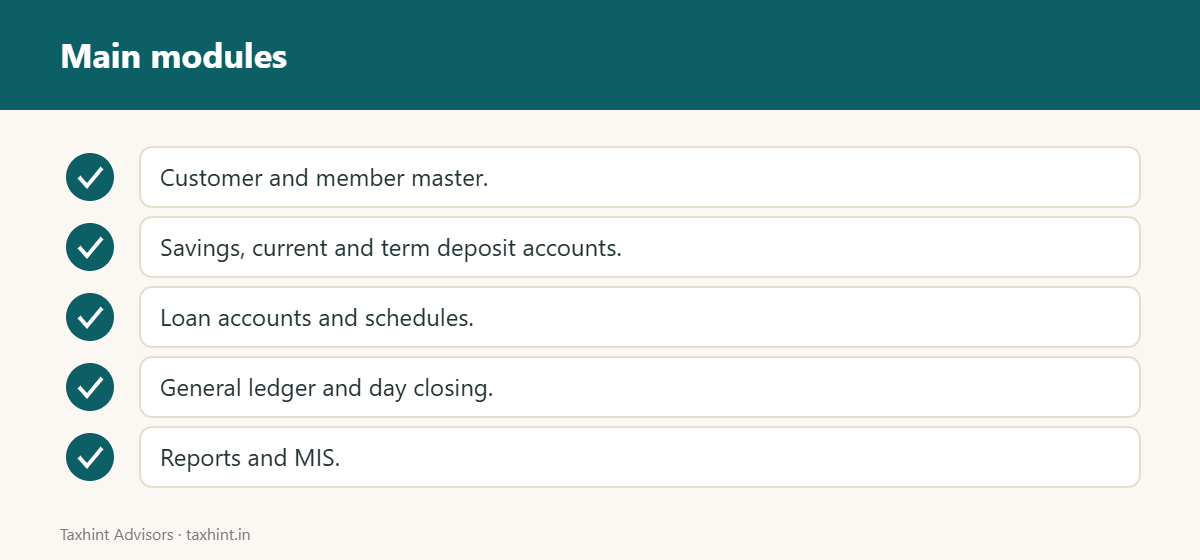
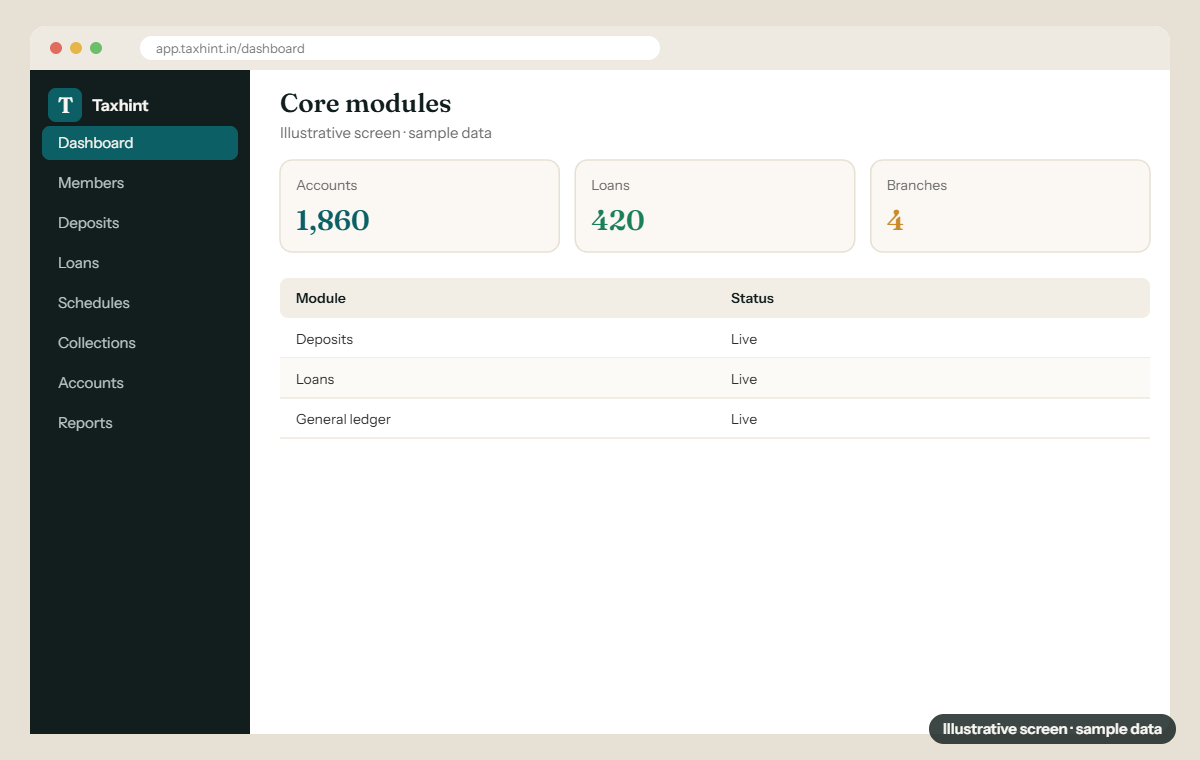
Main modules
What is inside.
- Customer and member master.
- Savings, current and term deposit accounts.
- Loan accounts and schedules.
- General ledger and day closing.
- Reports and MIS.
Key features
What matters most.
- Real time posting, so every branch sees the same balances.
- Role based access and an audit trail.
- Day begin and day end processes.
- Integration with payment channels where needed.
Who needs it
Depends on scale.
- Banks and large cooperatives with many branches.
- Smaller societies and Nidhis can use lighter software built for their rules. See core banking vs Nidhi software.
What to check before buying
Practical list.
- Reports for your entity type.
- Branch and user limits.
- Data export and exit terms.
- Testing before go-live. See UAT checklist.
Chart of accounts
The foundation.
- Ledger design decides report quality. See chart of accounts for cooperatives.
See credit and thrift society software and loan management software. Rules differ by entity type and change over time, so please verify with your CA or CS.
| Layer | Example |
|---|---|
| Customer | Member master |
| Accounts | Deposits and loans |
| Ledger | Posting and closing |
A simple example
A customer opens an account at one branch and deposits money at another. Because all branches share one central system, the balance is the same everywhere in real time. Loans, deposits and accounts all use the same customer record.
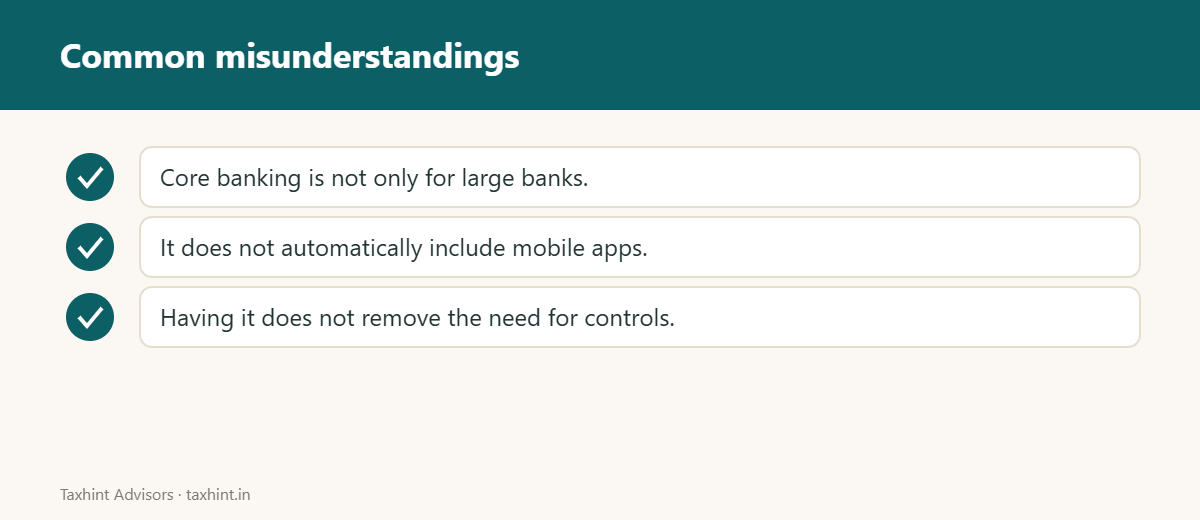
Common misunderstandings
- Core banking is not only for large banks.
- It does not automatically include mobile apps.
- Having it does not remove the need for controls.
Why it matters in daily work
For a growing institution with many branches, a central system avoids mismatched records and makes reporting easier.
Quick checklist
- List your branches and products.
- Check the reports you need.
- Test real scenarios in a demo.
- Plan data migration and training.
Related terms to read next
This term links to other parts of your process. These guides cover them.
- Core banking vs Nidhi software
- Core banking UAT checklist
- Core banking for MSCS
Please verify with your CA, CS or lawyer before you rely on it.
Questions people ask
Do small societies need it? Not always. A simpler system may serve a single office well.
Is it only for banks? No. Many institutions use central systems for deposits and loans.
Does it include mobile banking? Sometimes as an add on. Ask the vendor what is included.
Practical tip
Before you buy, list the five transactions you do most and ask the vendor to run them live, from entry to report. Put it in your written procedure so that every new staff member follows it from the first day.
- Top five transactions
- Live run
- Report check
FAQs
Is core banking only for banks?
The idea is used more widely, in simpler forms.
Do societies need it?
Many use society software with core features.
What is day closing?
The end of day process that locks and balances the day’s entries.
Can it support many branches?
Yes, if it has multi-branch support.
Want to see a core-style system built for societies and Nidhis? Book a demo of Taxhint software. Talk to Taxhint on +91 93117 95484 or [email protected], or visit taxhint.in.