November 24, 2026 · Guides
Setting Up Microfinance Software for Multiple Branches

When a lender opens its second and third branch, spreadsheet habits start to break. Multi-branch microfinance software gives each branch its own cash and collections while head office sees one consolidated picture.
Here is how to set it up sensibly.
Multi-branch microfinance software works best when the hierarchy and codes are fixed before the first loan is entered.
In this guide
- 1. Define the hierarchy
- 2. Codes and numbering
- 3. Branch accounting
- 4. Cash and bank control
- 5. Rights by branch
- 6. Roll out branch by branch
- An illustrative example
- Mistakes to avoid
- FAQs
1. Define the hierarchy
Most lenders work with head office, region or area, branch, centre and group. Each member belongs to one group, each group to one centre, each centre to one branch and one loan officer. Set this once and every report can roll up or drill down along it.
2. Codes and numbering
Use short, fixed codes: branch code, centre code, group code and a member ID that never changes even if the member moves. Loan numbers should show the branch and year. Good codes make bureau files, receipts and audits easier.
3. Branch accounting
Decide whether each branch keeps its own books or head office keeps one set with branch tags. Either way, the system should post collections, disbursements and expenses to the right branch, and let head office run branch-wise trial balances. Inter-branch transfers need a clear entry on both sides.
4. Cash and bank control
Each branch has a cash book and a bank account. Loan officers deposit collections daily; the system should show cash in hand with each officer and flag any difference between collected and deposited. See audit trails and security.
5. Rights by branch
Branch users see only their branch; area managers see their branches; head office sees all. Approval limits can differ by level. Keep our roles and maker-checker guide alongside this one.
6. Roll out branch by branch
Start in one branch, run parallel for a cycle, fix the issues, then add the next. Using the same implementation checklist in each branch keeps training and data checks consistent.
An illustrative example
A lender opens a second branch and keeps using the same spreadsheet layout. Within a quarter, member IDs clash, the same centre name appears in two branches, and head office cannot tell which branch owns a transferred member. Setting fixed codes and a branch-tagged ledger at the start would have avoided all three. This is a pattern we see, not a particular client.
Mistakes to avoid
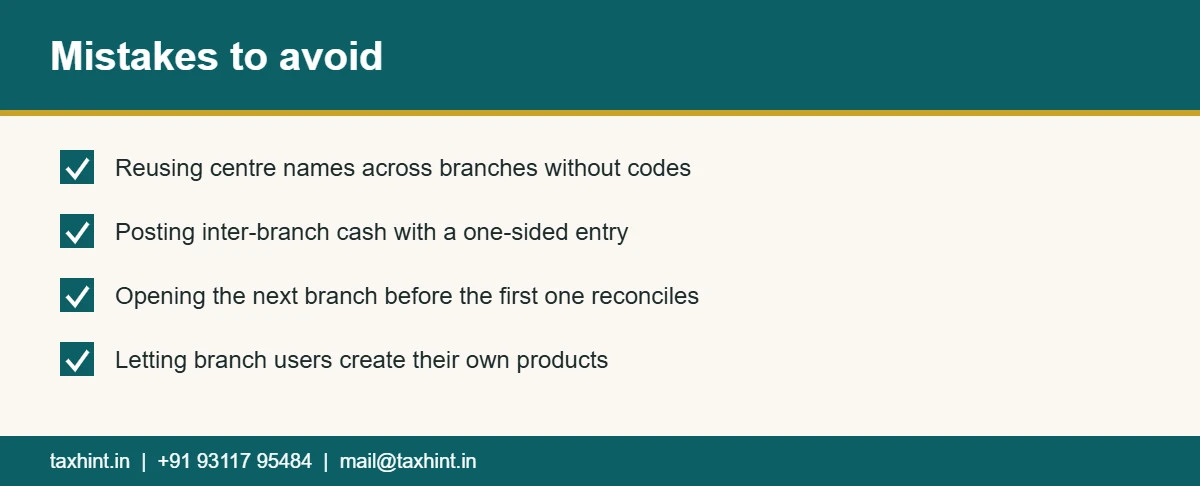
- Reusing centre names across branches without codes.
- Posting inter-branch cash with a one-sided entry.
- Opening the next branch before the first one reconciles.
- Letting branch users create their own products.
FAQs
Can one system handle many branches?
Yes. Multi-branch microfinance software keeps data, cash and users separated by branch while giving head office consolidated reports.
Should each branch have separate accounts?
That is a business choice. Either keep branch books or one set with branch tags, as long as branch-wise trial balances are possible.
How do we handle a member moving to another branch?
Transfer the member and loans with a recorded entry so history, schedules and bureau reporting stay intact.
What reports does head office need?
Consolidated and branch-wise collection, overdue, PAR, disbursement and cash position reports.
Running loans on spreadsheets? Book a free demo of our microfinance software, starting ₹15,000, or WhatsApp +91 93117 95484.