November 24, 2026 · Guides
Microfinance Software User Roles, Permissions and Maker-Checker

Most microfinance fraud is simple: one person enters a transaction, approves it and edits it later. Well-designed microfinance software user roles make that impossible by splitting duties, so every sensitive action needs two people.
Here is a practical role model for a lender with branches and a head office.
Setting microfinance software user roles properly takes an afternoon and prevents most internal fraud.
In this guide
- The principle: maker and checker
- A typical role set
- Actions that always need a checker
- Limits and scope
- Test it in the demo
- An illustrative example
- Mistakes in role setup
- FAQs
The principle: maker and checker
The maker enters or proposes. The checker, a different person, reviews and approves. The system should enforce this, not rely on a policy document. A maker must never be able to approve their own entry, even if they hold both roles on paper.
A typical role set
| Role | Can do | Cannot do |
|---|---|---|
| Loan officer | Enrol members, record collections, view own centres | Approve loans, reverse entries |
| Branch accountant | Verify collections, handle cash and bank entries | Disburse loans |
| Branch manager | Approve loans within limit, view branch reports | Edit posted entries |
| Credit head | Approve above branch limit, restructure | Enter collections |
| Head office accounts | Post journals, close the month | Create borrowers |
| Auditor (read-only) | View everything, export logs | Change any data |
Actions that always need a checker
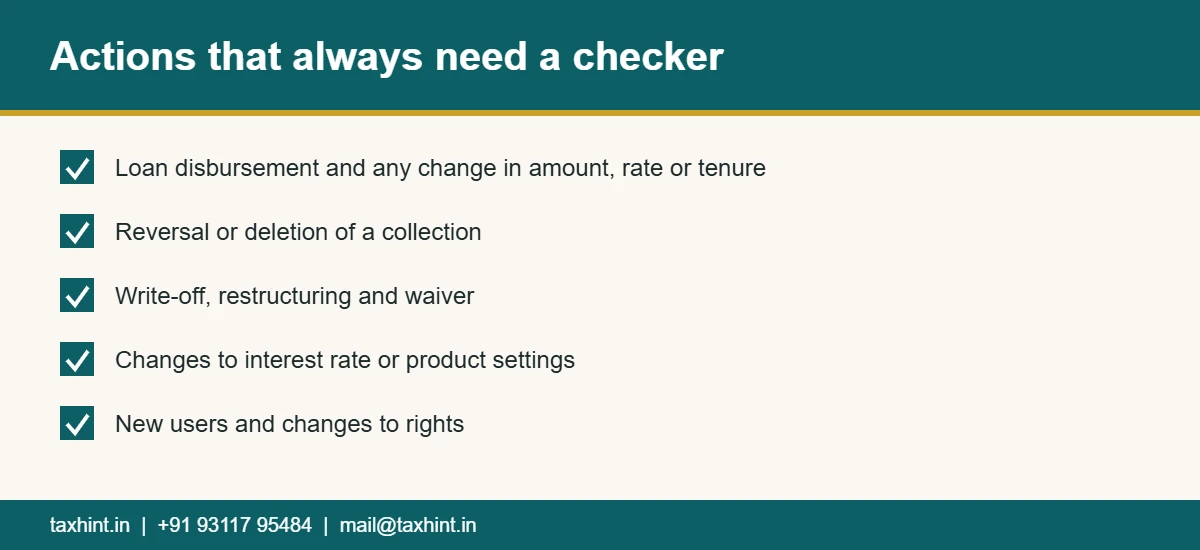
- Loan disbursement and any change in amount, rate or tenure.
- Reversal or deletion of a collection.
- Write-off, restructuring and waiver.
- Changes to interest rate or product settings.
- New users and changes to rights.
Limits and scope
Rights should also be limited by data: a branch manager sees only that branch, a loan officer only assigned centres, and approval limits depend on loan size. Review these quarterly, and remove access on the day someone leaves. Our audit trail and security guide covers the weekly reports to run on top.
Test it in the demo
Ask the vendor to show that a loan officer cannot approve a loan, that a manager cannot approve their own entry, and that a reversal appears in the log with name and time. Add these to your demo questions. Our microfinance software includes maker-checker and role limits.
An illustrative example
Imagine a branch accountant who can also approve loans. A friend asks for a loan the policy would reject; the accountant approves it, records the disbursement and later edits the collection entries to hide the missed instalments. With proper roles, the loan needs a different approver, the edit needs a checker, and the pattern shows up in an exception report. This is a scenario, not a client case.
Mistakes in role setup
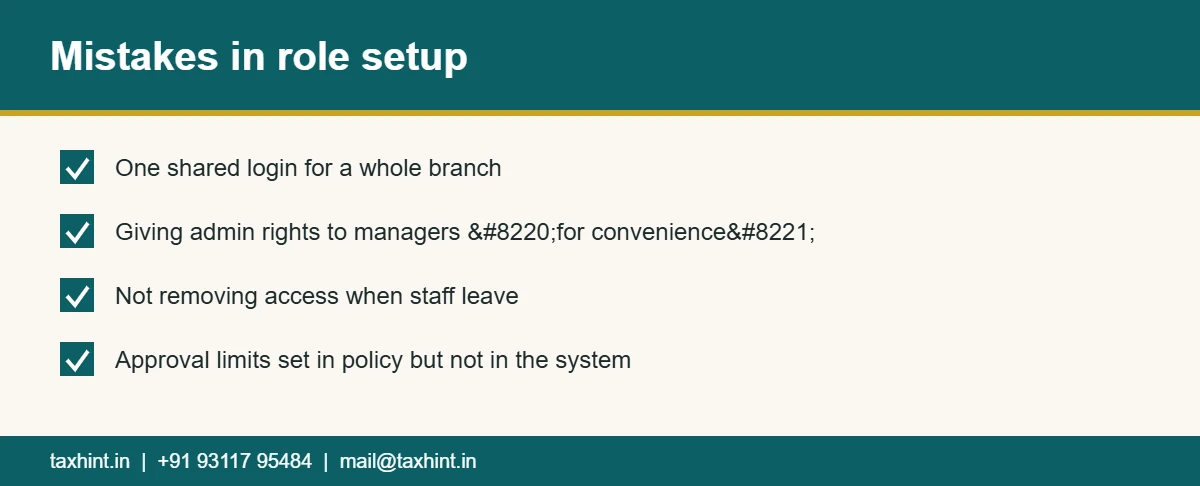
- One shared login for a whole branch.
- Giving admin rights to managers “for convenience”.
- Not removing access when staff leave.
- Approval limits set in policy but not in the system.
FAQs
What is maker-checker in microfinance software?
It is a control where one user creates a transaction and a different user approves it, enforced by the system.
How many roles do we need?
Most lenders need five to eight: loan officer, accountant, branch manager, credit head, head office accounts, admin and read-only auditor.
Should the admin be able to edit transactions?
No. Admin should manage users and settings, not change posted financial entries.
How often should rights be reviewed?
At least every quarter, and immediately when someone changes role or leaves.
Running loans on spreadsheets? Book a free demo of our microfinance software, starting ₹15,000, or WhatsApp +91 93117 95484.