November 24, 2026 · Guides
20 Questions to Ask in a Microfinance Software Demo

A microfinance software demo is easy to enjoy and hard to judge. Every vendor shows a clean dashboard; very few show what happens when a member pays half an instalment, a centre holiday moves the meeting, or a loan is reversed.
Use these 20 questions, in this order, and ask the vendor to show each answer live on your own loan product rather than describe it.
Use this microfinance software demo checklist with your branch manager and accounts person in the room, because they will spot gaps that a director may miss.
In this guide
- Loan products and schedules
- Groups, centres and collection
- Compliance and borrower protection
- Control, audit and security
- Commercials and exit
- How to score the answers
- A worked example: the part-payment test
- Red flags during a microfinance software demo
- After the demo
- FAQs
Loan products and schedules
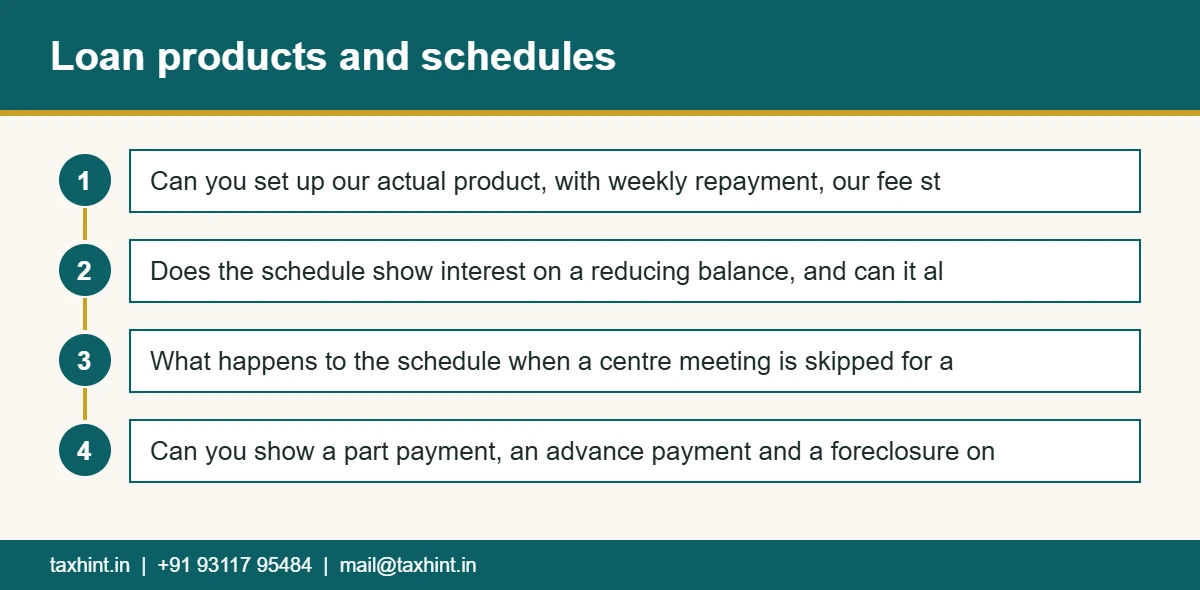
- Can you set up our actual product, with weekly repayment, our fee structure and our grace rules, while we watch?
- Does the schedule show interest on a reducing balance, and can it also handle flat-rate products if we ever need one?
- What happens to the schedule when a centre meeting is skipped for a festival?
- Can you show a part payment, an advance payment and a foreclosure on the same loan?
Groups, centres and collection
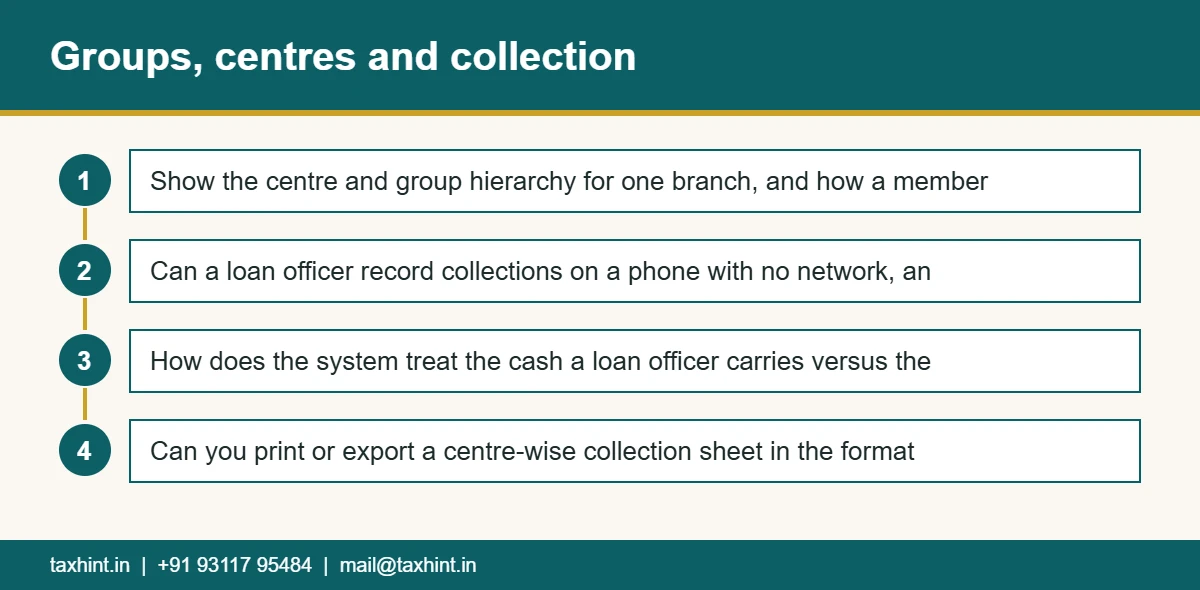
- Show the centre and group hierarchy for one branch, and how a member moves from one group to another.
- Can a loan officer record collections on a phone with no network, and what happens when they sync?
- How does the system treat the cash a loan officer carries versus the cash deposited in the bank?
- Can you print or export a centre-wise collection sheet in the format our staff already use?
Our guide to centre meeting apps explains why the offline question matters.
Compliance and borrower protection
- Does the system generate a Key Fact Statement with the APR before disbursement? See our KFS guide.
- Can it produce the credit bureau file in the format the bureaus ask for? Read bureau membership basics.
- How does it check the 50% household repayment limit during sanction?
- Can you show overdue and PAR reports by branch, officer and age bucket?
Control, audit and security
- If a user reverses a collection entry, where can we see who did it and when?
- Can maker and checker be different people for disbursement and for write-off?
- How fast can we cut off a user who leaves the company?
- Where is our data stored and how often is it backed up? More on audit trails and security.
Commercials and exit
- What is included in the set-up price, and what is charged separately?
- Can we export every loan, receipt and ledger in an open format at any time, and at exit?
- Who supports us after go-live, in which language, and what are the hours?
- Who owns the data and the customisations we paid for?
How to score the answers
Give each question 0 for no, 1 for yes with a workaround and 2 for yes, shown live. Ignore any answer that starts with “it is on the roadmap”. A system scoring below 30 of 40 will cost you in manual work later. If you want a structured sheet, our implementation checklist and build vs buy guide help you decide what to ask next.
A worked example: the part-payment test
One test tells you more than ten feature lists. Ask the vendor to take a weekly loan, record a part payment of half the instalment, then an advance payment next week, then reverse the first entry. Watch what happens to the schedule, the outstanding balance, the overdue figure and the audit log. A good system recalculates correctly, shows the reversal with the user’s name and time, and keeps the books in balance. A weak one makes you fix the loan by hand.
This is an illustration of how to test, not a case from a client.
Red flags during a microfinance software demo
- The vendor will only show pre-loaded sample loans, never one created on the spot.
- Answers begin with “we can customise that” but no price or timeline is given.
- Reports are shown as screenshots rather than run live.
- The offline app is demonstrated only with network on.
- No clear answer on who owns your data at exit.
After the demo
Write down each score the same day, while the details are fresh. Then ask for a trial login with your own sample data, speak to one reference lender of your size, and compare two vendors on the same questions. Our microfinance software comparison explains what separates systems built for group lending from generic loan software.
FAQs
How long should a microfinance software demo last?
Plan 60 to 90 minutes with your branch manager and accounts person present, so each answer is tested by the people who will use it.
Should we ask for a trial login?
Yes. A few days with your own sample data shows more than any demo, especially for collections and reports.
What is the most important question to ask?
Ask the vendor to enter a part payment and then reverse it, and show the audit trail. It tests accounting accuracy and control together.
Can we use this list for NBFC-MFI software too?
Yes. The questions on KFS, bureau files, household limits and audit trails apply to any microfinance lender.
Who should attend the demo?
The branch manager, an accountant, a loan officer and the person who will manage the system. Each will test different things.
Running loans on spreadsheets? Book a free demo of our microfinance software, starting ₹15,000, or WhatsApp +91 93117 95484.