November 24, 2026 · Guides
8 Excel Mistakes Nidhi Companies Make (and the Fix)

Almost every Nidhi starts on Excel, and that is fine for the first few dozen members. The trouble starts when the sheet becomes the system. Mistakes creep in quietly and surface at audit time. Here are eight we see most, and what software does about each.
In this guide
- 1. Interest typed or copied wrongly
- 2. One member, many sheets
- 3. No check that a borrower is a member
- 4. Maturity dates missed
- 5. No audit trail
- 6. Cash book and ledger never agree
- 7. Agent collections reconciled late
- 8. Many versions of the same file
- Moving from Excel to software
- FAQs
1. Interest typed or copied wrongly
A formula drifts, a rate changes for new deposits but old rows keep the old formula, or someone pastes a value. Software holds the rate in the scheme and calculates interest the same way for every account.
2. One member, many sheets
Deposits in one file, loans in another, shares in a third. Nobody can see a member’s full position in one place. Software keeps one member record with every account linked.
3. No check that a borrower is a member
In a Nidhi, lending is for members. In a spreadsheet nothing stops a loan to a non-member. Software can block a loan unless the member record exists and is active.
4. Maturity dates missed
Maturities live in someone’s diary or colour-coded cells. Software lists them automatically, as in our guide on maturity alerts.
5. No audit trail
Anyone can change a cell and no one knows who did it or when. Software logs each change with user and time, and corrections are made by reversal, not deletion.
6. Cash book and ledger never agree
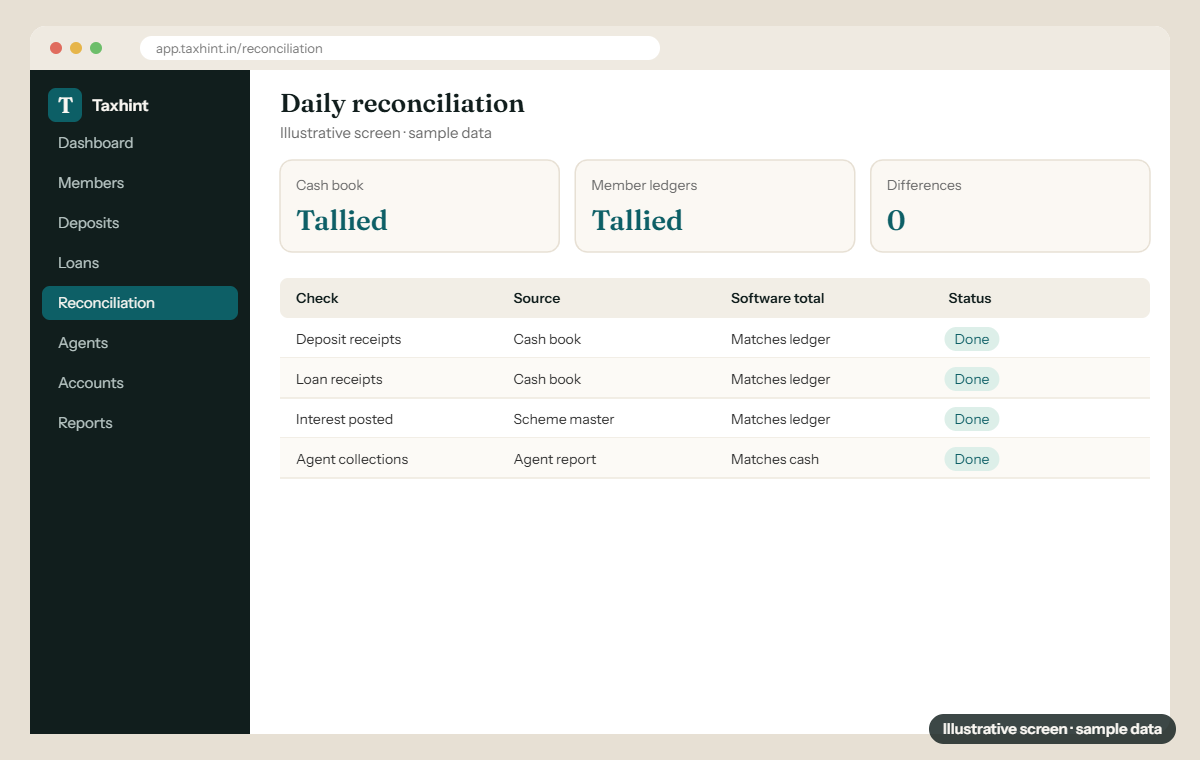
Receipts are entered in one sheet and accounts in another, so the two drift apart. Software posts every receipt to the ledger at the moment it is entered.
7. Agent collections reconciled late
Agents hand over cash and a list, and the difference shows up days later. With software, agent-wise collection reports tie to the cash handed over the same day.
8. Many versions of the same file
“Final”, “final2”, “final-latest”. Different people hold different truths. Software has one live record with role-wise access and backups.
Moving from Excel to software
- Clean the member list first: one row per member with KYC details.
- Verify opening balances for every deposit and loan.
- Import into the software and check the trial balance against your last audited figures.
- Run both systems for a short period if you wish, then retire the sheets.
- Take a backup before the switch and keep the old files read-only.
See our Nidhi management software, the new Nidhi company guide and fintech software.
FAQs
Is Excel enough for a small Nidhi?
For a very small number of members it can work, but the risks above grow with every member and branch.
When should we move to software?
Before mistakes reach your audit, and ideally before the member count makes the sheets hard to manage.
Can we import our Excel data?
Usually yes, after cleaning. Ask for a written import plan and make the trial balance the acceptance test.
Will software stop all mistakes?
It removes calculation and linking mistakes. Wrong entries are still possible, so look for reversal with a log and role-wise approval.
What should we fix in Excel before moving?
Duplicate members, missing KYC, unclear opening balances and inconsistent dates.
Does moving to software change our compliance duties?
No. Duties stay the same. Software makes the data easier to produce. Please confirm requirements with your CA or CS.
Ready to move your Nidhi from Excel to software? Talk to Taxhint on +91 93117 95484 or [email protected], or visit taxhint.in.