November 24, 2026 · Guides
Why Section 8 SPICe+ Applications Get Rejected and How to Resubmit
A SPICe+ rejection is not the end of the application. In most cases it is a list of specific corrections, and a careful resubmission clears it. The same few causes keep coming back, so avoiding them saves weeks.
Here are the usual reasons and the fix for each.
Treat each query as a checklist item, not as a judgment of the application; most clear within one round if every point is fixed at the source.
In this guide
- Name problems
- Objects problems
- Address and NOC problems
- PAN, Aadhaar and DSC mismatches
- Attachment errors
- How to resubmit
- Prevent it
- An illustrative example
- Keep a change log
- FAQs
Name problems
Names are queried when they look similar to an existing company or trademark, use restricted words, or suggest activity not covered by the objects. Choose a name clearly different from existing ones and consistent with the objects. For microfinance, keep wording simple and accurate.
Objects problems
Objects that are too broad, include trade or real estate, or read like a for-profit business draw queries. A Section 8 company must show charitable or similar objects under section 8(1)(a). See our guide to the objects clause.
Address and NOC problems
Old utility bills, name mismatch between bill and NOC, or an unsigned NOC are frequent. See registered office rules.
PAN, Aadhaar and DSC mismatches
Differences in name spellings between PAN, Aadhaar and the form, a shared mobile number, or a DSC that does not match the signer are all queried. See DSC and DIN process.
Attachment errors
Missing or unsigned declarations, an incomplete three-year budget, a blank or inconsistent list of directors and members, or poor scans lead to queries. Use our document checklist before uploading.
How to resubmit
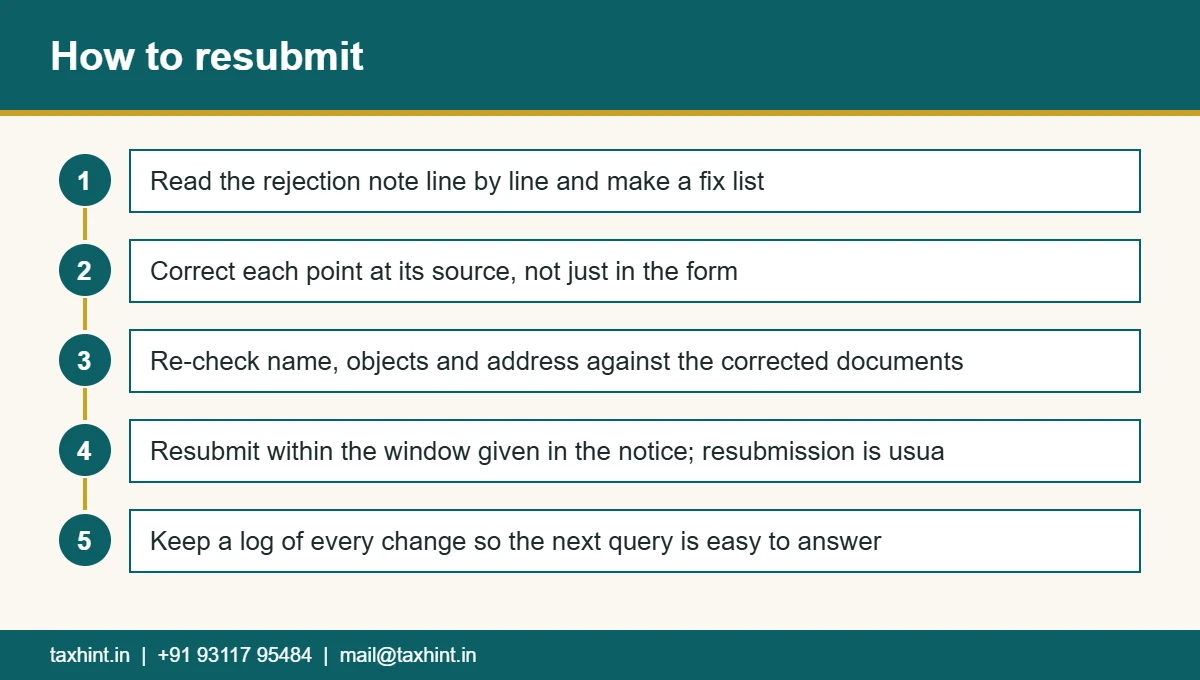
- Read the rejection note line by line and make a fix list.
- Correct each point at its source, not just in the form.
- Re-check name, objects and address against the corrected documents.
- Resubmit within the window given in the notice; resubmission is usually allowed within about 15 days without a fresh fee, but check your notice for the exact period.
- Keep a log of every change so the next query is easy to answer.
Prevent it
A pre-filing check of all documents by a CA or CS catches most of these. Our process is in the SPICe+ guide, and you can also read about realistic timelines.
An illustrative example
A rejection note lists three points: objects too wide, NOC unsigned, and a mismatch in a director’s name. The applicant changes only the objects text and resubmits; the other two points remain, and the application is queried again. Fixing all three at the source document before resubmitting, and re-checking the whole form for consistency, closes it in one go.
Keep a change log
Write down what you changed, in which document, and why. If the registrar raises a second query, you can answer quickly and show that the earlier points were closed.
FAQs
Why is my Section 8 SPICe+ rejected?
Common causes are name similarity, broad objects, address proof errors, PAN or Aadhaar mismatches and missing or unsigned attachments.
Is there a fee to resubmit?
Resubmission within the allowed window is usually without a fresh fee. Check the rejection notice for the exact period.
Can the name be changed during resubmission?
Yes, if the name is the issue, but it may need a fresh name approval, so choose a clearly distinct name.
How can we avoid rejection?
Have a CA or CS check every document, spelling and signature before filing.
Planning a microfinance company or already running one? Our CAs and CSs handle registration, RBI work and yearly compliance. Get Free Consultation or WhatsApp +91 93117 95484.