November 24, 2026 · Guides
Software for CAs and CSs Managing Nidhi and Society Clients
If you serve Nidhi companies, NBFCs or co-operative societies, your year-end depends on how good the client’s books are. Late entries, mismatched registers and Excel files that only one person understands cost you days at every audit.
You cannot choose the client’s software, but you can tell them what to look for. Here is a short list from a compliance point of view.
In this guide
- Reports you will ask for
- Controls that help audit
- Compliance data
- Helping the client move to software
- FAQs
Reports you will ask for
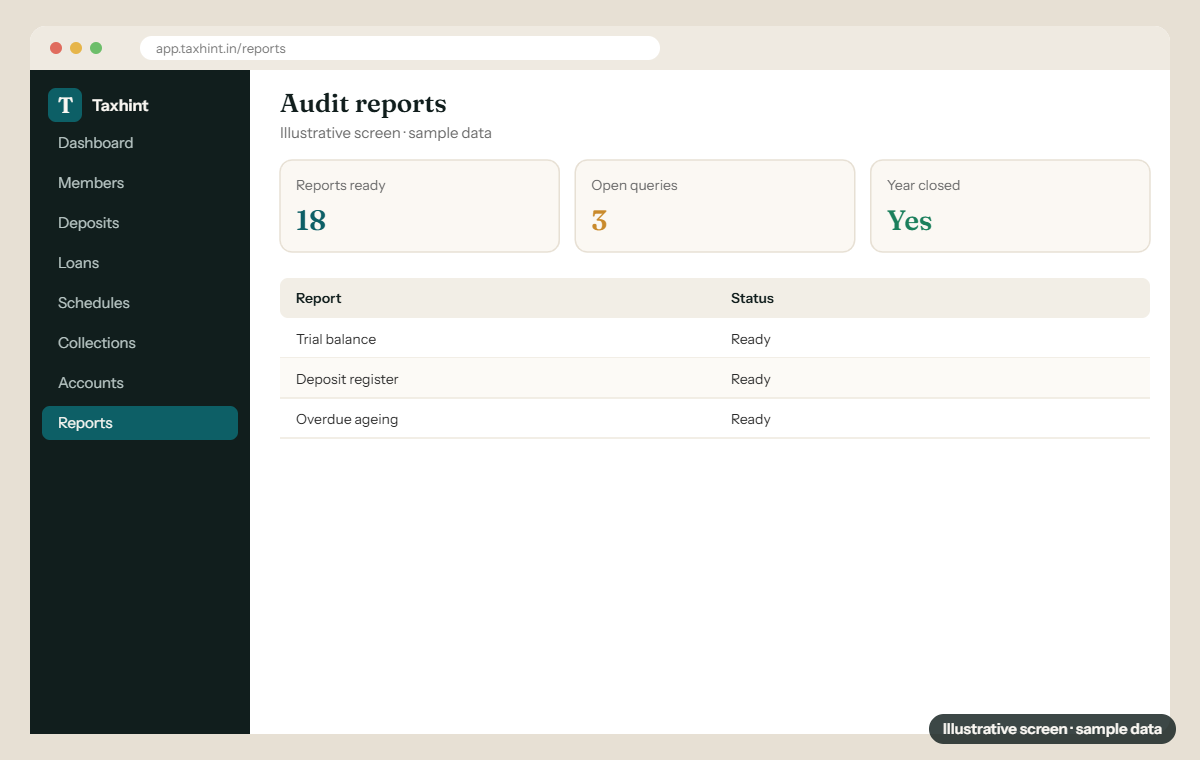
- Trial balance and ledger by account head, for any date range.
- Deposit register and loan register that tie to the ledger totals.
- Overdue ageing for loans, by days past due.
- Interest accrued and interest payable on deposits.
- Member list with KYC and nominee status.
- Cash book and bank reconciliation support.
Controls that help audit
- Audit trail. Who changed or deleted an entry, and when.
- Date-wise locking. A closed month or year should not be editable without approval.
- Role-based access. Separate rights for cashier, manager and auditor. See the auditor access guide.
- Single source of truth. Deposit and loan sub-ledgers should post to the general ledger automatically, not by manual journal.
Compliance data
Ask whether the software holds the data you need for statutory filings and returns for your client type. The rules differ for Nidhi, NBFC and societies, and they change, so please verify the current requirements. Useful data to have on hand includes member counts, deposit and loan balances, net owned funds inputs and year-end closing figures.
Also check TDS and Form 15G or 15H handling on deposit interest, since many clients struggle with it. See 15G and 15H tracking.
Helping the client move to software
- Clean the opening balances and registers before migration.
- Match deposit and loan totals with the ledger on day one.
- Run old and new systems in parallel for one month if possible.
- Take a signed sign-off of opening balances from the client.
Taxhint offers Nidhi, NBFC and society software and also registration and yearly compliance, so clients can get both from one place. See Nidhi management software, the year-end closing guide and NBFC software checklist.
Questions to ask the client at the start of the year
- Which software and version do you use, and who is the administrator?
- Have the deposit and loan registers been reconciled with the ledger each month?
- Are there pending entries, backdated receipts or unposted collections?
- Who will give the auditor access, and with what rights?
Making year-end easier
Agree a calendar with the client: monthly reconciliation, a quarterly overdue review, a pre-audit clean-up in February and a closing checklist for March. Ask for the reports in the same format every time so working papers stay consistent.
A client who closes every month rarely panics at year end. Software helps, but the habit of monthly closing does most of the work.
FAQs
What should a CA check first in client software?
Whether deposit and loan registers tie to the ledger and whether an audit trail exists.
Can the auditor get view-only access?
Good software supports it. Ask the vendor to show the role setup.
How do clients migrate safely from Excel?
Clean opening data, tie totals to the ledger, run in parallel and get a sign-off.
Does Taxhint help with compliance too?
Yes. Taxhint handles registration and yearly compliance along with software.
Recommending software to a client? Book a demo for them with Taxhint. Talk to Taxhint on +91 93117 95484 or [email protected], or visit taxhint.in.